


Best Laptop with Ryzen 5 + RTX 4090 Laptop: SA Picks 2026
Top Laptop with Ryzen 5 + RTX 4090 Laptop: Picks picks evaluated on performance, value & SA availability with current Rand pricing from Evetech.
Read more• Compare IPS vs TN; • Prioritise visibility; • Test 2026 picks; • Tune settings. Best monitor for Tarkov: clear targets, low lag, and tuned contrast to improve aim and raid survival 🎯🖥️
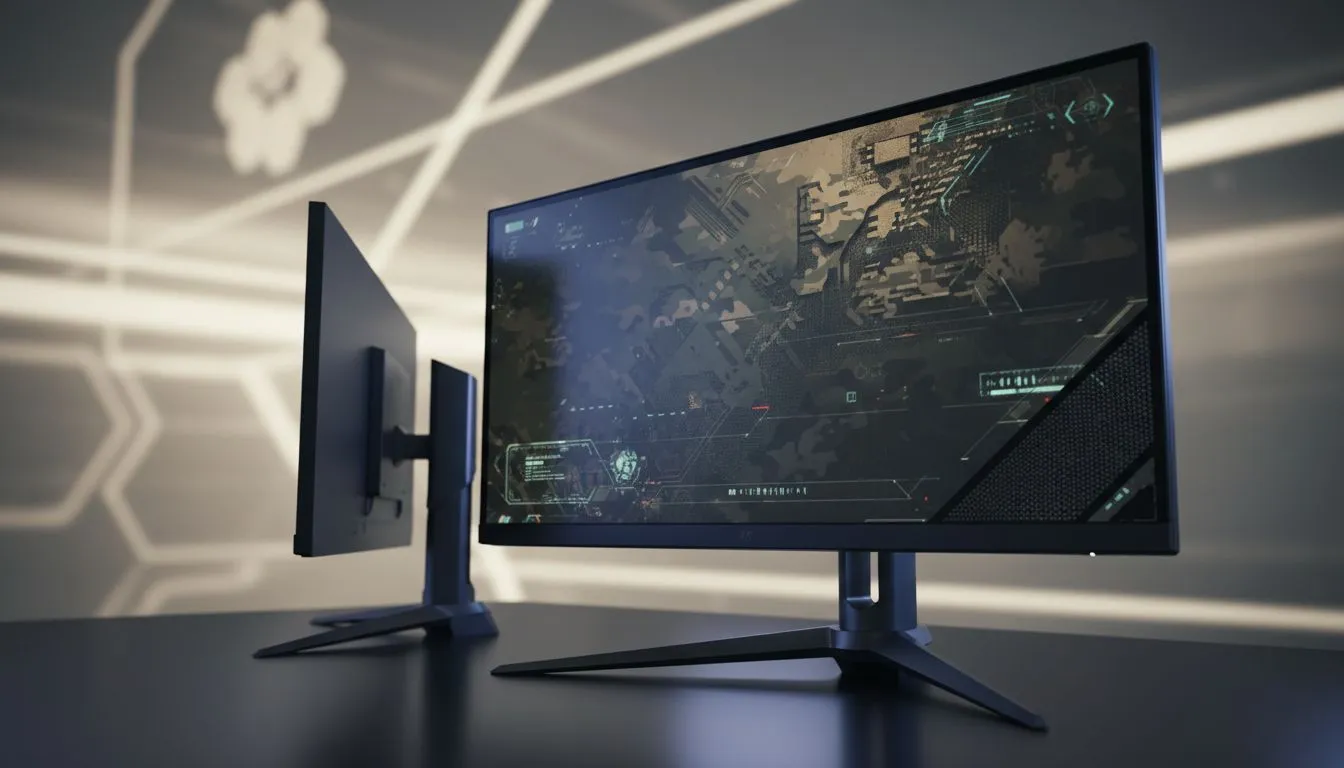
Getting head-eyes in Escape from Tarkov is soul-crushing... especially when you never saw the shooter hiding in the shadows of Interchange. In 2026, finding the best monitor for Tarkov is about survival. You need to balance clarity, motion, and those deep shadows on Customs. Whether you are a Shoreline sweat or a casual Scav, the choice between IPS vs TN visibility will define your raid success in South Africa's competitive servers. ⚡
When comparing technologies, IPS panels have traditionally offered the best colour reproduction. This is vital for spotting a PMC camouflaged against a dark bush. You can find excellent value by browsing the best PC monitor deals currently available. While TN panels were once the speed kings, modern Fast-IPS technology has closed the gap. This means you no longer have to sacrifice vibrant colours for low input lag.
Tarkov is a game of pixels. A single smudge or a lack of contrast can mean the difference between extracting with a LEDX or waking up in the hideout. If you are looking for a general upgrade, our PC monitors category offers a wide variety of high-refresh-rate options. High motion clarity ensures that when you flick your mouse to engage a target, the image remains sharp rather than a blurry mess.
Use the in-game Post-FX settings to slightly boost 'Luma Sharpen' and 'Adaptive Sharpen'. This compensates for the slight softness found in some IPS panels, making distant silhouettes on Woods much easier to track without causing eye strain during long sessions.
For those who take their raids seriously, exploring all gaming monitors is the best way to compare response times. TN panels still hold a slight edge in motion blur reduction... but the "washed out" look can make dark corners look like a grey soup. In a game where lighting is already a challenge, having the deep blacks and rich colours of a high-end IPS panel is often the better tactical choice. 🔧
The physical layout of your desk also impacts how you perceive the game world. Many players find that buying curved monitors helps with peripheral awareness, pulling the edges of the screen into your natural field of view. This is particularly useful when clearing rooms in Reserve.
If you often travel to local LAN events or need a secondary screen for your hideout management and maps, you might consider buying portable monitors. Having a map open on a second screen is a literal lifesaver for new players. To keep your primary screen at the perfect ergonomic height, you should also buy monitor accessories like gas-spring arms.
Finally, for the players who want the absolute clearest image possible, buying 5K or 4K monitors provides a pixel density that makes spotting heads at 300 metres much easier. While these require a beefy GPU, the visual fidelity in 2026 is unmatched. 🚀
Ready to Spot Every Threat? Choosing the right display is the biggest hardware advantage you can give yourself in the Tarkov streets. Explore our massive range of gaming monitors and find the perfect panel to ensure you never miss a shot again.
The best monitor for Tarkov depends on priorities: IPS for color/contrast and viewing angles, TN for lower response and faster pixel times. Check model tests.
IPS often offers better contrast and color accuracy for spotting enemies, while TN can deliver lower response times. IPS vs TN for gaming visibility favors IPS for clarity.
Aim for 144Hz or higher for smoother motion and improved target tracking. The best monitor refresh rate for Tarkov is 144Hz+ for competitive play.
Input lag impacts hit timing and feel; choose low input lag monitors for Tarkov and test settings to reduce latency for better aim consistency.
1440p gives sharper distant targets and better clarity if your GPU can sustain frame rates; 1080p eases high refresh rate performance. Consider 1440p vs 1080p Tarkov monitor tradeoffs.
Boost contrast, lower black equalizer or gamma slightly, and tune sharpness. Follow monitor settings for Tarkov guides and test in raids for best results.
Yes—best IPS monitor for Tarkov models deliver superior contrast and viewing angles, helping spot enemies while maintaining competitive response times.
Top Laptop with Ryzen 5 + RTX 4090 Laptop: Picks picks evaluated on performance, value & SA availability with current Rand pricing from Evetech.
Read more
Top Budget GPU for Marvel Rivals picks evaluated on performance, value & SA availability with current Rand pricing from Evetech.
Read more
Valorant Settings on RTX 5070: Performance. Real-world benchmark data, FPS numbers & performance analysis. What SA gamers can actually expect.
Read more
Top Budget GPU for Assassins Creed Shadows picks evaluated on performance, value & SA availability with current Rand pricing from Evetech.
Read more
Valorant Settings on RTX 4080 Super: Performance. Real-world benchmark data, FPS numbers & performance analysis. What SA gamers can actually expect.
Read more
Top Valorant Settings for RTX 5070: FPS Optimisation picks evaluated on performance, value & SA availability with current Rand pricing from Evetech.

RDNA 3.5 Graphics in Ryzen AI 400? Can You Game. Plain-English explanation of what it means, why it matters & how it affects your buying decisions in SA.

GPU Price Index : December Report. Current stock data & price tracking for SA buyers. See what is available and where prices are heading.

RX 9070 XT Elden Ring Nightreign at 4K: FPS. Real-world benchmark data, FPS numbers & performance analysis. What SA gamers can actually expect.

Core i5-14600K + B760 + RTX 5060 Build Under. Full parts list, Rand pricing & expected performance. Build confidently with SA-available components.

RX 7600 Apex Legends at 4K: FPS Benchmark. Real-world benchmark data, FPS numbers & performance analysis. What SA gamers can actually expect.

RX 7900 XTX GTA 6 at 4K: FPS Benchmark & Optimal. Real-world benchmark data, FPS numbers & performance analysis. What SA gamers can actually expect.

Head-to-head comparison of RTX 5070 vs RX 9070 XT: Gaming Performance for SA gamers. Performance benchmarks, Rand pricing & which delivers better value.

Top RTX 5070 Under R25,000 picks evaluated on performance, value & SA availability with current Rand pricing from Evetech.
Core i5-14600K + B760 + RTX 5060 Build Under. Full parts list, Rand pricing & expected performance. Build confidently with SA-available components.

Top Monitor for RX 9070: Resolution & Refresh Rate picks evaluated on performance, value & SA availability with current Rand pricing from Evetech.

Valorant Settings on RX 9060 XT: Performance. Real-world benchmark data, FPS numbers & performance analysis. What SA gamers can actually expect.