

Deciding on the Best Monitor for Wolverine 2026
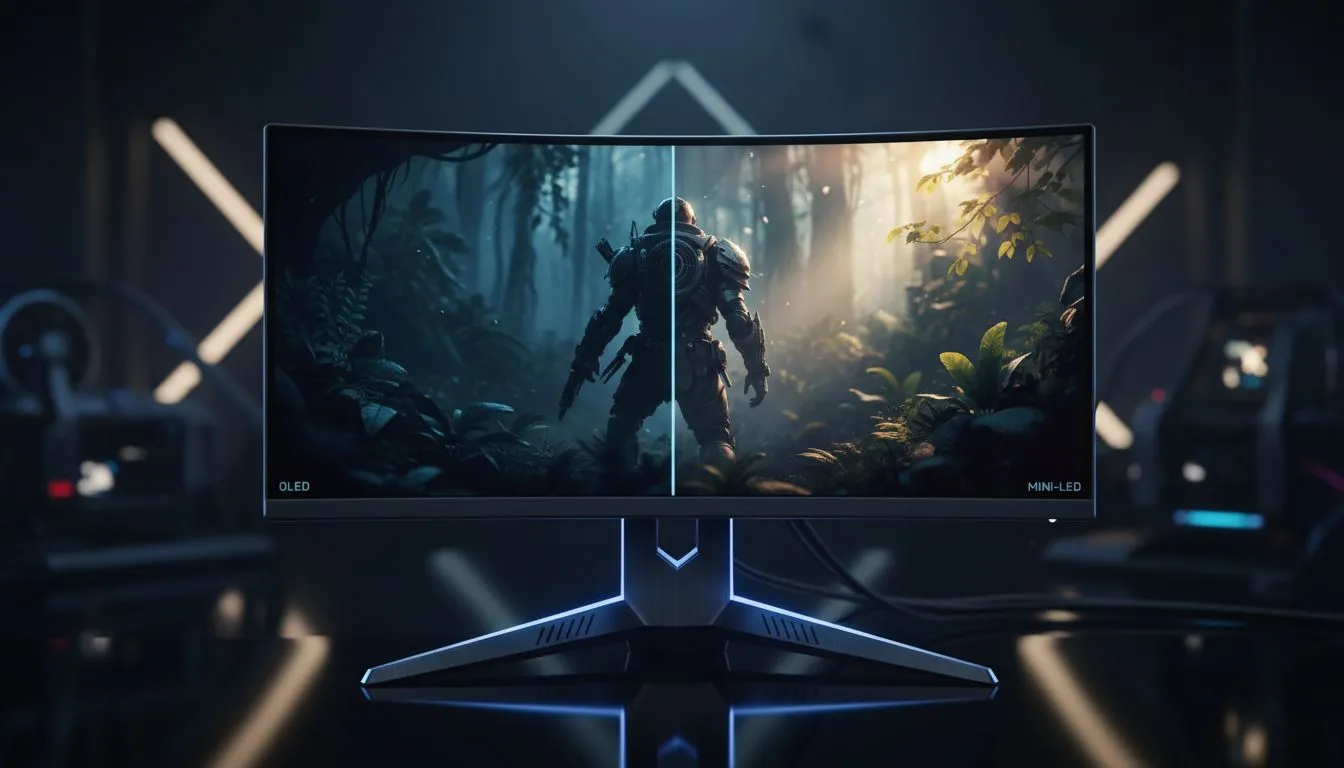
Insomniac Games is set to bring Logan to life in 2026. Every South African fan wants to see those claws shine. Choosing the best monitor for Wolverine 2026 is about more than just resolution. It is about how the deep shadows of the Canadian wilderness look on your desk. You need to decide between the infinite contrast of OLED and the searing brightness of Mini-LED. Both technologies offer a premium experience for local gamers... but your room lighting will likely be the deciding factor ✨.
Why OLED is a Top Choice for Logan
OLED technology uses self-emissive pixels. This means each pixel can turn off completely. For a gritty hero like Wolverine, this creates an incredible atmosphere. You can find many of these high-end panels in the all gaming monitors section. The motion clarity is also unmatched. This is vital for fast-paced claw combat. If you want to see every detail in 4K, you should buy 5k 4k monitors for the ultimate clarity.
Visual Immersion Tip ⚡
To get the best out of an OLED or Mini-LED screen, always calibrate your HDR settings within Windows. Use the HDR Calibration app to set your black levels and peak brightness. This ensures the game doesn't look washed out or too dark during those intense night missions in Madripoor.
Mini-LED: The Bright Alternative
Not everyone plays in a dark room. If your gaming setup is in a bright South African lounge, Mini-LED is king. It uses thousands of tiny lights to push brightness levels far beyond OLED. This makes HDR highlights like explosions or sunlight look stunning. You can browse the latest PC monitors to find a Mini-LED display that fits your budget. To find the most competitive prices in ZAR, look at the best pc monitor deals currently available 🚀.
Final Gear for the Wolverine 2026 Experience
The best monitor for Wolverine 2026 might not be a flat screen. Many players find that a curve helps with focus. You can buy curved monitors to wrap the action around your peripheral vision. If you travel often or have limited space, you might even buy portable monitors to keep the hunt going anywhere. Finally, make sure to buy monitor accessories like premium arms to optimise your viewing angle 🔧.
Ready to Slash Through the Competition? Choosing between OLED and Mini-LED is a big step for any setup. Whether you want the deepest blacks or the brightest highlights, we have the stock to get you ready for 2026. Explore our massive range of monitor specials and find the perfect display to experience Logan's journey.











