

Finding the Best Laptops for MSFS Under R35000
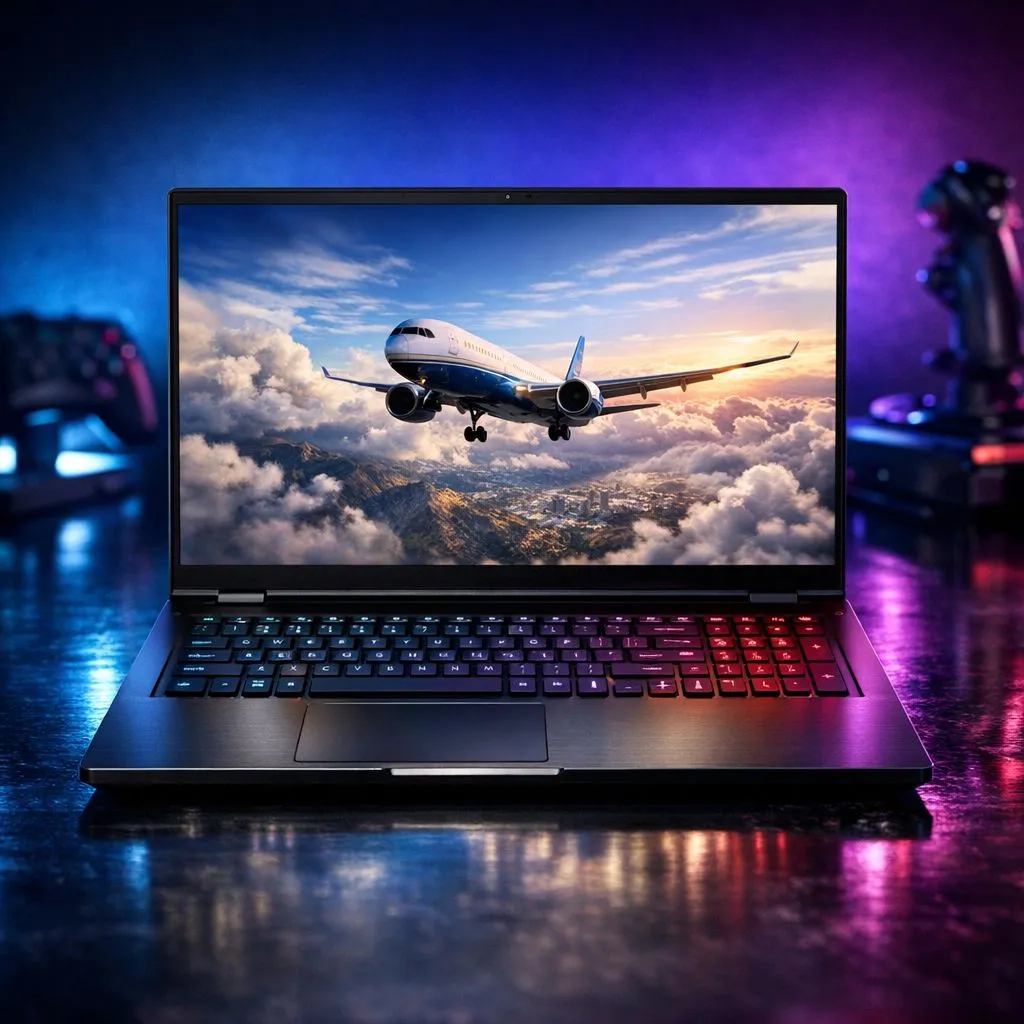
Flying over Table Mountain in Microsoft Flight Simulator is a dream, but low frame rates can turn that dream into a slideshow. Finding the best laptops for MSFS under R35000 requires balancing CPU clock speeds with modern GPU features. We have identified high-performance picks that offer the best value for South African pilots looking to upgrade their mobile rig without spending a fortune. ✈️
Prioritising CPU Power for Flight Simulation
Microsoft Flight Simulator is notoriously heavy on the processor. It calculates complex aerodynamics and live weather patterns in real time. When looking for high-performance picks, you should prioritise high single-core clock speeds. Browsing through the latest Intel laptops on special is a great starting point for finding chips that handle the simulation's heavy lifting.
Intel’s Core i7 and i9 mobile processors are fantastic for maintaining steady frame rates in crowded airspaces like OR Tambo. If you prefer a more power-efficient approach, the current Ryzen laptop deals offer incredible multi-threaded performance. This is particularly useful if you run third-party plugins or navigation charts alongside your flight.
MSFS Performance Pro Tip ⚡
To smooth out your flight experience, enable a 'Rolling Cache' on your laptop's SSD. Allocating 16GB to 32GB of space helps the simulator pre-load frequently visited terrain, like your home city, reducing stuttering when you fly low and fast.
Graphics and VRAM: The Key to Visual Fidelity
To truly enjoy the 4K textures and volumetric clouds in MSFS, your GPU needs enough VRAM. For a budget under R35000, you should aim for at least an NVIDIA RTX 4060 or 4070. These GeForce RTX gaming laptops on special are essential because they support DLSS 3 Frame Generation.
Frame Generation is a lifesaver for flight sims... it uses AI to insert extra frames, making a 40 FPS flight feel like 80 FPS. This technology is the easiest way to get high-performance picks to punch above their weight class. Without it, you might find your hardware struggling when the weather turns misty or you land at a highly detailed airport. 🔧
Balancing Your Budget in South Africa
We know that every Rand counts when building a portable cockpit. While some gaming laptops under R20k can technically run the simulator on low to medium settings, they often lack the thermal headroom for long-haul flights.
Investing closer to the R30,000 mark ensures you get 16GB or 32GB of RAM. MSFS can easily chew through 12GB of system memory in dense urban areas. Keeping an eye on the best gaming laptop deals allows you to snag a machine with a high-refresh-rate screen and better cooling, which prevents your CPU from throttling during a three-hour journey from Cape Town to Johannesburg. 🚀
Thermal Management and Stability
High-performance picks aren't just about raw specs... they are about how long those specs can run at full tilt. MSFS puts a sustained load on both the CPU and GPU. Look for laptops with dual-fan setups and multiple heat pipes. A laptop that runs too hot will lower its clock speeds to protect itself, leading to sudden drops in your altitude... and your frame rate. ✨
Ready to Find Your Perfect Match? The Mac vs Windows debate is complex, but for maximum power, choice, and value in South Africa, Windows is hard to beat. Explore our massive range of laptop specials and find the perfect machine to conquer your world.








