

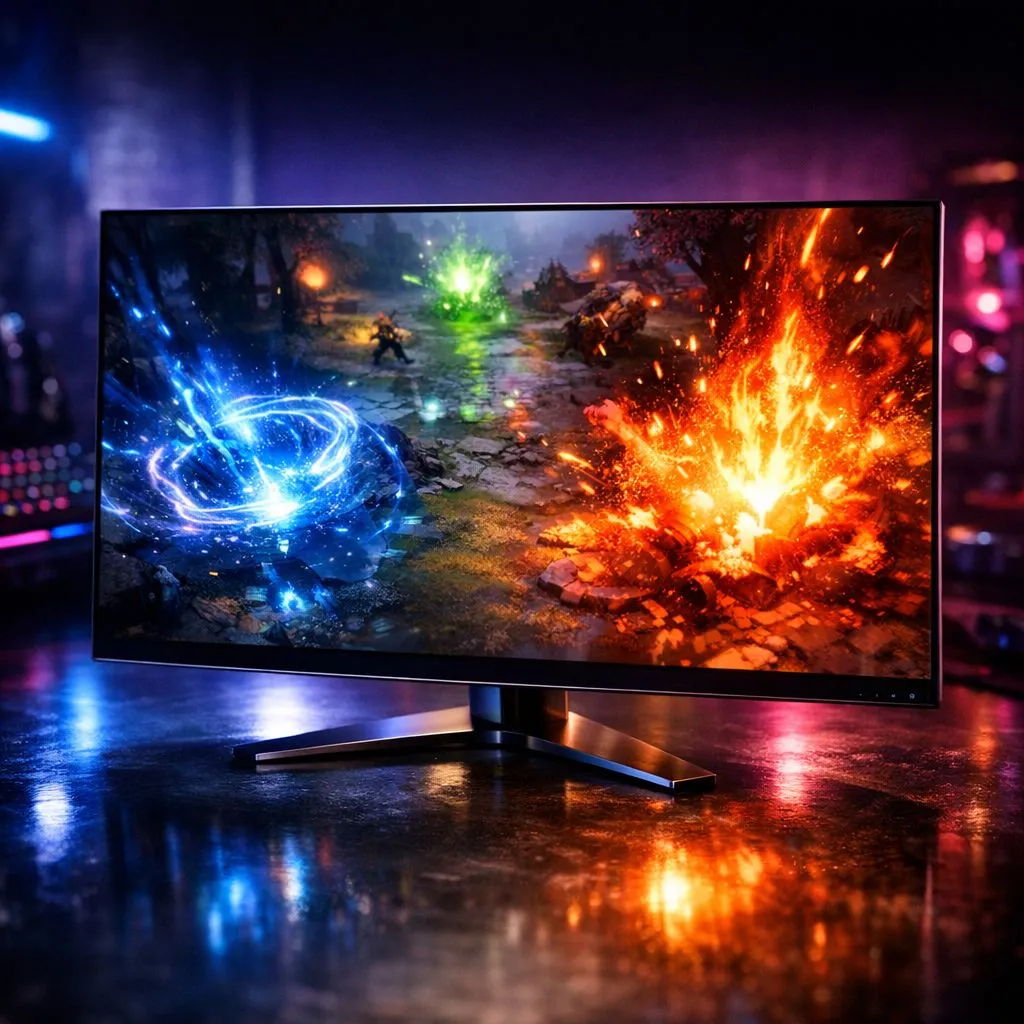
Why Your Dota 2 Setup Needs the Best OLED Monitor for Gaming
When the Roshan pit erupts into a flurry of Black Hole and Chaotic Offering, visual clarity is everything. For South African gamers, finding the Best OLED Monitor for Gaming isn't just about luxury. It is about gaining a competitive edge where spell effects pop and shadows hide nothing. Seeing every pixel clearly is the difference between a win and a 60-minute heartbreak... 🚀
If you want to upgrade your visual experience, checking out the best PC monitor deals is the first step. You can find incredible value while ensuring your rig stays ahead of the meta.
The OLED Advantage: Speed and Colour Vibrancy
Traditional panels often struggle with ghosting during intense teamfights. OLED technology changes the rules by offering near-instant response times. This means your Invoker combos look smoother than ever before. The self-emissive pixels ensure that the vibrant purple of a Chronosphere doesn't bleed into the dark terrain of the Dire woods.
When browsing the massive selection of PC monitors at Evetech, look for high refresh rates. A 240Hz OLED panel provides a level of fluid motion that makes tracking a blinking Anti-Mage much easier. You can explore all gaming monitors to compare how different panel types handle high-speed action. ✨
Immersive Visuals for Every Battle
Many local pros are moving toward more immersive setups. You might want to buy curved monitors to wrap the battlefield around your field of vision. This helps with map awareness as your peripheral vision catches movement in the river or jungle more naturally.
If you are a competitive player who travels to local LAN events, you might even buy portable monitors for a dual-screen setup on the go. Having your Discord or build guides on a second screen is a massive quality-of-life improvement.
Resolution Matters: 4K Clarity in the Lanes
For those who want the absolute peak of visual fidelity, it is time to buy 5K and 4K monitors. Running Dota 2 at 4K on an OLED screen makes every spell effect, from Crystal Maiden’s ultimate to Phoenix’s Supernova, look breath-taking. The level of detail on hero models and cosmetic skins is truly unmatched. ⚡
OLED Care Tip 🔧
To prevent burn-in on your new OLED panel, hide your Windows taskbar and use a dark desktop wallpaper. For Dota 2 players, try to vary your content if you play for 8 hours straight. Modern monitors have built-in pixel cleaning features that you should run regularly to keep the panel healthy.
Finishing Your Pro Setup
A great screen is only half the battle. You should also buy monitor accessories like high-quality desk mounts. A gas-spring arm allows you to adjust your monitor height perfectly. This reduces neck strain during those long weekend grinds in the ranked queue.
Upgrading to the Best OLED Monitor for Gaming will transform how you see the lanes. The combination of infinite contrast and vivid colour makes the game feel brand new. Whether you are defending your Ancient or pushing for the win, do it with the best visuals possible.
Ready to Find Your Perfect Match? The quest for the ultimate visual experience is vital for every South African gamer. For maximum power, choice, and value in South Africa, our monitor range is hard to beat. Explore our massive range of monitor specials and find the perfect screen to conquer your world.








