

Best Aftermarket RTX 5070 Cards: AIB Partner Comparison 2026
Top Aftermarket RTX 5070 Cards: AIB Partner Comparison picks evaluated on performance, value & SA availability with current Rand pricing from Evetech.
Read moreFind the best PC for music production that fuses elite performance with innovative design. 🎵 Our expert guide covers the most powerful and quiet PCs, perfect for flawless recording, mixing, and mastering in your home studio. Unleash your creativity with a machine built for sound. ✨
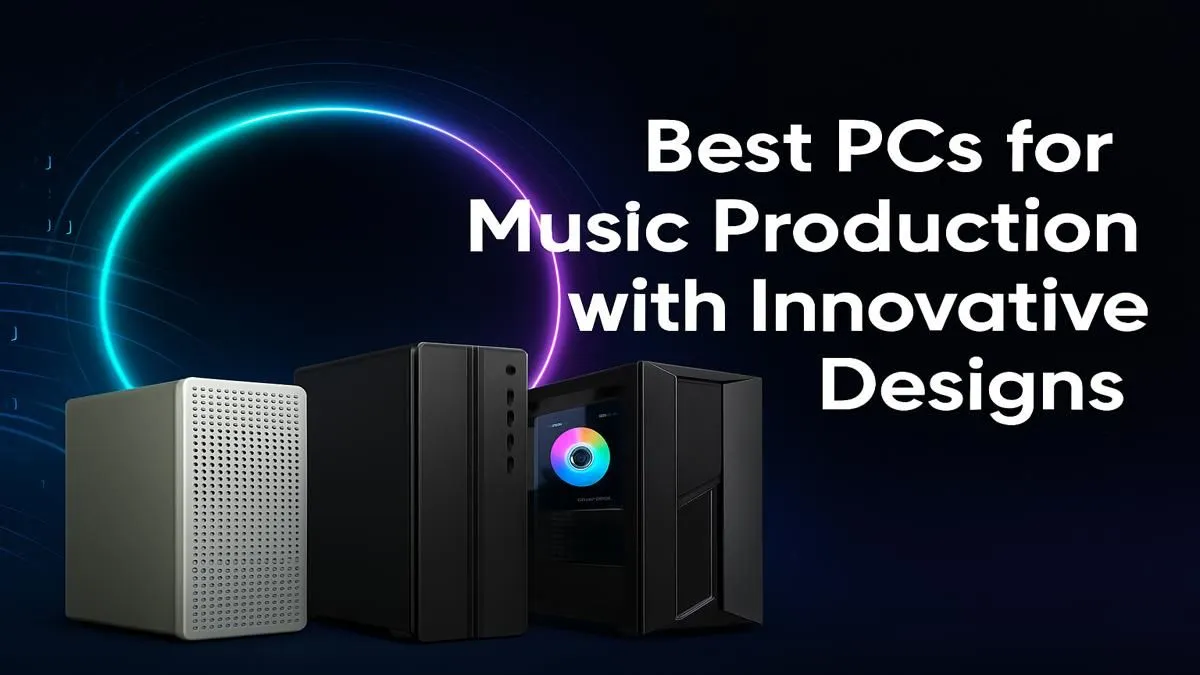
That gut-wrenching moment when your DAW freezes mid-take? We’ve all been there. You’re deep in the creative zone, layering tracks, adding effects… and your PC just can’t keep up. For South African producers, artists, and sound engineers, having one of the best PCs for music production isn't a luxury; it's the foundation of your studio. It's the difference between a smooth, inspiring session and a frustrating battle against technology. 🎧
Before we dive into the ideal components, let's diagnose the problem. If you're experiencing clicks, pops, latency, or constant crashes, your computer is likely struggling in a few key areas. A purpose-built music production computer tackles these issues head-on, ensuring your creativity is the only thing making a noise.
The biggest culprit is often CPU strain. Modern plugins (VSTs) and virtual instruments are incredibly powerful, but they demand a lot of processing power. When you stack dozens of tracks, each with its own effects chain, an older or underpowered CPU simply can’t process all that audio data in real-time, leading to those dreaded buffer underruns.
Building or buying a PC for producing music is a balancing act. You need raw power for processing, ample memory for large sound libraries, and whisper-quiet operation to ensure your recordings are pristine. Let's break down the essentials.
The Central Processing Unit (CPU) is the single most important component. For music production, you're looking for two things: high core count and fast single-core speed.
RAM (Random Access Memory) is like your studio's short-term memory. It's where your operating system, DAW, plugins, and audio samples are loaded for quick access. Running out of RAM means your PC has to pull data from your slower storage drive, causing massive slowdowns.
For a modern music production PC, 16GB is the absolute minimum. We strongly recommend 32GB as the sweet spot for most producers, allowing you to run large projects with hefty sample libraries (like Kontakt) without a hitch. If you compose orchestral scores, 64GB or more is a worthy investment.
Your storage drive affects how quickly your projects, samples, and plugins load. A slow hard drive can bring your workflow to a standstill.
On Windows, always use the dedicated ASIO driver for your audio interface, not the default Windows drivers. In your DAW's audio settings, experiment with the 'Buffer Size'. A lower buffer size (e.g., 128 samples) reduces latency for recording, while a higher buffer size (e.g., 1024 samples) gives your CPU more breathing room for mixing and prevents dropouts.
This is a common question. While music production isn't as graphically intensive as high-end gaming, a dedicated graphics card (GPU) is more important than you might think. Modern DAWs use GPU acceleration to render their interfaces, especially across multiple high-resolution monitors.
If your workflow involves any video editing for music videos or social media, a decent GPU is essential. A capable graphics card from NVIDIA's GeForce lineup or one of the powerful AMD Radeon options will handle visual tasks smoothly, freeing up your CPU to focus on what it does best: processing audio. Even newer options like those found in Intel Arc gaming PCs offer excellent media encoding features that can speed up video renders.
At Evetech, we know that every producer's needs are different. Here’s how to find the best PC for music production based on your specific situation.
Just starting out? You don't need to break the bank. You need a solid foundation that you can build upon. Many of our budget gaming PCs offer an excellent price-to-performance ratio, featuring capable CPUs and enough RAM to get your first few EPs off the ground. For a hassle-free start, our range of pre-built PC deals are professionally assembled, tested, and ready to make music right out of the box.
When music is your career, downtime is not an option. You need a machine that can handle massive track counts, complex routing, and demanding mastering plugins without flinching. This is where high-end components become essential.
Consider a system from our best gaming PC deals, which often feature top-tier CPUs and fast RAM perfect for production. For ultimate reliability and optimised performance, our dedicated Workstation PCs are engineered for sustained, heavy workloads, making them an ideal choice for a professional studio environment.
Ready to Build Your Dream Studio? Finding the best PC for music production means balancing power, silence, and your budget. Don't let tech hurdles kill your creative flow. Design your ultimate production rig with our PC Builder and find the perfect machine to bring your sound to life.
A great PC for music production requires a fast multi-core CPU (Intel i7/i9 or AMD Ryzen 7/9), at least 16-32GB of RAM, and fast NVMe SSD storage for quick sample loading.
Absolutely. A high-quality prebuilt PC for music production saves you time and ensures component compatibility, often coming with warranties and support ideal for creative pros.
A quiet PC for audio recording is essential. Fan and component noise can be captured by sensitive microphones, compromising your tracks. Look for builds with silent cooling.
A high-end GPU isn't critical, but a dedicated graphics card is recommended for running multiple high-resolution displays and for plugins with demanding visual interfaces.
16GB is a solid starting point for most users. However, for large projects with many virtual instruments and effects, 32GB or even 64GB is recommended for smooth performance.
Both offer excellent performance. Intel CPUs often have a slight edge in single-core speed, while AMD is known for strong multi-core value, great for handling many tracks at once.
Top Aftermarket RTX 5070 Cards: AIB Partner Comparison picks evaluated on performance, value & SA availability with current Rand pricing from Evetech.
Read more
Top Laptop with Core i7 + RTX 5060 Laptop: Picks picks evaluated on performance, value & SA availability with current Rand pricing from Evetech.
Read more
Top GPU for Students picks evaluated on performance, value & SA availability with current Rand pricing from Evetech.
Read more
RTX 5070 Laptop GPU Hogwarts Legacy Performance. Real-world benchmark data, FPS numbers & performance analysis. What SA gamers can actually expect.
Read more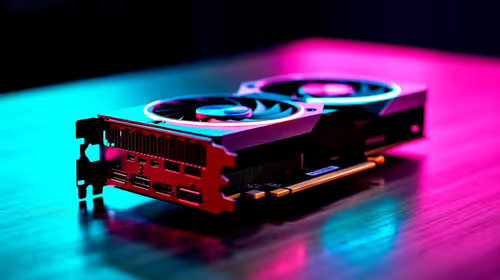
the CPU Pairing for the RTX 3060. Optimal CPU matches ranked by performance balance & SA value. Avoid bottlenecks with the right pairing.
Read more
Top 4K Monitor for RX 9070 picks evaluated on performance, value & SA availability with current Rand pricing from Evetech.
Read more
Can RTX 4080 Super Run AI Workloads for SA Developers Detailed answer with SA data, expert analysis & practical recommendations for local buyers.

Can RTX 4090 Run AI Workloads for SA Developers Detailed answer with SA data, expert analysis & practical recommendations for local buyers.

Top Settings for Intel Arc B580 at Ultrawide 1440p picks evaluated on performance, value & SA availability with current Rand pricing from Evetech.

RX 7600 Overclocking Guide: Safe OC Settings for. Real-world benchmark data, FPS numbers & performance analysis. What SA gamers can actually expect.

RTX 4060 CS2 Low Settings at 1080p: FPS Results. Real-world benchmark data, FPS numbers & performance analysis. What SA gamers can actually expect.

Visual Artifacts: Possible GPU Issue Issue #1. Diagnosis steps, proven fixes & when to seek professional help. SA-specific support info included.

Can the RTX 4090 Handle 1440p 144Hz Gaming. Performance testing verdict with real data & practical recommendations for SA buyers.

Top ASUS GPU Under R15000 picks evaluated on performance, value & SA availability with current Rand pricing from Evetech.

GTA 6 Max Settings on RTX 5070. Tested & verified settings for best FPS and visual quality on SA hardware budgets.

Cyberpunk 2077 Max Settings on RTX 5080. Tested & verified settings for best FPS and visual quality on SA hardware budgets.

Starfield Max Settings on RTX 5070 Ti. Tested & verified settings for best FPS and visual quality on SA hardware budgets.

Top RTX 5090 Under R5000 picks evaluated on performance, value & SA availability with current Rand pricing from Evetech.