

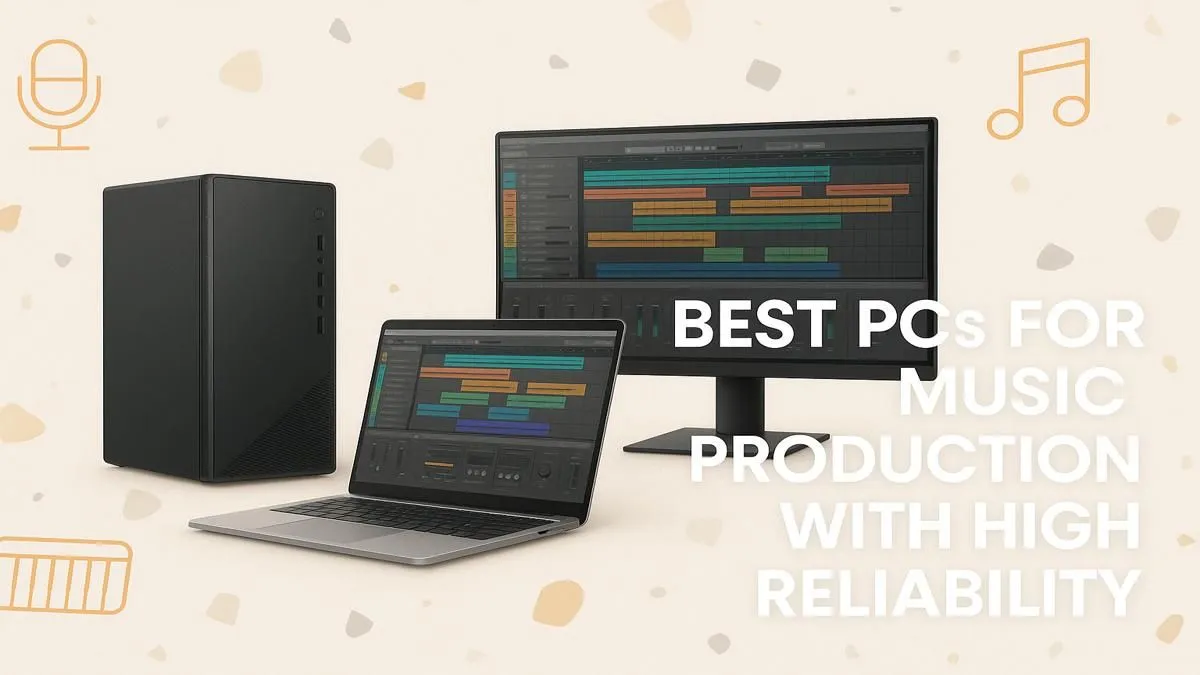
Tired of that dreaded crackle and pop ruining a perfect take? We’ve all been there. Your creative flow is electric, the melody is perfect, but your PC sputters, freezes, and throws up errors. In South Africa, where every second of studio time counts, a lagging computer isn't just frustrating… it's expensive. The best PC for music production isn't a luxury; it's the stable, powerful core of your entire creative process. 🎧
Why Your Current Rig is Bottlenecking Your Sound
Before we dive into the hardware, let's diagnose the problem. That old PC you've been using is likely struggling with latency (the delay between playing a note and hearing it), CPU spikes from demanding plugins, and slow project load times. A purpose-built studio rig eliminates these issues, providing a rock-solid foundation for your Digital Audio Workstation (DAW) and letting you focus on what truly matters: the music.
A machine optimised for audio work ensures your creativity is the only limit, not your hardware.
The Core Components for a Powerful Studio Rig
Building the best PC for music production means prioritising a few key components. Unlike a gaming PC where the GPU is king, a music production PC focuses on processing power, memory, and fast storage to handle complex projects with dozens of tracks, virtual instruments, and effects.
The CPU: The Brain of Your Studio 🧠
The Central Processing Unit (CPU) is the single most important component. It handles everything from real-time audio processing to running virtual instruments (VSTs).
- Single-Core vs. Multi-Core: Your DAW uses a single, powerful core for individual audio tracks, while multiple cores help when you're running many tracks and plugins simultaneously.
- Intel vs. AMD: For years, Intel's high single-core speeds made them a top choice. Today, the competition is fierce. Many of the latest Intel PC deals offer incredible performance for audio tasks. On the other hand, AMD offers fantastic multi-core value, making our AMD Ryzen PC deals a brilliant option for producers who run massive, plugin-heavy sessions.
Ultimately, you can't go wrong with a modern CPU from either camp. Focus on getting the most cores and the highest clock speed your budget allows.
RAM: Your Virtual Instrument Powerhouse
Random Access Memory (RAM) is like your computer's short-term memory. Every sample, VST, and audio clip you load into your project lives here.
- 16GB: The absolute minimum for serious production.
- 32GB: The sweet spot for most producers, allowing you to run large orchestral libraries and complex effect chains without your system choking.
- 64GB+: Essential for professional composers and sound designers working with massive film scores or sample libraries.
More RAM means a smoother workflow and less time spent waiting for things to load.
DAW Performance Pro Tip ⚡
In your DAW's audio settings, find the 'buffer size'. A lower buffer size (e.g., 128 samples) reduces latency, which is great for recording. A higher buffer size (e.g., 1024 samples) gives your CPU more breathing room, which is better for mixing and mastering heavy projects. Adjust it based on your current task!
Storage: Speed is Everything
Your storage drives determine how quickly your OS, DAW, and projects load. A fast drive is non-negotiable.
- NVMe SSD: This is the gold standard. Install your Operating System and main applications here for lightning-fast boot and load times.
- SATA SSD: A second SSD is perfect for storing your active project files and most-used sample libraries.
- HDD: A traditional hard drive is a cost-effective choice for long-term storage and archiving completed projects.
This tiered approach gives you the best balance of speed and capacity.
The Graphics Card: Do You Really Need One?
For music production, you don't need a top-of-the-line graphics card (GPU). However, modern DAWs and plugins have increasingly complex visual interfaces, and a decent GPU can make the user experience much smoother, especially on high-resolution monitors.
Interestingly, the powerful components in modern gaming PCs make them excellent for music production. High-end rigs like these NVIDIA GeForce gaming PCs or powerful AMD Radeon gaming PCs already have the CPU and RAM needed for demanding sessions. Even the newer Intel Arc gaming PCs offer great value and performance that can easily handle your DAW.
Putting It All Together for a Stable Music Production PC 🔧
Once you have the right parts, assembly and optimisation are key. A stable music production PC needs clean power, efficient cooling, and a quiet case to ensure your microphones don't pick up fan noise. This is where professionally built systems shine.
- For Beginners: Our budget-friendly gaming PCs often provide a fantastic entry point with solid specs.
- For The Prosumer: Exploring our pre-built PC deals gives you a system that's tested and ready to go, saving you the headache of building. Many of the best gaming PC deals offer the high-end specs that double perfectly for a production rig.
- For The Professional: For ultimate reliability and power, our range of dedicated workstation PCs are engineered for stability under the most demanding creative workloads.
Ready to Build Your Dream Studio? A stable, powerful PC is the heart of any modern recording setup. Stop fighting your gear and start making music. Explore our range of powerful Workstation PCs and find the perfect rig to bring your sound to life.








