


Dedicated Media Keys for Streamers: Improve Workflow Fast
Dedicated media keys give streamers one-touch control to mute, switch scenes, clip highlights, and adjust audio — cutting task time and boosting consistency 🎛️⚡
Read moreBest peripherals under R2500 for South African gamers: concise picks of mice, keyboards, headsets and pads that deliver esports-grade performance, durability and value. 🔥🎮
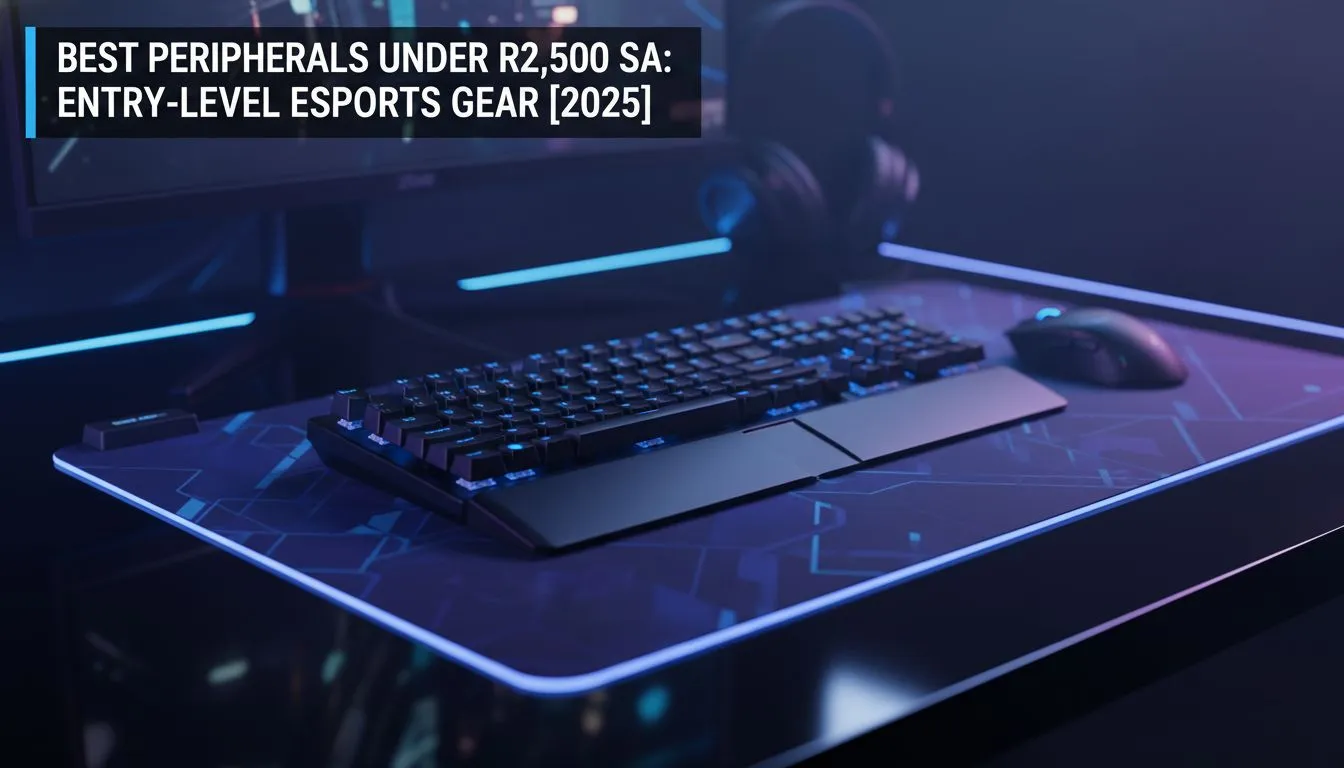
You don't need a pro contract to play like a champion. In 2025, the gap between entry-level gear and flagship tech has narrowed significantly. If you’re hunting for the best peripherals under R2500 for esports, you can build a competitive loadout without breaking the bank. Let’s explore the gear that gives you the edge... without the heavy price tag.
In games like Valorant or Counter-Strike 2, your mouse is an extension of your arm. You don't need to spend R3000 to get a flawless sensor. Many modern budget options now feature the same sensors found in top-tier models, just with slightly different shell materials. When browsing for a high-performance gaming mouse, look for a lightweight design and a high polling rate to ensure your flick shots land exactly where you intend.
Once your aim is sorted, you need movement reliability. Membrane boards can feel mushy and inconsistent during intense clutches. Fortunately, the market is now full of affordable mechanical options. You can pick up a responsive mechanical keyboard with Red or Brown switches well within our R2500 budget limit. These switches offer faster actuation points, ensuring your strafing is as snappy as your aim.
Sound is information. In a battle royale, hearing footsteps behind a wall can be the difference between a win and a trip back to the lobby. While audiophile gear costs a fortune, a dedicated esports headset prioritises positional audio and clear communication over heavy bass. Look for stereo headsets with good sound isolation to block out household noise.
However, a headset mic isn't always enough if you are looking to get into content creation or just want crystal clear comms for your team. Adding one of our budget-friendly standalone microphones to your setup ensures your shot-calling is heard loud and clear, eliminating that dreaded static interference common in cheaper headset mics.
If you are on a budget and using an open mic, download software like NVIDIA Broadcast or SteelSeries Sonar. These AI-driven tools filter out background noise—like keyboard clatter or barking dogs—making even an entry-level microphone sound like studio-grade equipment.
While R2500 is a tight budget for a display, wise spending on your mouse and keyboard often frees up cash for visual upgrades. If you are building a full setup, you should constantly check for deals on fast refresh rate monitors. Even moving from 60Hz to 100Hz makes tracking fast-moving targets significantly easier.
Not every esports title requires a mouse and keyboard. For games like Rocket League, FIFA, or fighting games, a controller is superior. You can find durable, ergonomic gaming controllers that offer precision triggers and back-paddles for under R2500, giving you the mechanical advantage needed for complex combos.
Esports isn't just about what you hold in your hands; it's about how your PC reacts. If you are still running games off an old mechanical hard drive, you are starting at a disadvantage due to texture pop-in and slow load times. Upgrading to fast solid state drives is one of the most cost-effective ways to smooth out your gameplay and ensure you spawn in first.
Finally, if you plan to broadcast your climb up the ranked ladder, you don't need a Hollywood studio. You can start small. Investing in basic streaming essentials like a decent ring light or a budget capture card can elevate your stream quality instantly 🚀.
Upgrade Your Armoury Today Whether you need to snap onto targets faster or communicate clearly with your squad, great gear doesn't have to cost the earth. Browse our full range of gaming peripherals and find the perfect loadout to dominate the server.
Top picks combine sensor quality, switches, audio clarity and build. Our list features the best peripherals under R2500 tested for esports performance.
Choose a mouse with a reliable optical sensor, low latency and comfortable grip. See our tested 'best gaming mouse under R2500' picks.
Yes—there are affordable gaming headset under R2500 options with good audio and mic performance, though wired headsets still offer best value.
Buy from local retailers and major online stores in South Africa for warranty and fast shipping; search 'R2500 gaming accessories South Africa' for sellers.
Prioritise performance: sensor accuracy, switch durability, audio clarity and ergonomics when selecting entry level esports gear 2025.
Wired often gives lower latency and better value at this price. Wireless can be good but watch battery life and connection reliability.
Upgrade when performance or reliability drops or new tech offers clear gains—typically 2–4 years for budget gear under R2500.
Dedicated media keys give streamers one-touch control to mute, switch scenes, clip highlights, and adjust audio — cutting task time and boosting consistency 🎛️⚡
Read more
PBT vs ABS keycaps: Clear, local guide for South African gamers—compare feel, sound, durability and where to buy. Find the best material for your budget and playstyle 🎮🇿🇦
Read more
- Multi-Function Digital Dial: define benefits - Show gamer setups and macros - Offer buying and setup tips Multi-Function Digital Dial puts programmable control at your fingertips for faster actions and smoother streaming. 🎮⚙️
Read more
- Explain benefits; - Show the science; - Compare options; - Recommend picks. Magnetic wrist rest for gaming cuts wrist strain and boosts comfort during long sessions 🕹️✨
Read more
best gaming keyboard South Africa: Learn how to pick a low-latency mechanical keyboard, choose switches, layout and budget for competitive play 🎮⚡
Read more
Best wireless keyboard and mouse combo for small desks — curated, space-saving picks that boost comfort and productivity in tight setups. Find low-profile layouts, compact mice, and reliable range to fit your compact workstation. 🖱️⌨️
Read more
Discover webcams that automatically adjust light and color for crystal-clear video calls 🎥✨. Boost your streaming quality today!
Read more
Discover webcams that blend into your workflow 🎯 Capture moments while you work, stream, or create. Upgrade your setup with smart, multitasking tech!
Read more Dedicated media keys give streamers one-touch control to mute, switch scenes, clip highlights, and adjust audio — cutting task time and boosting consistency 🎛️⚡
Read more PBT vs ABS keycaps: Clear, local guide for South African gamers—compare feel, sound, durability and where to buy. Find the best material for your budget and playstyle 🎮🇿🇦
Read more - Multi-Function Digital Dial: define benefits - Show gamer setups and macros - Offer buying and setup tips Multi-Function Digital Dial puts programmable control at your fingertips for faster actions and smoother streaming. 🎮⚙️
Read more - Explain benefits; - Show the science; - Compare options; - Recommend picks. Magnetic wrist rest for gaming cuts wrist strain and boosts comfort during long sessions 🕹️✨
Read more