


Dedicated Media Keys for Streamers: Improve Workflow Fast
Dedicated media keys give streamers one-touch control to mute, switch scenes, clip highlights, and adjust audio — cutting task time and boosting consistency 🎛️⚡
Read more• Compare top rigs; • Match game physics needs; • Buy with confidence 💥 Best physics laptops: curated picks for The Finals and destruction-heavy games, with benchmarks, GPU/CPU guidance, and budget options ⚡
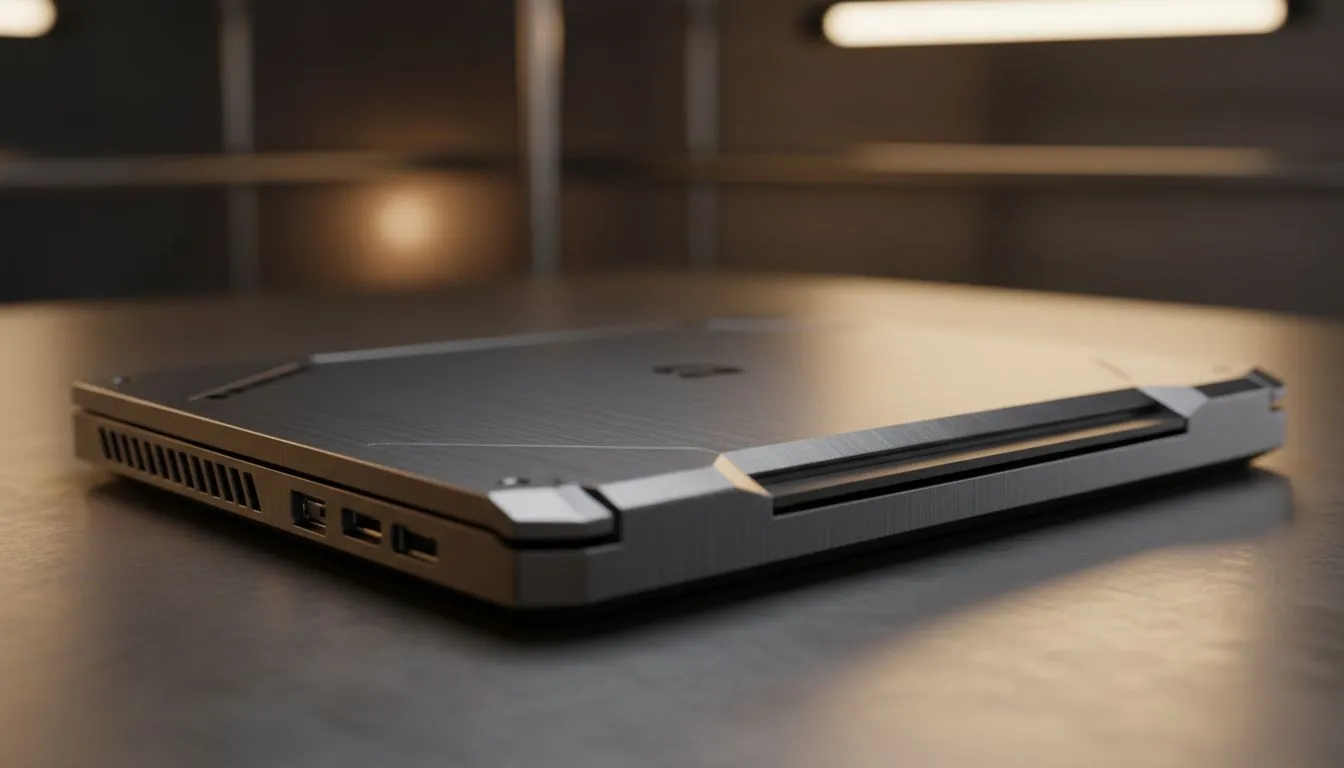
If you're gearing up for Destruction & The Finals 2025, you know how vital a physics-focused gaming laptop is. Precision physics calculations shape the gameplay experience, making destruction truly immersive. South African gamers need laptops that deliver smooth performance and complex simulations without overheating or lag. Choosing the right hardware can mean the difference between a flawless win and a frustrating stumble.
To excel in physics-heavy games, your laptop needs raw power plus efficient cooling. Prioritise these specs when shopping:
For example, many Intel laptops on special at Evetech deliver excellent value and processing power for physics-intensive titles like Destruction & The Finals. Make sure you check the Intel laptops on special page for current deals.
Budget can be tight, but performance is non-negotiable. Thankfully, you can still snag strong machines under R20,000 that punch above their weight. Look for Ryzen laptop deals offering powerful CPUs within this range. Ryzen’s multicore processors handle physics simulations smoothly while keeping power consumption efficient. Discover affordable options on the Ryzen laptop deals page.
If you want to balance budget and power without compromise, check out Evetech’s selection of gaming laptops under R20k. It’s a smart way to start preparing your rig for The Finals.
The best physics laptops often pair powerful CPUs with high-end GPUs. Nvidia’s GeForce RTX series stands out for accelerated physics simulations with real-time ray tracing and DLSS tech that enhance visual detail without sacrificing frame rate. South African gamers seeking fluid visuals and realistic destruction effects in The Finals swear by these cards.
Explore the latest Nvidia GeForce RTX gaming laptops on special to get a machine that truly performs under pressure: GeForce RTX gaming laptops on special.
Consider these expert tips to optimise your purchase:
Evetech’s regularly updated best gaming laptop deals make it easy to find a machine tailored for physics-intensive gaming and esports competitions.
Upgrade your RAM to at least 16GB, and choose a laptop with a high-refresh-rate screen. This combo lets physics effects look smooth and react instantly.
Ready for Peak Physics Performance? Don’t wait — equip yourself with the finest hardware tailored for Destruction & The Finals 2025. Shop now at Evetech for performance that leaves lag in the dust.
Prioritize a strong CPU (high single-core and multi-core), an RTX-class GPU, 32GB RAM for heavy sims, and fast NVMe storage for assets and physics cache.
Yes—gaming GPUs and modern CPUs accelerate simulations. Look for laptops for physics simulation with CUDA support and 16–32GB RAM.
Choose an RTX 40-series or newer for ray-traced destruction and high FPS. Best RTX laptops for physics offer CUDA and RT cores for real-time effects.
Budget laptops can run physics-based games at lower settings. For consistent performance, seek budget laptops for physics simulation with discrete GPUs.
Aim for 32GB RAM for large scenes and complex destruction systems. 16GB is minimal; more RAM reduces swapping and speeds simulation.
Thin-and-light laptops trade sustained thermal headroom for portability. Portable laptops for physics simulation can work, but expect thermal throttling under long loads.
Both high single-core clocks and multi-core throughput help. Look for CPUs tuned for single-thread bursts plus strong multi-core performance for parallel physics tasks.
Dedicated media keys give streamers one-touch control to mute, switch scenes, clip highlights, and adjust audio — cutting task time and boosting consistency 🎛️⚡
Read more
PBT vs ABS keycaps: Clear, local guide for South African gamers—compare feel, sound, durability and where to buy. Find the best material for your budget and playstyle 🎮🇿🇦
Read more
- Multi-Function Digital Dial: define benefits - Show gamer setups and macros - Offer buying and setup tips Multi-Function Digital Dial puts programmable control at your fingertips for faster actions and smoother streaming. 🎮⚙️
Read more
- Explain benefits; - Show the science; - Compare options; - Recommend picks. Magnetic wrist rest for gaming cuts wrist strain and boosts comfort during long sessions 🕹️✨
Read more
best gaming keyboard South Africa: Learn how to pick a low-latency mechanical keyboard, choose switches, layout and budget for competitive play 🎮⚡
Read more
Best wireless keyboard and mouse combo for small desks — curated, space-saving picks that boost comfort and productivity in tight setups. Find low-profile layouts, compact mice, and reliable range to fit your compact workstation. 🖱️⌨️
Read more
Discover webcams that automatically adjust light and color for crystal-clear video calls 🎥✨. Boost your streaming quality today!
Read more
Discover webcams that blend into your workflow 🎯 Capture moments while you work, stream, or create. Upgrade your setup with smart, multitasking tech!
Read more Dedicated media keys give streamers one-touch control to mute, switch scenes, clip highlights, and adjust audio — cutting task time and boosting consistency 🎛️⚡
Read more PBT vs ABS keycaps: Clear, local guide for South African gamers—compare feel, sound, durability and where to buy. Find the best material for your budget and playstyle 🎮🇿🇦
Read more - Multi-Function Digital Dial: define benefits - Show gamer setups and macros - Offer buying and setup tips Multi-Function Digital Dial puts programmable control at your fingertips for faster actions and smoother streaming. 🎮⚙️
Read more - Explain benefits; - Show the science; - Compare options; - Recommend picks. Magnetic wrist rest for gaming cuts wrist strain and boosts comfort during long sessions 🕹️✨
Read more