

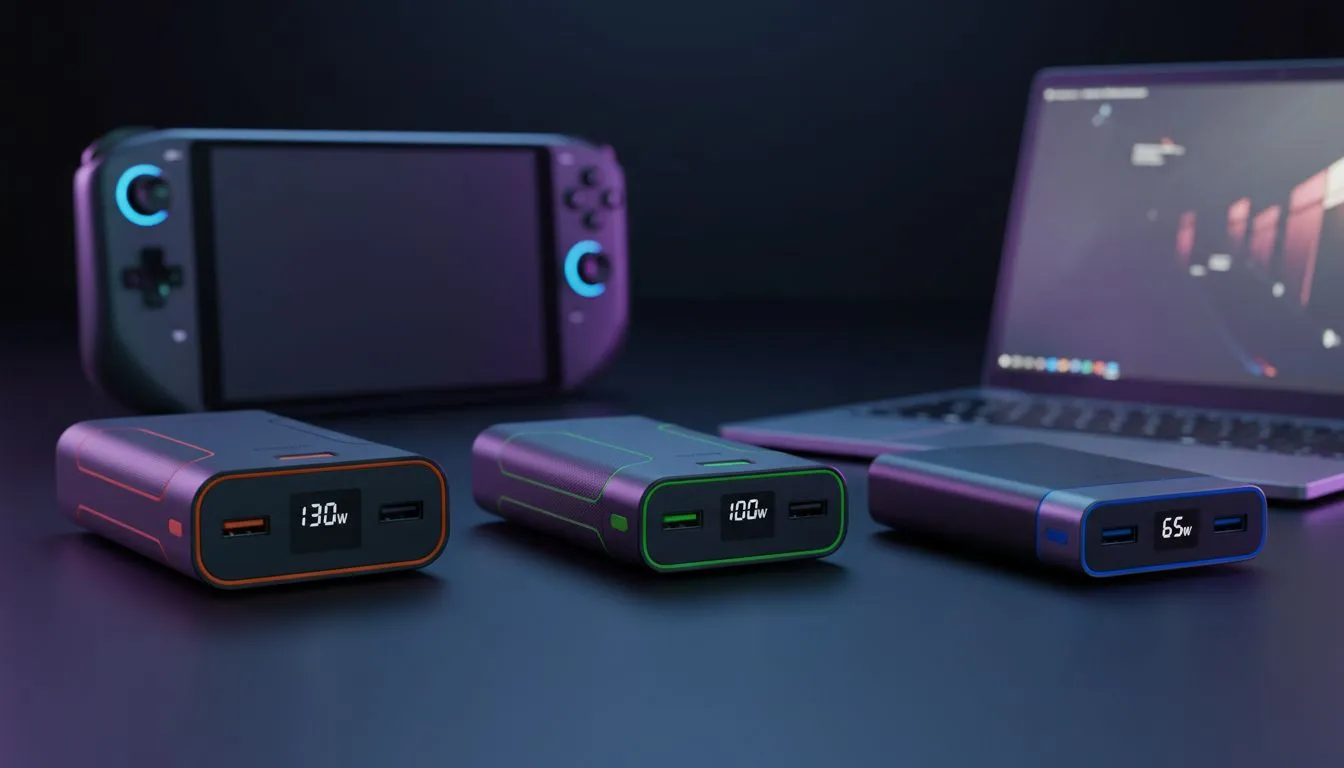
Living in South Africa means your workflow is often at the mercy of the grid. Whether you are dodging loadshedding at a local cafe or finishing a deadline during a flight to Cape Town, finding the best power bank for laptop use is no longer a luxury... it is a survival tool. But should you grab a 130W beast or a compact 65W unit? Let us break it down. ⚡
The 65W Entry Point: Portability Over Raw Power
If you use an Ultrabook, a MacBook Air, or a standard office laptop, a 65W power bank is often the most sensible starting point. These units are typically lighter and more affordable than their high-output siblings. While they might not charge a power-hungry gaming rig while you play, they are perfect for keeping your battery percentage stable during a two-hour blackout. If you are on a strict budget, you can find several affordable options under R500 that handle smaller devices and tablets with ease.
The 100W Sweet Spot: The Professional Standard
For most users, 100W represents the "Goldilocks" zone. Most modern high-end laptops, including the MacBook Pro and Dell XPS series, are designed to pull exactly 100W via USB-C Power Delivery (PD). At this wattage, you can charge your machine at full speed while simultaneously running intensive tasks like video editing or compiling code. We often recommend looking at reliable Promate power banks because they tend to offer robust safety features that protect your expensive hardware from voltage spikes. 🚀
Power Delivery Pro Tip ⚡
Always check your charging cable. Even if you have a 130W power bank, using a standard "phone" USB-C cable will often throttle your speeds to 60W or less. Ensure you use an E-marked cable rated for 100W or higher to actually see the benefits of your high-speed portable charger.
The 130W Powerhouse: For Gamers and Creators
When you are rocking a high-performance gaming laptop, 100W sometimes just is not enough. Under heavy load, a gaming GPU and CPU combo can drain the battery faster than a standard charger can replenish it. This is where 130W (or higher) units shine. They provide that extra overhead to ensure your battery actually goes up while you are mid-match in Apex Legends or Valorant. You can browse our full collection of power banks to find these high-capacity monsters that keep the frames high and the lag low.
Finding the Right Balance for Your Budget
The best power bank for laptop use is ultimately the one that fits your specific bag and budget. While the 130W units offer the most utility, they are often heavier and more expensive. If you need a solid middle ground that offers fast charging without the premium price tag of the top-tier models, there are excellent mid-range power solutions under R1200 that strike a perfect balance between capacity and cost. 🔧
Ready to Beat the Blackouts? Don't let a flat battery kill your productivity or your killstreak. Whether you need a 65W travel companion or a 130W beast, we have the stock to keep you powered up. Explore our massive range of power bank specials and find the perfect backup for your setup.











