

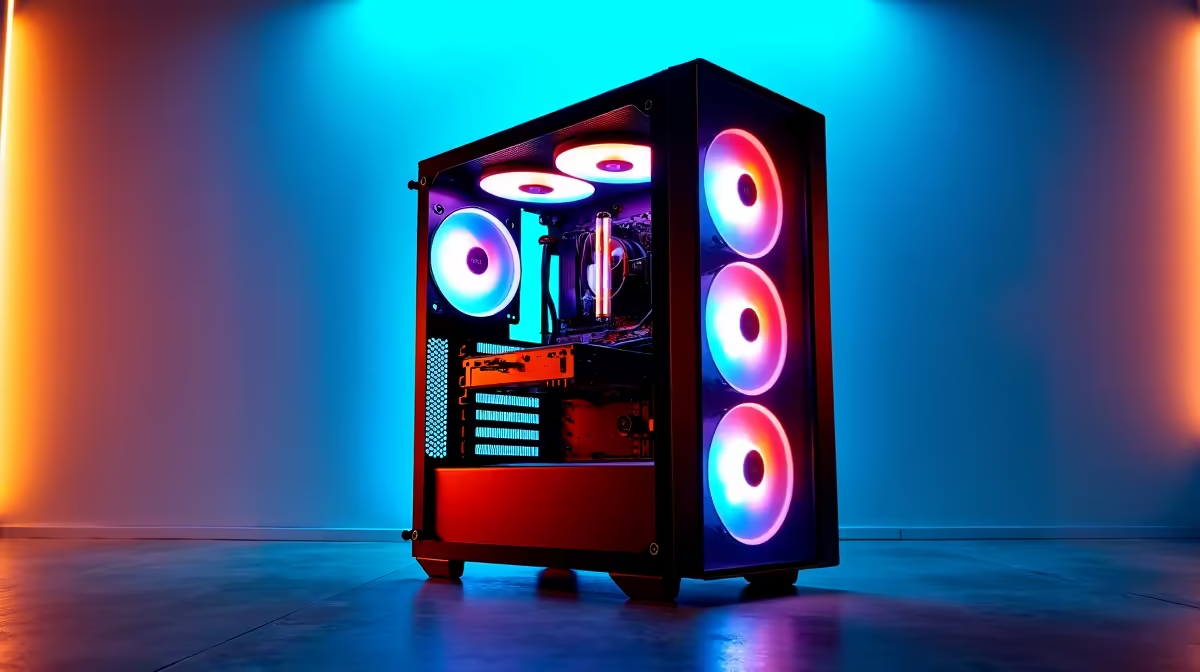
Staring at a render bar that moves slower than rush hour traffic in Jozi? We've all been there. For South African content creators, every minute spent waiting is a minute not spent creating. A sluggish PC doesn't just waste time... it kills your creative flow. That's why finding the best prebuilt PC for video editing isn't a luxury; it's an essential tool for turning your vision into reality, fast. Let's dive into the top picks for 2026.
Why a Prebuilt PC for Video Editing?
The age-old debate of building versus buying a PC can be daunting. But for a busy video editor, the answer is often simple. A prebuilt PC saves you the most valuable asset you have: time. No hunting for compatible parts, no troubleshooting mysterious boot errors. You get a professionally assembled, optimised, and warrantied machine straight out of the box. This means you can focus on your edits, not your engineering. Exploring the latest pre-built PC deals is the perfect starting point to see what's possible.
What Makes the Best Video Editing PCs Tick?
To find the right rig, you need to know what matters under the hood. For video editing in 2026, four components are absolutely critical for a lag-free experience. 🚀
The CPU: Your Rendering Engine
The Central Processing Unit (CPU) is the heart of your editing machine. More cores and higher clock speeds mean faster rendering and exporting. When your timeline is stacked with effects, a powerful CPU prevents stuttering playback, letting you see your changes in real-time. A quality processor is a cornerstone of the best prebuilt PCs for video editing.
The GPU: The Visual Powerhouse
Your Graphics Processing Unit (GPU) handles everything visual. It accelerates real-time playback of high-resolution footage (like 4K and 8K), powers complex visual effects, and can dramatically speed up your final export. A future-proof card like a conceptual AMD Radeon RX 9070 XT will handle even the most demanding colour grades and transitions with ease.
RAM: Your Creative Workspace
Think of RAM (Random Access Memory) as your desk space. The more you have, the more applications and high-resolution files you can work with simultaneously without your PC slowing to a crawl. For 4K video editing, 16GB is the bare minimum, but a system with 32GB of fast DDR5 RAM is the sweet spot for a fluid, responsive workflow.
Workflow Pro Tip ⚡
For silky smooth timeline scrubbing in Adobe Premiere Pro, navigate to Edit > Preferences > Media Cache. Make sure your cache files are stored on your fastest drive (your primary NVMe SSD) and clear them regularly to maintain peak performance.
Storage: The Need for Speed
Your storage drives dictate how quickly you can load your operating system, editing software, and project files. An NVMe Solid-State Drive (SSD) is non-negotiable for your OS and active projects. It can be thousands of times faster than a traditional Hard Disk Drive (HDD), which is now best used for long-term archiving.
Finding the Best Prebuilt PC for Your Budget
Whether you're a YouTuber just starting out or a seasoned professional, there's a perfect prebuilt PC for you. Here’s how to choose based on your needs in South Africa.
The Budget-Friendly Beast
Starting your content creation journey? You don't need to break the bank. You can find some seriously capable PCs for under R20,000 that will handle 1080p editing beautifully. These machines offer an incredible price-to-performance ratio, making them an excellent choice for aspiring creators.
The 4K Workhorse
For freelancers and small studios tackling 4K timelines and complex projects, you need a balanced and powerful system. Often, the specs that make for a great gaming PC also excel at creative work. These machines feature powerful CPUs and GPUs that tear through render queues, making many of the best gaming PC deals a fantastic choice for professional editors. ✨
The Versatile All-Rounder
Maybe your PC needs to be more than just an editing rig. If you're running a business, managing documents, and editing videos on the side, you need a machine that can do it all. Many modern home and office PCs are now equipped with components powerful enough for smooth 1080p or even light 4K editing, offering fantastic versatility.
Ready to Stop Rendering and Start Creating? Don't let a slow PC kill your creative flow. For the best performance, warranty, and value in South Africa, a professionally built system is the smart move. Explore our full range of prebuilt PC deals and find the perfect machine to bring your vision to life.











