

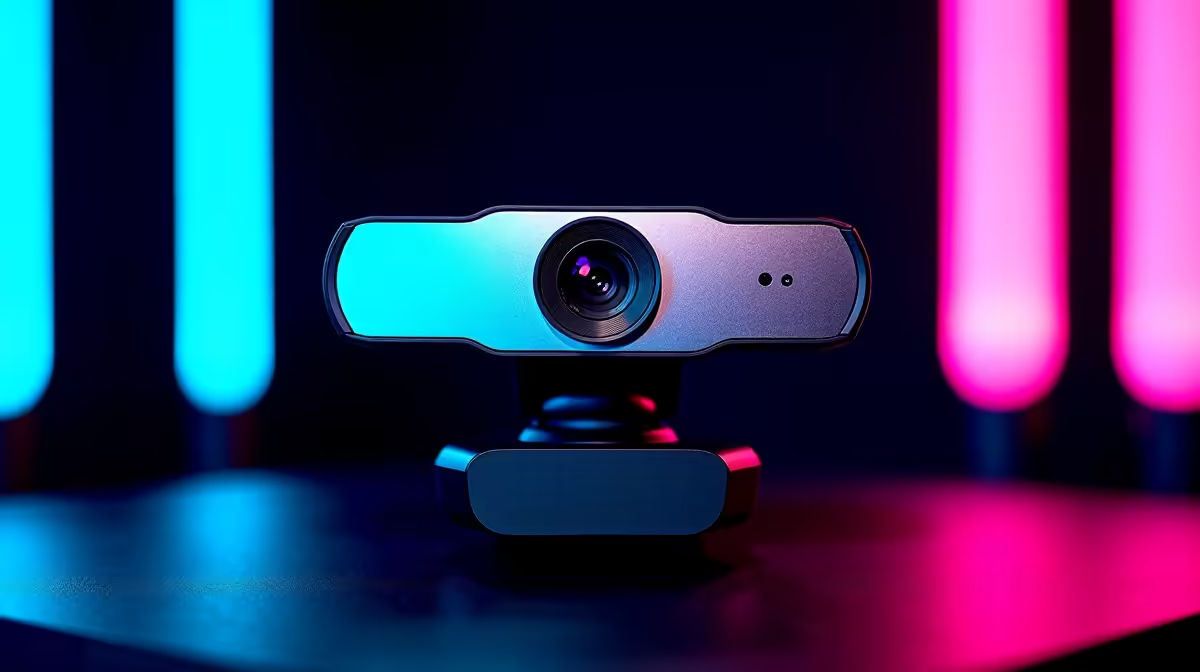
Starting a Twitch channel or upgrading your Discord calls? You need crisp video quality to stand out 📸. Finding the best professional webcam for gaming in South Africa is crucial for local streamers. Whether you are battling load shedding lighting or showing off your RGB background... a blurry 720p feed just will not cut it anymore. Let us explore what makes a streaming camera truly elite.
Resolution and Framerate Matter Most
When hunting for the best professional webcam for gaming in South Africa, 1080p at 60fps is the golden standard. Viewers want to see your quick reactions in real-time without distracting pixelation. High-end models even offer 4K resolution at 30fps. This is perfect for creators who want maximum detail.
Pushing high-quality video while running heavy titles requires serious processing power. If your rig struggles with background rendering, it might be time to upgrade. Browsing the best gaming PC deals helps you find a machine built for flawless multitasking.
Low-Light Performance for Late Streams
South African gamers know the struggle of inconsistent lighting. A top-tier professional webcam needs a large sensor to capture more light. This keeps your face well-lit even when your room is dark. You also want a wide Field of View to show off your gaming room.
If you prefer a mobile streaming setup, modern laptops for sale in South Africa often feature decent built-in cameras. However... a dedicated external USB lens will always offer superior colour depth and faster autofocus.
Lighting Pro Tip 💡
Position a soft ring light directly behind your camera. Even the most expensive professional webcam for gaming will look grainy in a dark room. Good lighting instantly boosts your video quality without costing thousands of ZAR.
Built-in Microphones vs Dedicated Audio
Your visual feed is only half the battle. While the best professional webcam for gaming in South Africa includes built-in microphones, serious streamers usually opt for a separate headset. Still, having a reliable dual-mic setup on your camera is great as a backup. It ensures your squad can always hear your callouts.
Crystal clear audio keeps viewers engaged longer than perfect video alone. If your camera mic picks up too much keyboard clatter, adjust your noise suppression settings in OBS. This simple tweak saves your audience from hearing every aggressive mechanical keystroke.
Upgrading Without Breaking the Bank
Building a stream-ready studio does not have to drain your wallet. Many popular content creators start with budget-friendly hardware and upgrade over time. If you want a plug-and-play solution that handles broadcasting perfectly, checking out our pre-built PC deals is a smart move.
To ensure your stream encodes smoothly without dropping frames, your system needs a capable GPU. NVENC encoding on modern hardware is a massive help for local streamers 🚀. You can buy graphics cards that easily handle your 1440p gameplay and high-res webcam feed simultaneously. Always keep an eye on our weekly specials to score premium streaming gear at unbeatable ZAR prices.
Ready to Upgrade Your Stream? Finding the perfect streaming camera transforms your channel from amateur to professional. Stop settling for blurry video and start connecting with your audience. Explore our massive range of PC accessories and webcams to find the perfect lens for your setup.











