


Dedicated Media Keys for Streamers: Improve Workflow Fast
Dedicated media keys give streamers one-touch control to mute, switch scenes, clip highlights, and adjust audio — cutting task time and boosting consistency 🎛️⚡
Read moreBest PUBG laptop: Learn how to choose the right model in 2026—GPU, CPU, display, RAM, storage and cooling explained so you get max FPS and value 🎮💻
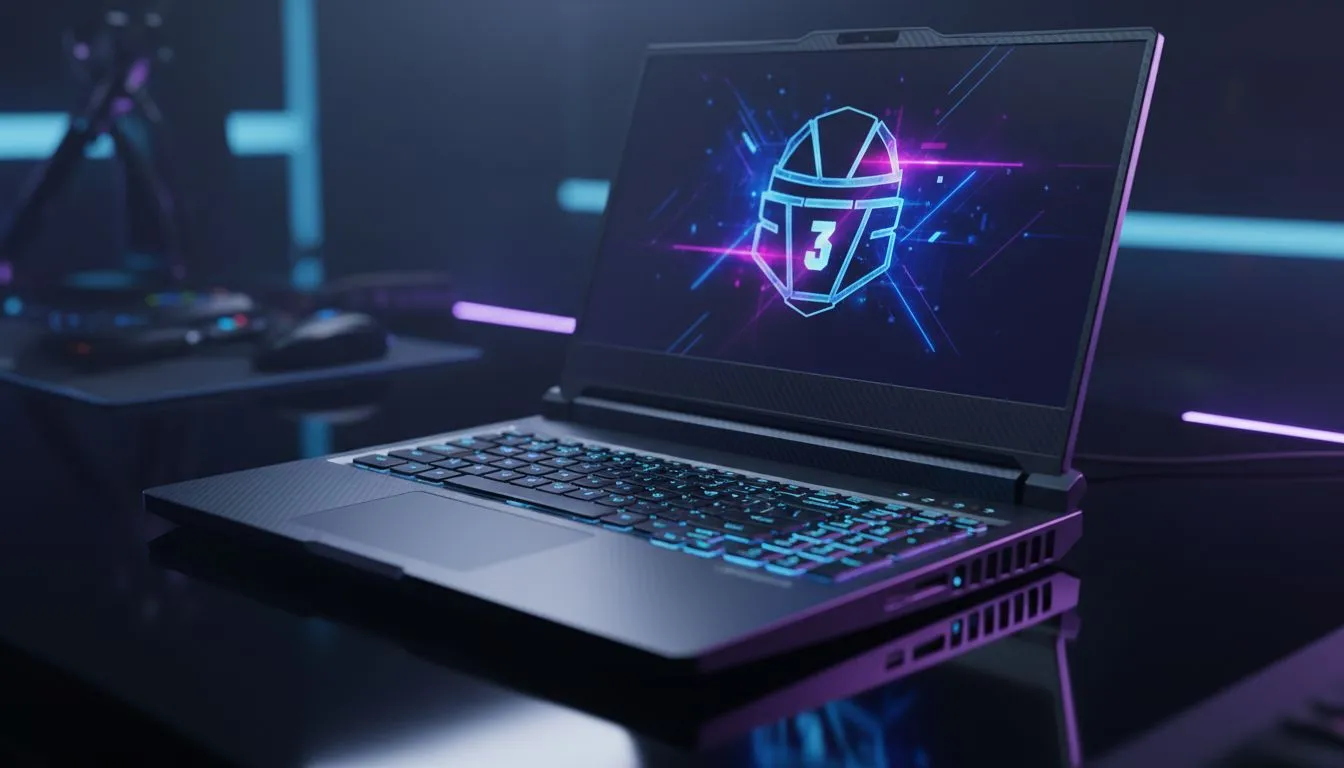
Dropping into Pochinki with high latency is a nightmare... but dropping in with stuttering frame rates is even worse. In 2026, PUBG remains the ultimate test of tactical patience and hardware reliability for South African gamers. Whether you are flanking near School or holding a bridge, your gear determines if you see the chicken dinner screen or a frustrating trip back to the lobby. 🚀
To secure that win, your hardware needs to handle rapid physics calculations and wide-open render distances without breaking a sweat. If you prefer Team Red for your mobile workstation, checking out the latest ryzen laptop deals is a smart first step. These processors offer the multi-threaded performance necessary to keep background apps like Discord running smoothly while you focus on the final circle.
PUBG is notoriously unoptimised at times, requiring a beefy CPU to maintain stable frame times. High clock speeds are your best friend when the blue zone starts closing in. Many local competitive players look for intel laptops on special to ensure they have the single-core prowess required for high-refresh-rate gaming. When every millisecond counts, you cannot afford a micro-stutter during a sniper peak.
Graphics are equally vital. To spot a ghillie suit hidden in the grass at 300 metres, you need crisp textures and excellent shadow definition. This is why most enthusiasts gravitate towards geforce rtx gaming laptops on special to leverage DLSS and AI-driven frame generation. These technologies allow you to maintain high FPS even at 1440p resolutions, giving you a distinct visual advantage over opponents using older hardware. ✨
To reduce input lag in PUBG, ensure that 'Full Screen Optimisations' are disabled in the Windows executable properties. Additionally, set your Windows Power Plan to 'Ultimate Performance' and keep your laptop plugged in to avoid the CPU downclocking during intense gunfights near the end of the match.
We know that high-end tech can be a significant investment. Fortunately, the market in 2026 has evolved to provide incredible value even at the entry level. If you are a student or a casual survivor looking to upgrade without spending a fortune, you can buy gaming laptops under r20k that still pack enough punch to run PUBG at competitive settings. Look for at least 16GB of RAM and a fast NVMe SSD to ensure your loot loads in before the enemy arrives. 🔧
Finding the right balance between portability and cooling is the final piece of the puzzle. A laptop that throttles its heat will lose performance exactly when the action gets intense. By browsing the best gaming laptop deals, you can find models with advanced thermal designs that keep your keyboard cool and your frame rates high during those long South African summer gaming sessions.
Ready to Find Your Perfect Match? The Best PUBG Laptop: 2026 Buying Guide is your first step toward total battle royale dominance. For maximum power, choice, and value in South Africa, our curated selection is hard to beat. Explore our massive range of laptop specials and find the perfect machine to conquer your world.
For laptop specs for PUBG 2026: RTX 3060/40-class GPU, 6-8 core CPU, 16GB+ RAM, NVMe SSD, and a 120Hz+ display for consistent high FPS.
Yes. A 120Hz or 144Hz laptop for PUBG reduces input lag and smooths motion; pair it with a GPU that can sustain matching FPS.
A budget PUBG gaming laptop can run at medium settings—prioritize GPU performance and cooling to get playable FPS without overheating.
Better thermal design prevents throttling. Look for vapor chamber or good fans and vents—laptop cooling for PUBG sessions improves sustained FPS.
Competitive play benefits from RTX 3070/4070-class or higher to hit stable 144+ FPS at 1080p on competitive settings for smooth gameplay.
PUBG laptop requirements 2026 recommend reserving 50–100GB for the game and updates; choose an NVMe SSD for faster load times and less stutter.
15-inch balances portability and thermals; 17-inch gives a bigger view but can run warmer—best 15-inch laptop for PUBG if you travel often.
Dedicated media keys give streamers one-touch control to mute, switch scenes, clip highlights, and adjust audio — cutting task time and boosting consistency 🎛️⚡
Read more
PBT vs ABS keycaps: Clear, local guide for South African gamers—compare feel, sound, durability and where to buy. Find the best material for your budget and playstyle 🎮🇿🇦
Read more
- Multi-Function Digital Dial: define benefits - Show gamer setups and macros - Offer buying and setup tips Multi-Function Digital Dial puts programmable control at your fingertips for faster actions and smoother streaming. 🎮⚙️
Read more
- Explain benefits; - Show the science; - Compare options; - Recommend picks. Magnetic wrist rest for gaming cuts wrist strain and boosts comfort during long sessions 🕹️✨
Read more
best gaming keyboard South Africa: Learn how to pick a low-latency mechanical keyboard, choose switches, layout and budget for competitive play 🎮⚡
Read more
Best wireless keyboard and mouse combo for small desks — curated, space-saving picks that boost comfort and productivity in tight setups. Find low-profile layouts, compact mice, and reliable range to fit your compact workstation. 🖱️⌨️
Read more
Discover webcams that automatically adjust light and color for crystal-clear video calls 🎥✨. Boost your streaming quality today!
Read more
Discover webcams that blend into your workflow 🎯 Capture moments while you work, stream, or create. Upgrade your setup with smart, multitasking tech!
Read more Dedicated media keys give streamers one-touch control to mute, switch scenes, clip highlights, and adjust audio — cutting task time and boosting consistency 🎛️⚡
Read more PBT vs ABS keycaps: Clear, local guide for South African gamers—compare feel, sound, durability and where to buy. Find the best material for your budget and playstyle 🎮🇿🇦
Read more - Multi-Function Digital Dial: define benefits - Show gamer setups and macros - Offer buying and setup tips Multi-Function Digital Dial puts programmable control at your fingertips for faster actions and smoother streaming. 🎮⚙️
Read more - Explain benefits; - Show the science; - Compare options; - Recommend picks. Magnetic wrist rest for gaming cuts wrist strain and boosts comfort during long sessions 🕹️✨
Read more