

Quick Answer
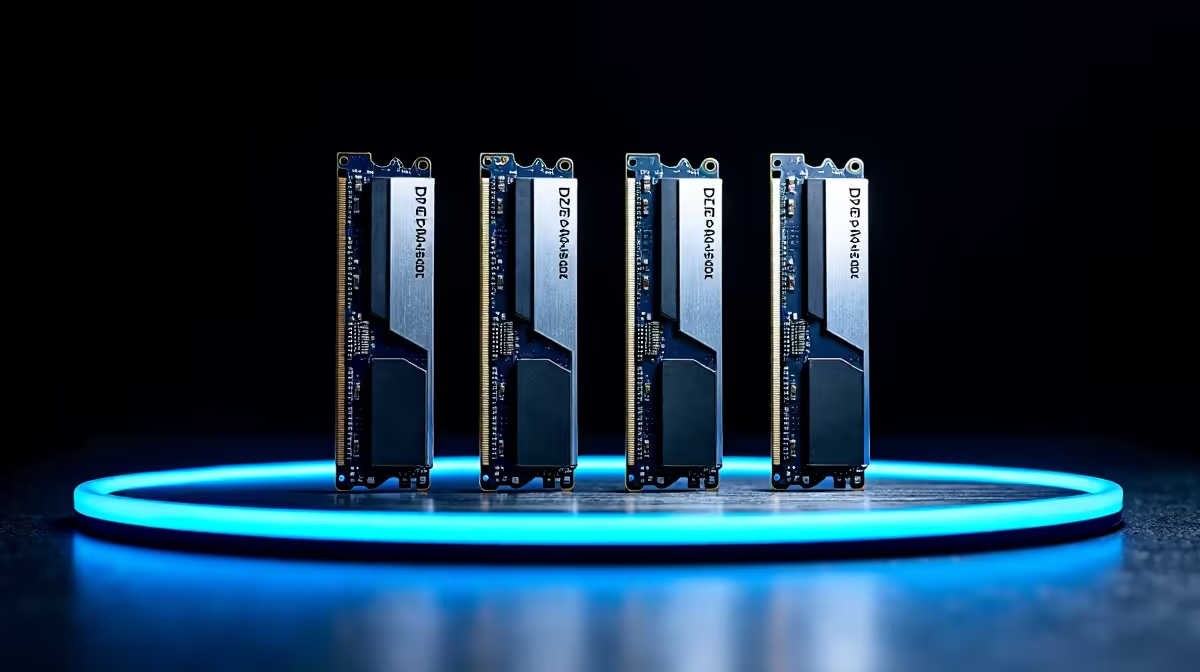
The best RAM for the Ryzen 7 9700X is a 32GB DDR5-6000 CL30 kit running 1:1 with the Infinity Fabric, with EXPO support for one-click tuning. G.Skill Flare X5, Kingston Fury Beast and Corsair Vengeance kits at this spec deliver the highest real-world performance for SA buyers.
Why DDR5-6000 CL30 Is the 9700X's Sweet Spot
Zen 5 inherits Zen 4's memory controller behaviour: it loves a clean 1:1 ratio between the memory clock (MEMCLK) and the Infinity Fabric clock (FCLK). That ratio holds reliably up to DDR5-6000 to 6400. Push to 7200 or 8000 and the controller drops to 2:1, halving FCLK efficiency and costing 5 to 10 percent in games. Tighter timings (CL30 versus CL36 at the same speed) shave another 1 to 3 percent in latency-sensitive workloads. So the magic combo is 6000 MT/s, CL30, 1.35V EXPO, 1:1 mode. Anything else is either slower or more expensive for less gain.
Top RAM Picks for the 9700X at SA Prices
The G.Skill Flare X5 32GB (2x16GB) DDR5-6000 CL30 EXPO kit lands at Evetech for around R1,799 to R2,099 and is the value champion for AMD builds. Kingston Fury Beast 32GB DDR5-6000 CL30 sits in the same range and includes optional RGB. Corsair Vengeance 32GB DDR5-6000 CL30 is roughly R1,899 to R2,299 and matches well with iCUE-themed builds. For 64GB workstation use, the G.Skill Trident Z5 Neo 64GB (2x32GB) DDR5-6000 CL30 lands around R3,899 to R4,499. All ship with full SA warranty and arrive within 1 to 3 working days nationwide.
Speed and Latency: What Actually Matters in Games
At 1440p the difference between DDR5-5200 and DDR5-6000 is roughly 4 to 7 percent in average fps and 8 to 12 percent in 1 percent lows. CL30 versus CL36 at 6000 adds another 2 to 4 percent. Total stack: a tuned 6000 CL30 kit is 8 to 12 percent faster than a baseline 5200 CL40 kit in games like Cyberpunk 2077, Hogwarts Legacy and Starfield. In productivity (Blender, code compile, 7-zip), the gap is smaller, around 3 to 5 percent. RAM is one of the highest ROI tweaks on a 9700X build.
32GB Versus 64GB: Pick Based on Workload
For pure gaming and mainstream content creation, 32GB is the right call in 2026. Games are creeping toward 16GB usage but rarely exceed 20GB even with mods. 64GB makes sense if you stream while gaming with multiple OBS sources, run VMs, edit 4K timelines in DaVinci Resolve, or compile large codebases. A 64GB kit at 6000 CL30 is harder to find and adds R1,800 to R2,400 over 32GB. For NSFAS-funded student builds, stick with 32GB and put the savings into storage or a better GPU.
Frequently Asked Questions
Will faster RAM than 6000 MT/s help my 9700X?
Only marginally and only if you manually tune FCLK. Out of the box, kits at 6400 to 8000 MT/s on Zen 5 default to 2:1 mode and lose performance versus a 6000 CL30 1:1 kit. If you want to chase 6400 CL32 with manual FCLK at 2133, you can claw back 1 to 2 percent, but it is not worth the time for most users.
Do I need EXPO or will XMP work on AMD?
EXPO is AMD's profile format, XMP is Intel's. Most kits now ship with both profiles baked into the SPD. If a kit is EXPO certified, it will boot at rated speed on a 9700X with one toggle in BIOS. XMP-only kits usually still work but may need manual voltage or timing tweaks.
How does RAM choice affect loadshedding-era stability?
Quality kits with proper PMIC voltage regulation handle dirty power transitions better than budget kits. Pair your build with a UPS or inverter, and kits like Kingston Fury Beast and G.Skill Flare X5 will boot cleanly even after a hard outage. Cheap unbranded kits often lose POST after rapid cycles.
Ready to Find Your Perfect Match? Build your 9700X dream rig with the right memory and CPU combo, all in stock and ready to ship across SA. Shop AMD Processors and Components











