

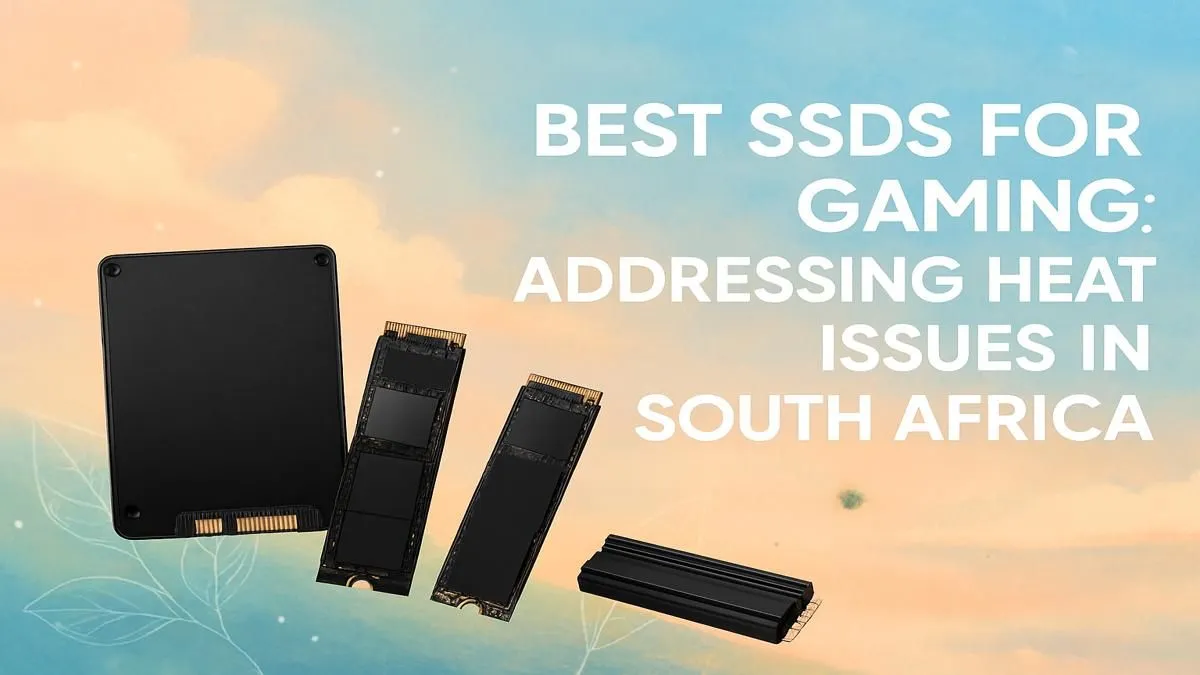
Tired of load screens that last longer than a braai? In the South African heat, your PC can feel the strain, and slow storage is often the culprit. Finding the best SSD for gaming in South Africa isn't just about speed; it's about reliability when the temperature climbs. Let's dive into the top drives for 2025 that will keep your games running smoothly, from Cape Town to Polokwane, without breaking a sweat. ⚡
Why Your Gaming Rig Needs a Top-Tier SSD
Let's be honest, nobody enjoys being the last person to load into a Warzone or Apex Legends match. A traditional hard disk drive (HDD) just can't keep up with the demands of modern games. Upgrading to a Solid State Drive is one of the most significant performance boosts you can give your PC. We're talking about more than just faster game loading; your entire system becomes more responsive. Windows boots in seconds, applications open instantly, and in-game textures stream seamlessly, eliminating that annoying stutter. A quality SSD is the foundation of a modern gaming rig.
Choosing Your Weapon: NVMe vs. SATA SSDs
When you start browsing for the best SSD for gaming, you'll see two main types: SATA and NVMe. Think of it like this: a SATA SSD is a seriously fast sports car, but an NVMe SSD is a Formula 1 rocket. 🚀 While both are a massive leap from an old HDD, NVMe (Non-Volatile Memory Express) drives plug directly into your motherboard's PCIe slot, giving them a direct line to your CPU. This results in jaw-dropping read/write speeds, perfect for loading massive open-world games or transferring large files. For a new build or a serious upgrade, exploring some blazing-fast NVMe SSDs is the way to go.
Beat the Loadshedding Lag and Summer Heat
South African summers are no joke, and your PC components feel it too. High temperatures can cause an SSD to "thermal throttle," which means it slows down to protect itself from overheating. This is why finding the best SSD for gaming in South Africa also means considering its cooling. Many high-performance NVMe drives come with their own heatsinks, which are small metal covers designed to dissipate heat effectively. This ensures you get consistent, top-tier performance even during a marathon gaming session on a 35°C day.
Cool Runnings Pro-Tip
Check your motherboard's manual! Many modern boards have built-in M.2 heatsinks. Using one can drop your drive's temperature by 5-10°C, preventing throttling during those intense summer gaming sessions.
Finding the Best Gaming SSD on a South African Budget
We get it—building a powerful rig means balancing performance and price. The good news is that SSD prices have become incredibly competitive. You don't always need the absolute fastest, most expensive drive on the market to see a massive improvement. A solid Gen4 NVMe drive often hits the sweet spot for price-to-performance, offering more than enough speed for any current game. It's always a good idea to check out our latest SSD deals to find a great drive that won't break the bank. And if you need a quick boost for your console or laptop, don't forget that speedy and portable external SSDs are also a fantastic option. ✨
Ready to Upgrade Your Game? Stop waiting and start playing. Explore our massive range of SSDs and find the perfect drive to match your rig and your budget for performance that leaves lag in the dust.








