

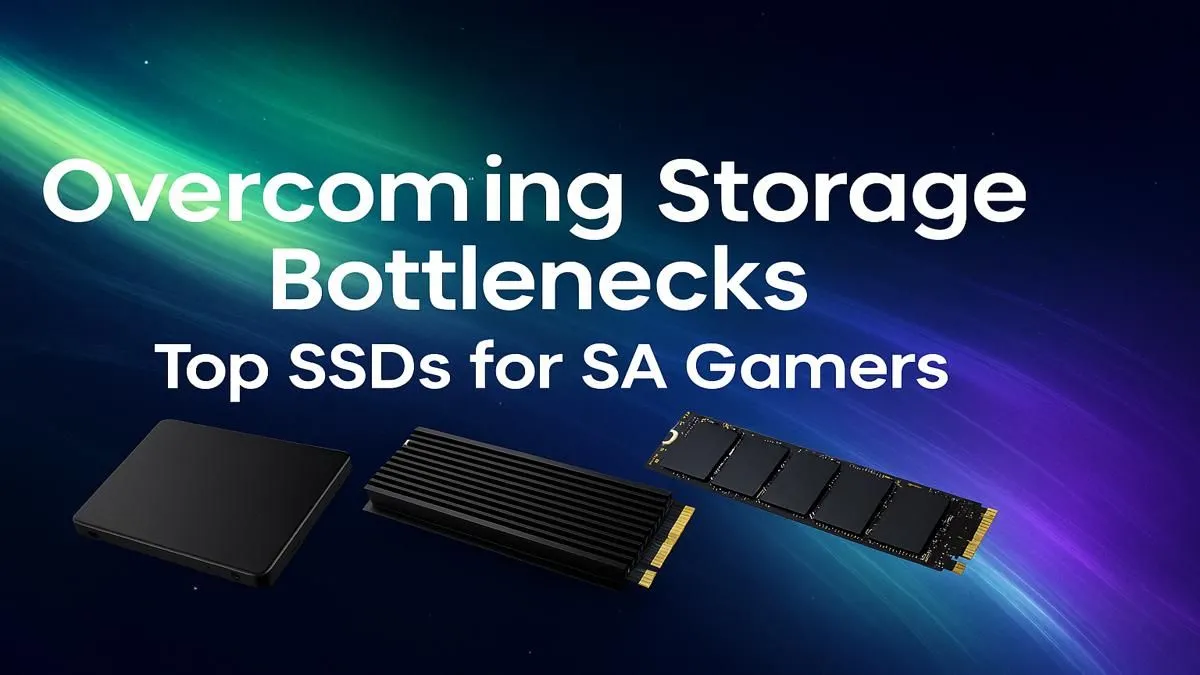
Tired of watching a loading bar while your mates are already dropping into the hot zone? We've all been there. That agonising wait is a relic of the past. For South African gamers, upgrading to the right storage isn't just a luxury... it's a competitive edge. Finding the best SSD for gaming in South Africa is the single biggest upgrade you can make to annihilate load times and get back in the action. ⚡
Why Your Hard Drive is Holding Your Gaming Rig Hostage
Let's be honest, that old spinning hard disk drive (HDD) in your rig is ancient technology. Think of it like a library where a mechanical arm has to physically find a book. An SSD, on the other hand, is like a super-fast digital index... it finds the data almost instantly.
Modern games like Starfield and Cyberpunk 2077 are massive, constantly streaming textures and assets. An HDD just can't keep up, leading to stuttering, texture pop-in, and those infuriatingly long load screens. Upgrading to one of the many modern solid-state drives is the most noticeable performance boost you can give your PC, often feeling more impactful than a CPU upgrade.
Choosing Your Weapon: NVMe vs. SATA SSDs
When you start shopping, you'll see two main types: SATA and NVMe. Understanding the difference is key to finding the best gaming SSD for your specific needs and budget.
SATA SSDs: The Reliable Workhorse
SATA SSDs are the original upgrade path from HDDs. They use the same connector and are typically housed in a 2.5-inch casing. While they are significantly faster than any hard drive, they are the slower of the two SSD types. They're a fantastic, budget-friendly choice for storing your OS and older games, or for breathing new life into an older laptop or PC.
NVMe M.2 SSDs: Absolute Speed Demons 🚀
This is where the real magic happens. NVMe (Non-Volatile Memory Express) drives use the M.2 form factor, plugging directly into your motherboard. By bypassing the old SATA interface, they achieve mind-blowing read and write speeds. For gamers, this means Windows boots in seconds, and massive open-world games load in a flash. If you're building a new rig or want peak performance, you should be looking at the range of blazing-fast NVMe SSDs.
🔧 Check Your Motherboard First!
Before you splash out on a super-fast NVMe drive, double-check your motherboard's manual or product page online to confirm it has a compatible M.2 slot. Some boards have one, others have multiple, and older ones might have none.
Key Specs for the Best Gaming SSD in South Africa
Beyond the type, a few key numbers will help you choose the perfect drive. Don't get lost in the jargon; focus on what matters for a great gaming experience.
- Capacity: Games aren't getting any smaller. A 500GB drive is a decent start for your OS and a few favourite titles, but 1TB is the sweet spot for most gamers in South Africa. If you have a massive library, 2TB or even 4TB drives are becoming much more affordable.
- Read/Write Speeds: Measured in megabytes per second (MB/s). Higher numbers are better. A good NVMe drive will boast speeds over 3,000 MB/s, while a SATA SSD will top out around 550 MB/s. This speed directly impacts how fast your games and levels load.
- Price (ZAR): Ultimately, your budget decides. The good news is that SSD prices have dropped dramatically. You can often find a high-performance 1TB NVMe drive for a fantastic price. It's always a good idea to explore our full range of SSDs to compare specs and find a model that fits your wallet.
Don't Forget External SSDs for Console & On-the-Go Gaming
Your PC isn't the only thing that can benefit from an SSD upgrade. If your PS5 or Xbox Series X/S internal storage is full, a fast external SSD is the perfect solution for storing and playing last-gen titles without clogging up your primary drive. They're also brilliant for laptop gamers or anyone who needs to move large files quickly. A collection of quality portable external SSDs can be a lifesaver for your digital library. ✨
Ready to End Load Times for Good? Stop waiting and start playing. An SSD is the most satisfying upgrade you'll make, and we've got the perfect drive for your rig and budget. Check out the latest SSD deals at Evetech for performance that leaves lag in the dust.








