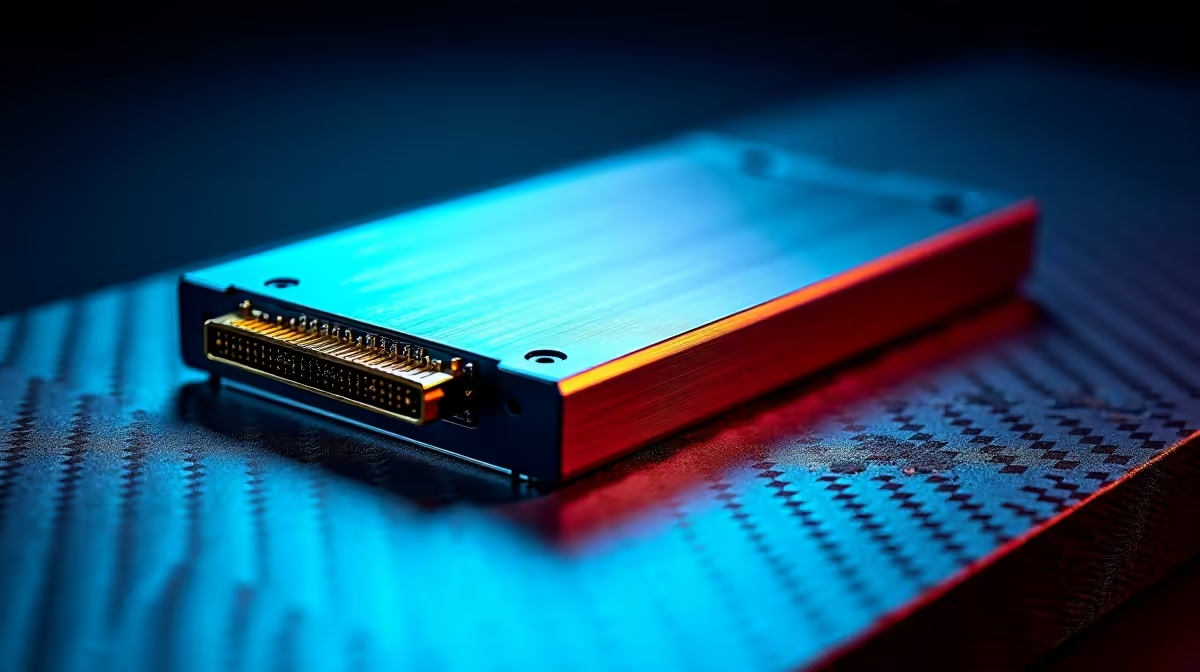
Staring at a stuttering timeline while your PC gasps for air? Editing 4K or 8K ProRes footage can bring even a powerful rig to its knees. The culprit is often your storage. The truth is, finding the best SSDs for 4K/8K video editing isn't just an upgrade; it's a necessity for a smooth, professional workflow in 2025. Let's get you back to creating, not waiting. 🎬
Why Your Hard Drive Can't Handle a Modern Video Workflow
That old spinning hard drive (HDD) just wasn't built for the massive bitrates of today's video files. Think of it like trying to drink a firehose through a straw. An HDD might read data at 150MB/s on a good day, while a single stream of 4K ProRes 422 HQ footage needs a sustained speed of around 110MB/s. Add multiple streams, effects, and colour grades, and that HDD immediately becomes a bottleneck, causing dropped frames and frustrating lag.
This is where modern SSDs make all the difference. By ditching mechanical parts for flash memory, they deliver the instant-access, high-throughput performance your editing software craves.
Key Specs for the Best Video Editing SSDs
When you're shopping for an SSD for video editing, a few key specs matter more than anything else. Don't just look at the biggest number on the box; understand what they mean for your unique workflow.
NVMe vs. SATA: The Speed Difference
For your primary drive—the one holding your operating system, software, and active project files—NVMe is non-negotiable. These drives plug directly into your motherboard's PCIe slot, bypassing the older, slower SATA interface. The result? Mind-blowing speeds that can be over 10 times faster than a SATA SSD. For a truly responsive editing experience, browse Evetech's range of cutting-edge NVMe SSDs.
Sustained Speeds and Capacity
Peak speed is great for marketing, but sustained read/write speed is what matters for video editors. This is the drive's ability to maintain high speeds over long periods, like when you're rendering a 30-minute 8K timeline. Look for drives that explicitly mention high sustained performance. For capacity, 1TB is the absolute minimum in 2025. We strongly recommend 2TB or even 4TB drives to comfortably house your OS, apps, and several large projects without constantly running out of space.
ProRes Workflow Tip ⚡
In Adobe Premiere Pro or DaVinci Resolve, configure your Media Cache and Scratch Disks to point to your fastest NVMe SSD. This separates cache files from your OS and project files, dramatically improving timeline scrubbing and rendering speeds. Don't let your OS drive handle everything!
Building Your ProRes Workflow: Internal vs. External
A professional workflow often uses multiple drives for different tasks. Finding the best SSD for your 4K/8K video editing setup means understanding these roles and optimising for each one.
- Internal Drive: This is your speed demon. A high-capacity NVMe SSD should be the heart of your system. It runs your OS, your editing suite (Premiere Pro, DaVinci Resolve, Final Cut Pro), and holds your active project files and cache. Check out our full range of high-performance internal solid-state drives to find the perfect core for your rig.
- External Drive: For storing your raw footage, completed projects, and transferring assets, a fast external SSD is essential. Look for models with Thunderbolt or USB 3.2 Gen 2x2 connections to ensure you're not waiting forever for files to copy. These portable external SSDs are perfect for working on the go or collaborating with a team. 🚀
Finding the Best SSD Deals in South Africa 🇿🇦
Top-tier storage can feel like a big investment, but it pays for itself in saved time and reduced frustration. A faster drive means faster renders, quicker exports, and more projects completed. Here in South Africa, you don't have to break the bank to get the performance you need. We're constantly working to bring you incredible value on the latest tech, so be sure to check out the latest SSD deals and give your editing rig the speed boost it deserves.
Of course, the fastest SSD on the planet needs a powerful machine to keep up. If your entire editing rig is feeling a bit sluggish, a storage upgrade might only be part of the solution.
Ready for a Full System Overhaul?
A lightning-fast SSD is key, but for a truly seamless 4K/8K workflow, every component matters. For maximum power, choice, and value in South Africa, a custom-built PC is hard to beat. Explore our massive range of laptop and PC specials and find the perfect machine to conquer your next project.