


You're exploring the neon-drenched streets of Night City or the vast, untamed wilds of Elden Ring's Lands Between. The world is breathtaking... until a blurry, low-res building pops into view right in front of you. This is texture popping, and it's the ultimate immersion killer. The good news? The fix is simpler than you think. Upgrading to one of the best SSDs for open-world games will ensure your virtual worlds load as fast as you can explore them.
Understanding Texture Popping: Why Your Old Drive Can't Keep Up
That jarring moment when a detailed texture suddenly appears on a previously muddy-looking object is your PC screaming for help. Texture popping happens when your storage drive can't feed the game's assets to your graphics card quickly enough.
Traditional Hard Disk Drives (HDDs), with their spinning platters and moving read/write heads, are ancient tech in gaming terms. They simply can't find and deliver the massive, high-resolution files that modern open-world games constantly need to stream. This data bottleneck is what causes the pop-in. A switch to modern solid-state drives is the single most effective upgrade to solve this. 🚀
NVMe vs. SATA: Choosing the Best SSD for Open World Dominance
Not all SSDs are created equal. While any SSD is a huge leap from an HDD, the real magic for seamless open-world gaming lies with NVMe (Non-Volatile Memory Express) technology.
Think of a SATA SSD as a reliable single-lane road... it's fast, but it has its limits. An NVMe SSD, which plugs directly into your motherboard's M.2 slot, is a multi-lane super-highway. It offers dramatically higher bandwidth and lower latency, allowing your system to pull massive amounts of data almost instantly. This raw speed is exactly what games like Starfield and Cyberpunk 2077 crave, making blazing-fast NVMe SSDs the top choice for eliminating texture pop-in for good.
Check Your Motherboard! 🔧
Before you buy a new NVMe drive, quickly check your motherboard's specifications. You'll need a free M.2 slot. Also, check which PCIe generation it supports (e.g., PCIe 3.0, 4.0, or 5.0). While a newer Gen4 drive will work in a Gen3 slot, you'll be limited to Gen3 speeds. Matching the drive to your board's capability ensures you get every bit of performance you paid for.
What to Look For: Finding the Right Gaming SSD
When you're ready to upgrade, a few key specifications matter most for getting the best gaming experience. Don't get lost in the jargon; focus on these three things:
Read Speeds and Capacity
Sequential read speed (measured in MB/s) is the key metric. The higher the number, the faster your game can load levels and stream textures. For 2025 and beyond, aim for an NVMe drive with read speeds over 3,500MB/s. In terms of capacity, with games regularly exceeding 100GB, a 1TB SSD is the new minimum. A 2TB drive gives you comfortable breathing room for your OS, favourite games, and future installs. ✨ With so many options, it's smart to browse through our wide range of SSDs to find the perfect balance of speed and size for your budget.
Finding the Sweet Spot for Your Wallet
Top-tier performance doesn't always have to break the bank. PCIe 4.0 drives from reputable brands like Crucial, Samsung, and Kingston often hit the perfect price-to-performance ratio. You can get incredible speeds that will crush texture popping without paying the premium for cutting-edge PCIe 5.0 models. It's always a good idea to check out the latest SSD deals, as you can often snag a fantastic drive for a great price in ZAR.
Can External SSDs Stop Texture Popping?
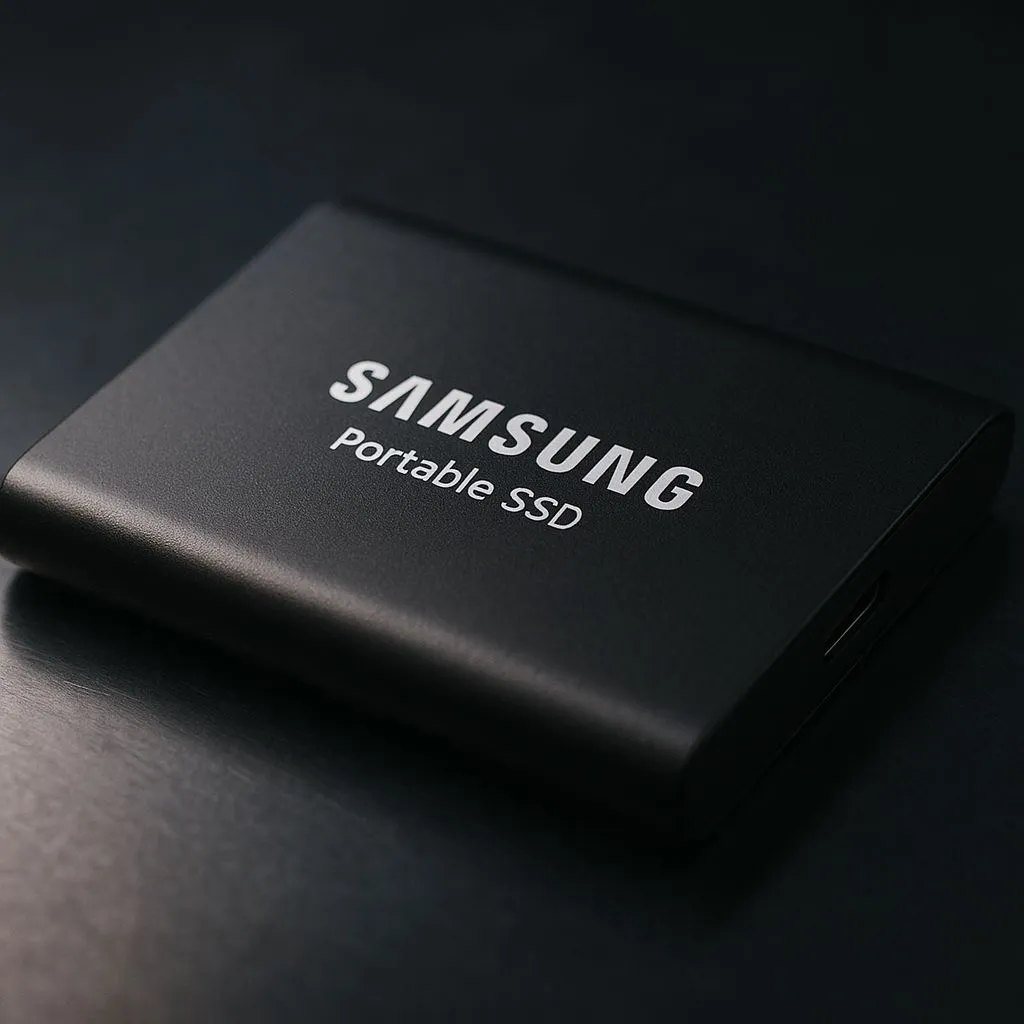
What if you're on a laptop or need to expand your console storage? Can an external drive do the job? Yes, to an extent. Modern high-speed external SSDs using USB 3.2 or Thunderbolt are significantly faster than any external HDD and can definitely improve loading times. However, for your primary operating system and your most-played open-world titles, an internal NVMe SSD will always provide the absolute best, most consistent performance.
Ready to End Texture Pop-In for Good? Don't let a slow drive ruin another epic adventure. Upgrading your storage is the key to a smooth, immersive experience. Explore our massive range of SSDs and find the perfect drive to make your game worlds load instantly.









