Staring at a loading screen while your mates are already screaming down the main straight at Kyalami? We've all been there. In modern titles like Forza Horizon 5 or Assetto Corsa Competizione, that delay isn't just your CPU... it's often your storage. Upgrading to one of the best SSDs for racing games isn't just a small tweak; it’s like adding a turbocharger to your entire gaming experience, getting you on the track faster. 🏁
Why Your Old Drive is a Speed Bump
Racing games have evolved. They no longer just load a track once; modern games constantly stream high-resolution textures, car models, and environmental details from your drive in real-time. An old-school hard disk drive (HDD) with its moving parts simply can't keep up, leading to texture pop-in, micro-stutters, and those painfully long initial load times. A switch to modern solid-state drives eliminates this physical bottleneck entirely.
NVMe vs. SATA: Choosing Your Engine Class 🚀
Think of SSDs as having two main performance classes: SATA and NVMe. A SATA SSD is like a finely tuned V8 touring car – incredibly fast compared to an HDD and a fantastic upgrade for any gamer. It connects via the same old cable your HDD used.
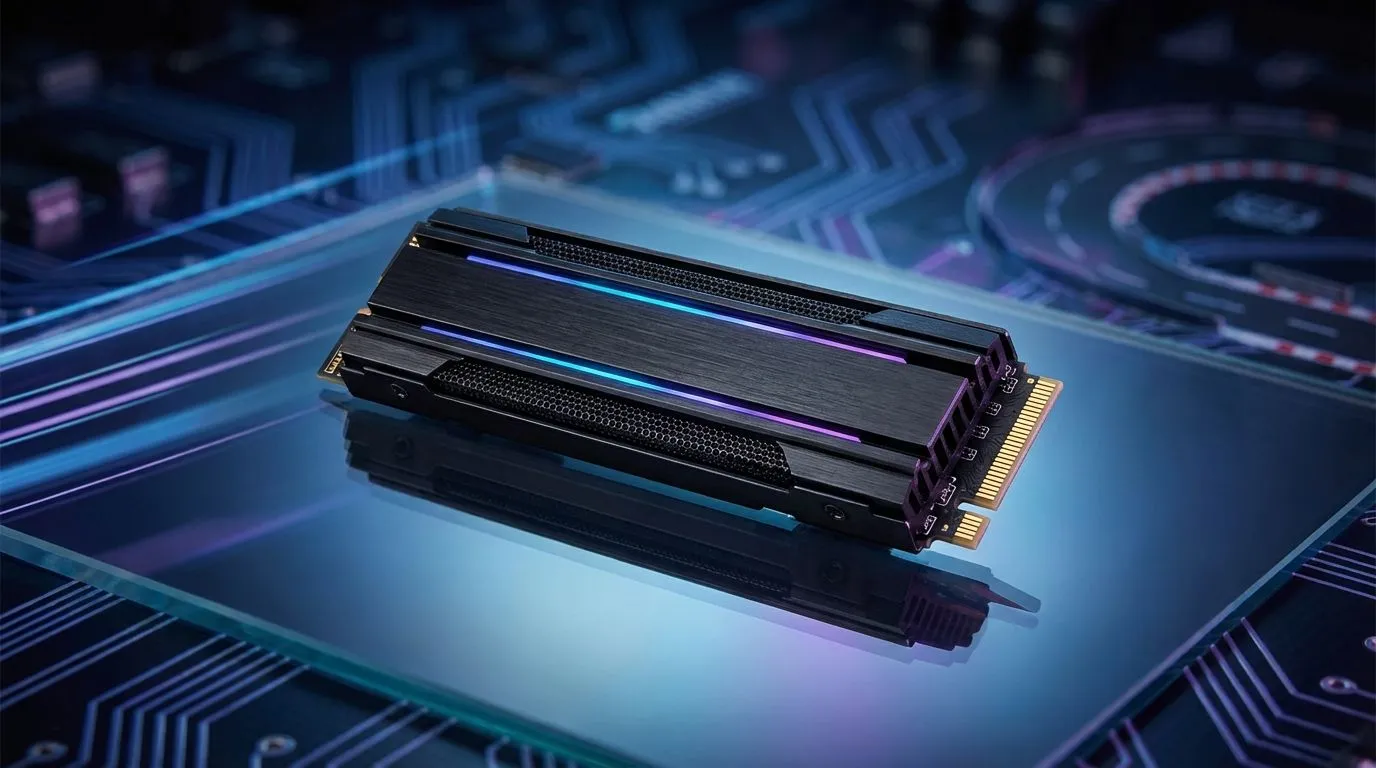
An NVMe SSD, however, is a Formula 1 car. It plugs directly into your motherboard's M.2 slot, accessing PCIe lanes for mind-blowing speeds that leave SATA in the dust. For the absolute quickest load times and the most responsive open-world experience, exploring our range of blazing-fast NVMe SSDs is the way to go.
Check Your M.2 Slot! 🔧
Before buying an NVMe SSD, check your motherboard's manual. Make sure you have a free M.2 slot and confirm whether it supports PCIe Gen3 or the even faster Gen4. Using a Gen4 drive in a Gen3 slot will work, but it will be limited to Gen3 speeds. This ensures you get the performance you paid for!
What to Look For in a Top-Tier Racing SSD
When you're shopping, a few key specs matter more than others for gaming.
Sequential Read Speed
This is the big one. Measured in megabytes per second (MB/s), this number tells you how quickly the drive can read large files... like a game's level data. Higher is always better for slashing those loading times.
Capacity is King
With games like Microsoft Flight Simulator (another vehicle sim that loves fast storage) and racing titles easily topping 100GB, a 500GB drive fills up fast. A 1TB or 2TB SSD is the sweet spot, giving you enough space for your operating system, your favourite racing sims, and a few other games. Even portable options like an external SSD are great for expanding a console's storage.
Finding the Best SSD Deals in South Africa
You don't need to spend a fortune to get a massive performance boost. While the top-of-the-line NVMe drives command premium prices, even a budget-friendly SATA SSD will transform your gaming rig. The key is to find the right balance of speed, capacity, and price for your needs. To get the most bang for your buck, it’s always a good idea to keep an eye on the best SSD deals available locally.
Ultimately, choosing the best SSD for your racing setup is about eliminating waiting and maximising playtime. By understanding the difference between drive types and focusing on read speeds, you can make a smart investment. To see what's available right now, you can browse our complete collection of SSDs and find the perfect fit for your PC. ✨
Ready to Leave Loading Screens in the Dust?
An SSD upgrade is one of the most impactful changes you can make to your PC. Stop waiting and start racing. Explore our massive range of high-speed SSDs and find the perfect drive to put you in pole position.