


Dedicated Media Keys for Streamers: Improve Workflow Fast
Dedicated media keys give streamers one-touch control to mute, switch scenes, clip highlights, and adjust audio — cutting task time and boosting consistency 🎛️⚡
Read moreBest student laptop for Rocket League: compare lightweight, battery-smart, and budget picks that let you study, stream, and win matches. Top configurations and buying tips inside. 🎮📚
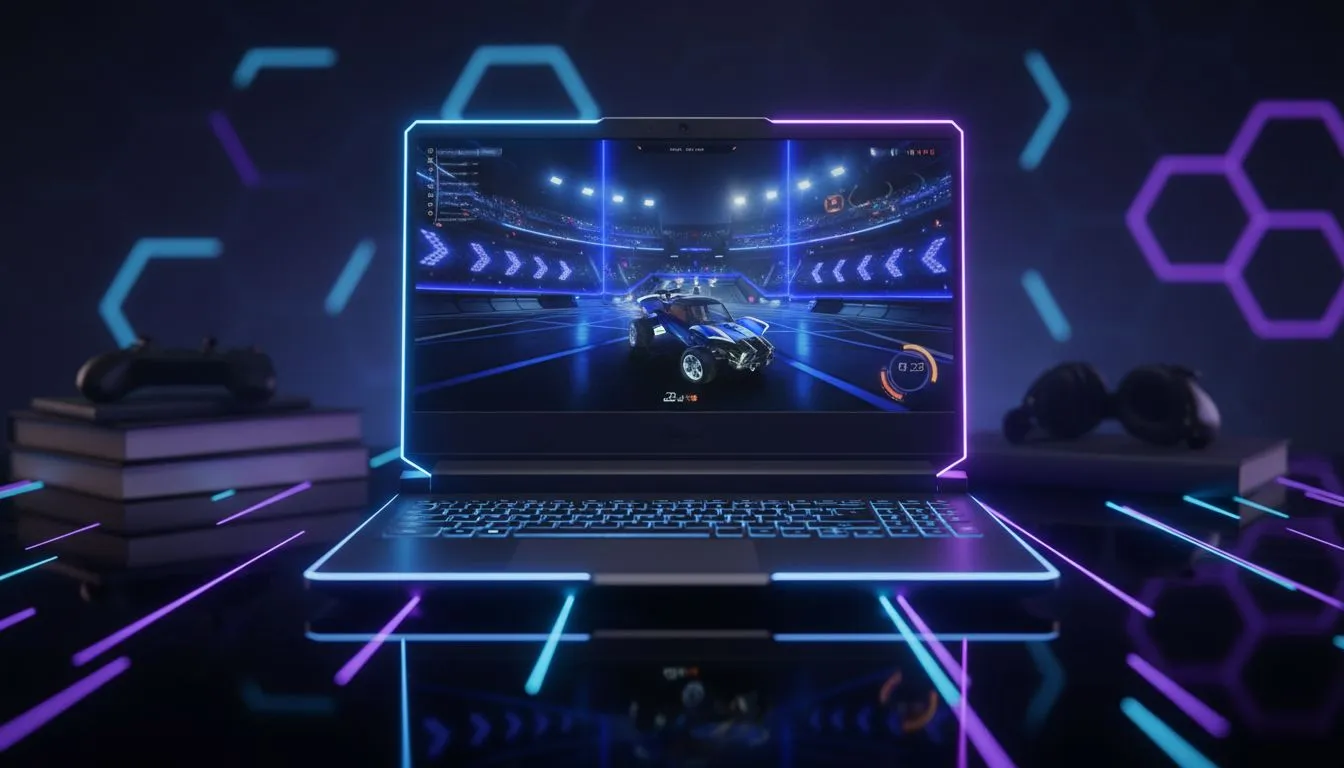
Being a student in South Africa is a massive balancing act. You need to crush your assignments during the day but want to hit Grand Champion in Rocket League by night. Finding the best student laptop for Rocket League means balancing portability for campus with enough GPU grunt for those high-aerial plays. You need a machine that handles Excel and Unreal Engine without breaking the bank.
Rocket League is well-optimised... it does not require a supercomputer to run. However, the best student laptop for Rocket League should offer a smooth experience. A solid processor is the starting point for any study machine. You can find many Intel laptops on special that provide excellent single-core performance. This is vital for maintaining high frame rates in physics-based games. 🎓
University fees and textbooks are expensive. We understand that budget is a primary concern. Many students look for gaming laptops under R20k to get the best value. These machines usually feature mid-range GPUs. They handle daily research and late-night gaming sessions with ease. You get the benefit of a dedicated graphics card without a massive price tag.
When playing Rocket League on a laptop, always use a wired Ethernet connection if possible. Even the best Wi-Fi can have "ghost hits" or latency spikes. If you are in a res room, a cheap USB-to-Ethernet adapter can be the difference between a win and a salty loss.
Battery life is another crucial factor for local students. Load shedding or long lectures can drain your power quickly. This is where modern architecture helps. Looking at Ryzen laptop deals is a smart move for those who need efficiency. These chips tend to run cooler. They offer great multi-threaded performance for video editing or coding projects. ⚡
If you are serious about ranking up, 60Hz might not be enough. The best student laptop for Rocket League often features a 144Hz display. To drive those frames, you need a capable GPU. Checking out GeForce RTX gaming laptops on special will show you machines that support DLSS. This technology helps keep your frame rates stable during intense 3v3 matches. 🚀
Choosing your next PC is about more than just specs. It is about finding a reliable partner for your degree. We regularly update our best gaming laptop deals to ensure South African students get the latest tech. Whether you are studying engineering or accounting... having a fast laptop makes everything easier. ✨
Ready to Find Your Perfect Match? The balance between study and play is tough, but the right hardware makes it easier. Explore our massive range of laptop specials and find the perfect machine to conquer your degree and the Rocket League arena.
Choose a laptop with a GTX 1650/RTX 3050 class GPU, 8–16GB RAM, SSD, and good battery life to balance Rocket League and studying.
Not always. Integrated graphics can run Rocket League at lower settings, but a GTX 1650 or better ensures smooth FPS and stability.
Aim for 16GB if you multitask with browser tabs and study apps; 8GB is the minimum for casual play and light schoolwork.
Prioritise CPU/GPU balance, SSD storage, 60–144Hz display, good battery life, and a comfortable keyboard for study sessions.
Yes — many budget laptops with a GTX 1650 or entry-level RTX can run Rocket League at 60+ FPS on medium settings.
Student laptops that balance gaming and study typically reach 6–10 hours of light use; gaming will reduce that to 1–3 hours.
Lower resolution, turn off advanced shadows, and use medium textures. Update GPU drivers and enable high performance mode.
Dedicated media keys give streamers one-touch control to mute, switch scenes, clip highlights, and adjust audio — cutting task time and boosting consistency 🎛️⚡
Read more
PBT vs ABS keycaps: Clear, local guide for South African gamers—compare feel, sound, durability and where to buy. Find the best material for your budget and playstyle 🎮🇿🇦
Read more
- Multi-Function Digital Dial: define benefits - Show gamer setups and macros - Offer buying and setup tips Multi-Function Digital Dial puts programmable control at your fingertips for faster actions and smoother streaming. 🎮⚙️
Read more
- Explain benefits; - Show the science; - Compare options; - Recommend picks. Magnetic wrist rest for gaming cuts wrist strain and boosts comfort during long sessions 🕹️✨
Read more
best gaming keyboard South Africa: Learn how to pick a low-latency mechanical keyboard, choose switches, layout and budget for competitive play 🎮⚡
Read more
Best wireless keyboard and mouse combo for small desks — curated, space-saving picks that boost comfort and productivity in tight setups. Find low-profile layouts, compact mice, and reliable range to fit your compact workstation. 🖱️⌨️
Read more
Discover webcams that automatically adjust light and color for crystal-clear video calls 🎥✨. Boost your streaming quality today!

Discover webcams that blend into your workflow 🎯 Capture moments while you work, stream, or create. Upgrade your setup with smart, multitasking tech!
Dedicated media keys give streamers one-touch control to mute, switch scenes, clip highlights, and adjust audio — cutting task time and boosting consistency 🎛️⚡
PBT vs ABS keycaps: Clear, local guide for South African gamers—compare feel, sound, durability and where to buy. Find the best material for your budget and playstyle 🎮🇿🇦
- Multi-Function Digital Dial: define benefits - Show gamer setups and macros - Offer buying and setup tips Multi-Function Digital Dial puts programmable control at your fingertips for faster actions and smoother streaming. 🎮⚙️
- Explain benefits; - Show the science; - Compare options; - Recommend picks. Magnetic wrist rest for gaming cuts wrist strain and boosts comfort during long sessions 🕹️✨