

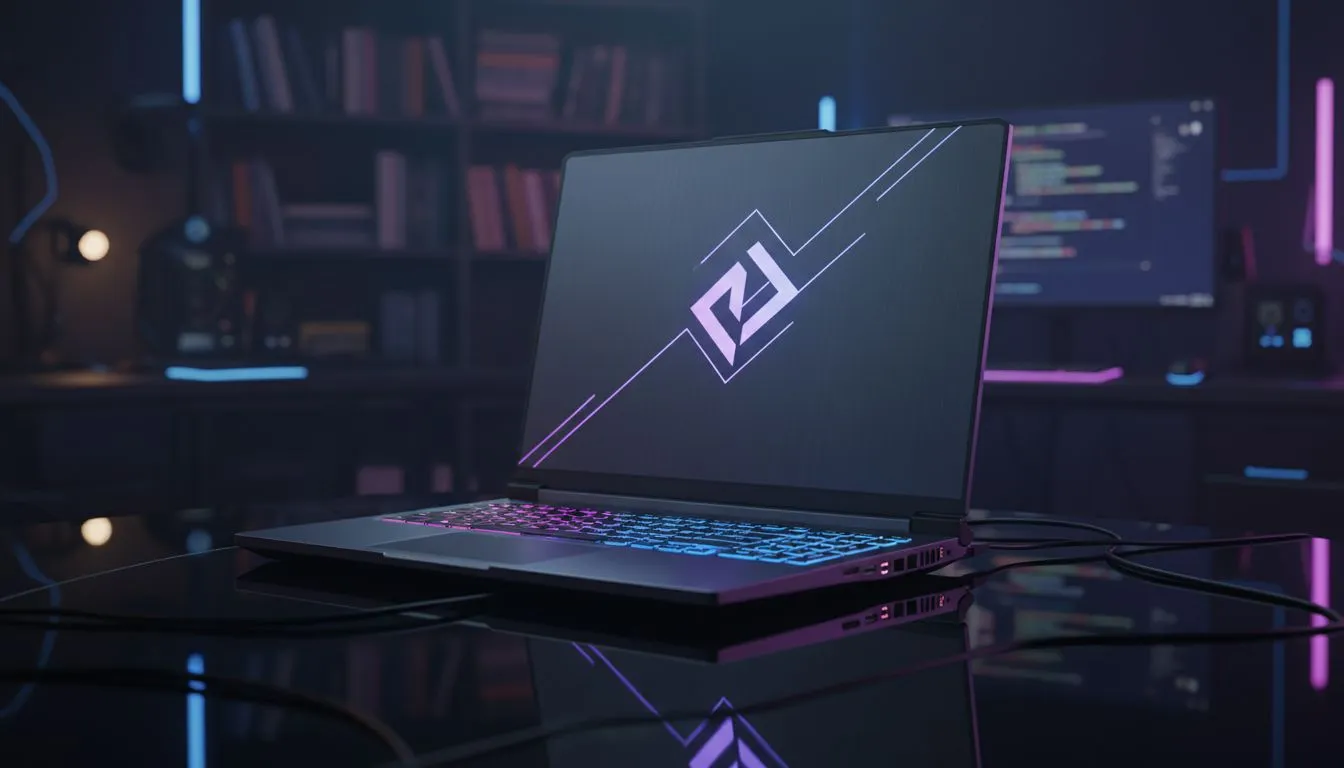
It is 2026. You are sitting in a lecture hall at Wits or Stellenbosch. You need a machine that handles Python scripts by day and clutch headshots on Mirage by night. Finding the best student laptops for CS2 means balancing portability with raw power. You do not want a brick in your backpack... but you definitely do not want frame drops during a site retake. 🎮
Performance Specs for Competitive Student Laptops for CS2
Counter-Strike 2 has evolved. The Source 2 engine demands more from your hardware than the old days of Global Offensive. To stay competitive while staying mobile, you need dedicated graphics. Many geforce rtx gaming laptops on special now offer advanced features like DLSS 3.5. This technology ensures your frame rates stay high. It also keeps your system latency low. This is the difference between a win and a tilt-inducing loss.
Choosing Your Engine: Intel or Ryzen?
Processing power is vital for heavy Excel sheets and compiling code. If you prefer the reliability of Team Blue, checking out intel laptops on special is a smart move. These chips offer high clock speeds for better gaming performance. On the other hand, AMD fans often find better battery life for those long campus days. You can browse the latest ryzen laptop deals to find a balance between efficiency and multi-core power. Both options will handle your academic workload with ease.
CS2 Performance Tip ⚡
Always ensure your laptop is plugged into a power source when playing. Windows often throttles the GPU on battery to save power. This causes massive stuttering in CS2. Also, set your "Power Mode" to "Best Performance" in the Windows settings. This helps squeeze out every extra frame during competitive matches.
Gaming on a Student Budget in South Africa
We know the struggle of living on coffee and hope. You do not need to spend R50,000 to get a decent experience. There are plenty of reliable gaming laptops under r20k that push high refresh rates in CS2. Look for at least 16GB of RAM. This makes multitasking between Discord, Chrome, and your IDE much smoother. A fast SSD is also non-negotiable for quick map loading times.
Portability vs Raw Power
A heavy laptop is a nightmare to carry between campus buildings. Modern designs have trimmed the fat without losing the muscle. You can find sleek machines in the best gaming laptop deals section that look professional in class. These laptops feature refined cooling systems that stay quiet during lectures. No one needs to know your "study tool" is actually a beastly gaming rig. ✨
Why Screen Quality Matters for CS2
When looking for the top student laptops for CS2, do not ignore the display. A 144Hz or 165Hz screen is standard for 2026. It makes the game feel fluid and responsive. Colour accuracy is also helpful if you are studying graphic design or media. High brightness levels are essential if you plan to work or play in brightly lit common areas. 🚀
Ready to Find Your Perfect Match? Balancing academics and gaming is easier with the right gear. Whether you need an entry-level beast or a high-end workstation, we have you covered. Explore our massive range of laptop specials and find the perfect machine to conquer your world.











