

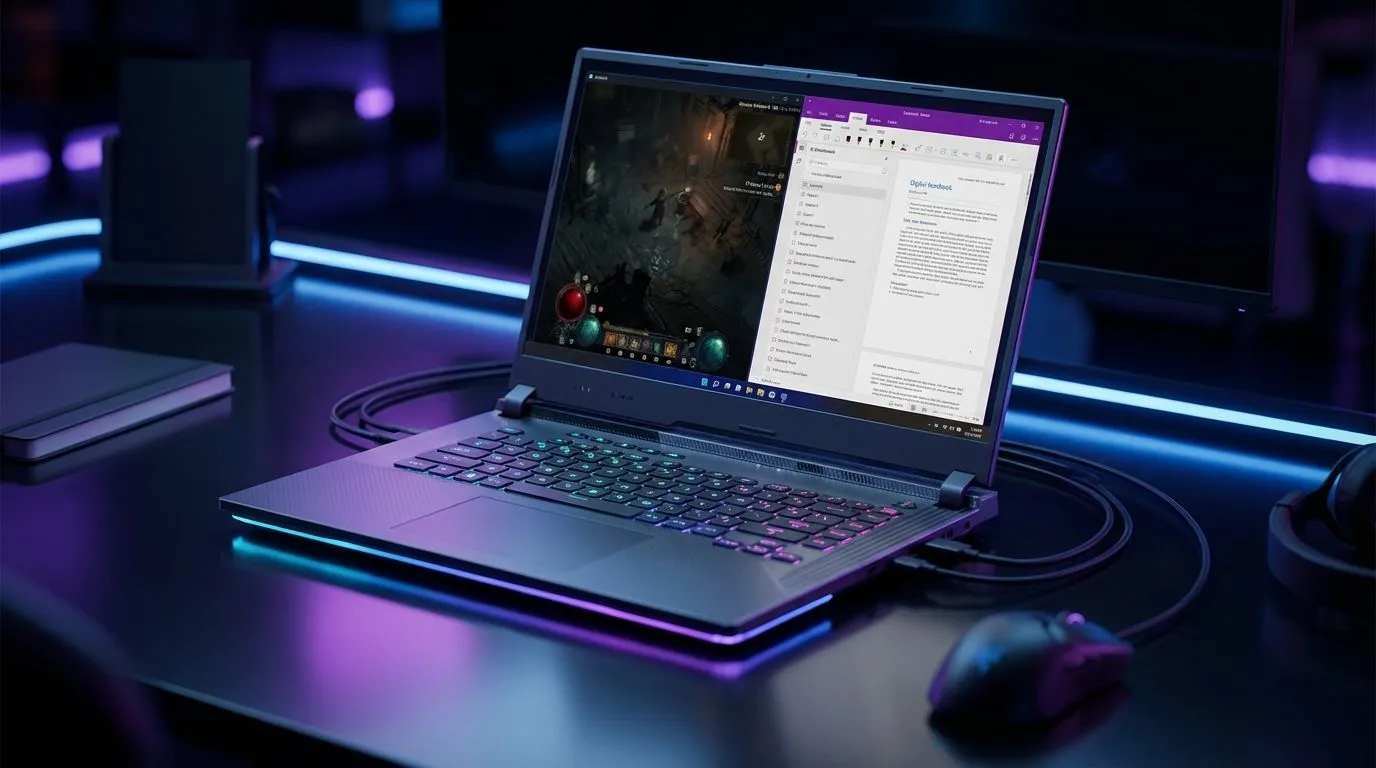
Balancing Academics and Sanctuary: The Performance Hunt
University life in South Africa is a demanding balancing act. One moment you are tackling a complex assignment... the next, you are descending into the pits of Hell. Finding the best student laptops for Diablo 4 requires a machine that fits into a lecture hall but packs enough punch to slay demons. You need a device that handles intensive multitasking without breaking a sweat or your budget. 🛡️
Choosing the Right Processor for Study and Play
The heart of your setup determines how smoothly you can switch between Chrome tabs and combat. For many South African students, reliability is key. You can find excellent Intel laptops on special that offer the high clock speeds necessary for gaming. These processors ensure your background research apps do not cause stuttering during a boss fight.
If you prefer a balance of efficiency and multi-core power, Team Red is a formidable choice. Browsing the latest Ryzen laptop deals often reveals machines with great battery life... perfect for those long days on campus where power outlets are scarce. These CPUs handle demanding academic software just as easily as they handle the hordes of Sanctuary.
Optimising for Load Shedding ⚡
When the power goes out, switch your laptop to 'Efficiency Mode' in the Windows settings and lower your screen brightness. For Diablo 4, cap your frame rate to 30 FPS in the game menu. This can stretch your battery life by an extra 30 to 45 minutes... enough time to reach a checkpoint before the lights go out.
Graphics and Budgeting for the Modern Student
Diablo 4 is a visual masterpiece with dark, atmospheric lighting. To see every detail of the gothic world, you need a dedicated graphics card. We recommend looking for RTX gaming laptops on special to take advantage of AI upscaling. Features like DLSS can significantly boost your frame rates on a laptop screen. ✨
We understand that student budgets are often tight. You do not need to spend a fortune to get a great experience. There are many capable gaming laptops under R20k that will run the game comfortably at 1080p. It is all about finding the right balance of price and performance for your specific needs.
Final Gear Considerations
Beyond the internal specs, look at the display and cooling. A high refresh rate screen makes every dodge and spell cast feel more responsive. Evetech frequently updates their best gaming laptop deals to include models with superior thermal designs. Proper cooling ensures your laptop stays quiet in the library and cool during intense gaming sessions. 🚀
Ready to Find Your Perfect Match? Balancing varsity and gaming is easier with the right hardware. For maximum power, choice, and value in South Africa, our curated selection is hard to beat. Explore our massive range of laptop specials and find the perfect machine to conquer your world.








