


Best Monitor for RX 9070: Resolution & Refresh Rate Match 2026
Top Monitor for RX 9070: Resolution & Refresh Rate picks evaluated on performance, value & SA availability with current Rand pricing from Evetech.
Read moreChecklist: 1) Best student laptops for Dota 2 — shortlist top models; 2) Compare performance, battery and price; 3) Recommend campus-friendly picks 🎮📚 Find portable laptops that balance study and smooth Dota 2 play to help you rank up.
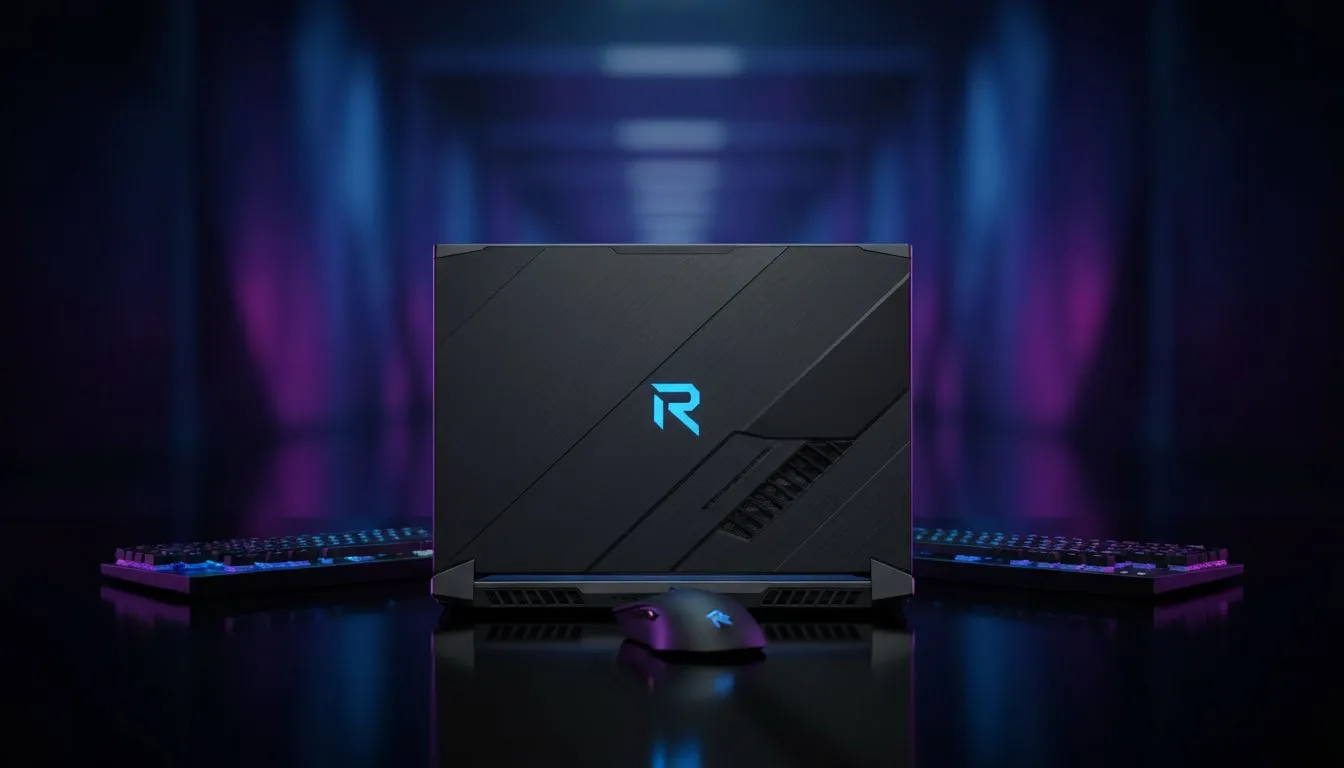
University life in South Africa is a constant balancing act. You are likely grinding through research papers at UCT or Tuks by day, but when the sun sets, the real competition begins on the Radiant or Dire side. Finding the best student laptops for Dota 2 means identifying a machine that handles complex spreadsheets and chaotic mid-lane ganks with equal precision. You need a reliable daily driver that won't let you down during a late-night ranked session... or a crucial thesis deadline. ⚡
The heart of your laptop determines how smoothly Dota 2 runs when ten heroes are spamming ultimates on screen. For students who prioritise high clock speeds and compatibility with specialised academic software, browsing Intel laptops on special is a fantastic starting point. Intel’s Core i5 and i7 processors have long been the standard for stable gaming performance in the local market.
On the other hand, many South African students are leaning towards Team Red. Our Ryzen laptop deals provide exceptional multi-threaded performance... which is a massive bonus if you are a multi-tasker who keeps forty Chrome tabs open while waiting for a match to find. Ryzen chips are also known for being power-efficient, helping you squeeze out a bit more battery life during those long lectures in halls without enough power points.
Dota 2 is a visually intricate game. To see every projectile and animation clearly, you need a dedicated graphics card. Integrated graphics might get you through a bot match, but for competitive play, you want something dedicated. Checking out GeForce RTX gaming laptops on special is the best way to ensure your hardware remains relevant for the next few years of your degree. An RTX 3050 or 4050 is more than enough to max out Dota 2 while keeping your frame rates well above the 60 FPS mark. ✨
When playing Dota 2 on a laptop, always ensure you are plugged into a power source. Windows often throttles GPU performance on battery to save power, which can lead to stuttering during critical team fights. Set your power plan to "High Performance" in the Windows settings to keep those frames stable and avoid unnecessary lag.
We know that being a student in South Africa means watching your Rands and cents closely. You want the most performance possible without spending your entire textbook allowance. That is why we curate specific gaming laptops under R20k that offer a perfect entry point into the world of PC gaming. These machines provide the necessary cooling and build quality to survive being carried around in a backpack all day.
If you are looking for the absolute peak of price-to-performance, keep an eye on our best gaming laptop deals page. We frequently update these listings with clearance stock and seasonal promotions, making it easier to snag a high-refresh-rate screen or a larger SSD... both of which significantly improve the Dota 2 experience. A 144Hz display, for example, makes camera movement feel buttery smooth, allowing you to track fast-moving targets with ease. 🚀
A student laptop is an investment in your future. It needs to be robust enough to handle the commute, the library sessions, and the intense weekend tournaments. When looking for the best student laptops for Dota 2, don't just look at the specs; consider the thermal design. A laptop that runs cool will last longer and perform better over hours of gameplay. Evetech’s range focuses on brands that understand the South African climate and the need for efficient cooling... ensuring your "GG" is always a win.
Ready to Find Your Perfect Match? The balance between study and play is vital, and having the right hardware makes all the difference. For maximum power, choice, and value in South Africa, our curated selections are hard to beat. Explore our massive range of laptop specials and find the perfect machine to conquer your degree and the leaderboard.
Dota 2 runs fine with a quad-core CPU, 8GB RAM and a GTX 1050 or integrated Intel Iris XE for 60+ FPS on medium settings.
Look for budget gaming laptops with GTX 1650 or RTX 3050, 8–16GB RAM and SSD storage for smooth Dota 2 performance.
Yes — many lightweight 14–15" laptops with integrated Iris XE or RTX 3050 balance portability, battery life and Dota 2 play.
Very. Prioritize laptops with 8+ hours for class and power modes or MUX switches to preserve battery when not gaming.
A midrange GPU (RTX 3050 or GTX 1650) and 16GB RAM will handle competitive settings at 60+ FPS on most maps.
14–15-inch laptops offer the best mix of portability and thermal headroom for sustained Dota 2 sessions between classes.
SSD storage, 120Hz+ display, good cooling and a dedicated GPU boost FPS and reduce stutter during Dota 2 matches.
Top Monitor for RX 9070: Resolution & Refresh Rate picks evaluated on performance, value & SA availability with current Rand pricing from Evetech.
Read more
Valorant Settings on RX 9060 XT: Performance. Real-world benchmark data, FPS numbers & performance analysis. What SA gamers can actually expect.
Read more
Top Monitor for RTX 5060: Resolution & Refresh Rate picks evaluated on performance, value & SA availability with current Rand pricing from Evetech.
Read more
Top GPU and CPU Pairing for Mid-Range picks evaluated on performance, value & SA availability with current Rand pricing from Evetech.
Read more
Top GPU for Civilization VII: Every Resolution Tested picks evaluated on performance, value & SA availability with current Rand pricing from Evetech.
Read more
Top Case for RTX 3050: Airflow & Size Compatibility picks evaluated on performance, value & SA availability with current Rand pricing from Evetech.
Read more
Top Valorant Settings for RTX 5070: FPS Optimisation picks evaluated on performance, value & SA availability with current Rand pricing from Evetech.

RDNA 3.5 Graphics in Ryzen AI 400? Can You Game. Plain-English explanation of what it means, why it matters & how it affects your buying decisions in SA.

GPU Price Index : December Report. Current stock data & price tracking for SA buyers. See what is available and where prices are heading.

RX 9070 XT Elden Ring Nightreign at 4K: FPS. Real-world benchmark data, FPS numbers & performance analysis. What SA gamers can actually expect.

Core i5-14600K + B760 + RTX 5060 Build Under. Full parts list, Rand pricing & expected performance. Build confidently with SA-available components.

RX 7600 Apex Legends at 4K: FPS Benchmark. Real-world benchmark data, FPS numbers & performance analysis. What SA gamers can actually expect.

RX 7900 XTX GTA 6 at 4K: FPS Benchmark & Optimal. Real-world benchmark data, FPS numbers & performance analysis. What SA gamers can actually expect.

Head-to-head comparison of RTX 5070 vs RX 9070 XT: Gaming Performance for SA gamers. Performance benchmarks, Rand pricing & which delivers better value.

Top RTX 5070 Under R25,000 picks evaluated on performance, value & SA availability with current Rand pricing from Evetech.
Core i5-14600K + B760 + RTX 5060 Build Under. Full parts list, Rand pricing & expected performance. Build confidently with SA-available components.
Top Monitor for RX 9070: Resolution & Refresh Rate picks evaluated on performance, value & SA availability with current Rand pricing from Evetech.
Valorant Settings on RX 9060 XT: Performance. Real-world benchmark data, FPS numbers & performance analysis. What SA gamers can actually expect.