

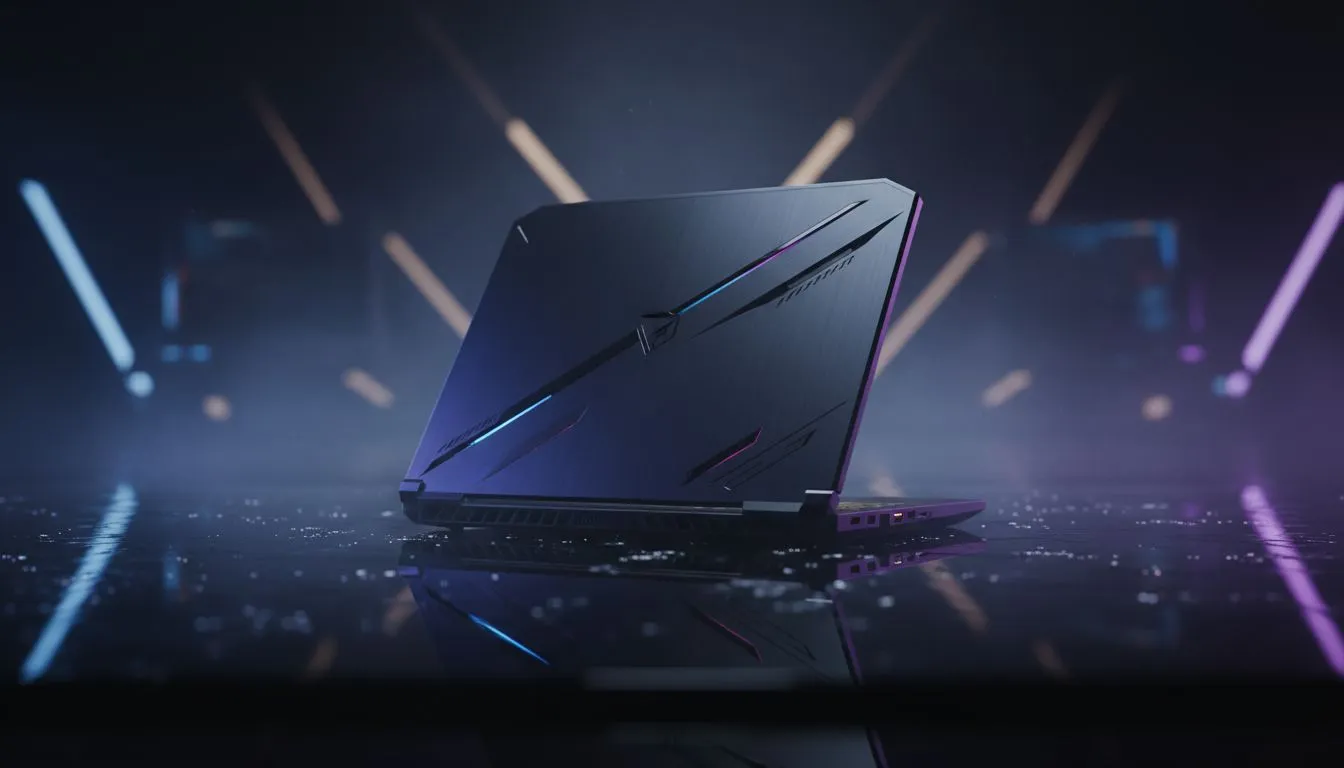
Finding the Best Student Laptops for Gaming in South Africa
University life in South Africa is a constant hustle. Between navigating load-shedding schedules and rushing to back-to-back lectures, you need hardware that keeps up. The best student laptops for gaming aren't just about high frame rates... they are about surviving a day of campus life while having enough power for a late-night raid. It is about finding that perfect hybrid that handles spreadsheets as easily as it handles Steam libraries. 🚀
Choosing the Right Processor for Class and Combat
When you are looking for the best student laptops for gaming, the processor is your engine. For students in demanding fields like engineering or architecture, high clock speeds are essential for software like AutoCAD or Revit. If you are looking for pure processing power for heavy-duty multitasking, checking out Intel laptops on special is a great starting point to ensure your machine never stutters during a final project render.
Maximising Battery Life and Multicore Performance
Efficiency is the name of the game when you are stuck in a lecture hall without a power outlet. Modern mobile processors have come a long way in balancing heat and performance. For those who value efficiency during long lecture blocks, Ryzen laptop deals often provide excellent thermal performance and battery longevity... perfect for when you are away from a plug point for several hours at a time. ✨
Battery Longevity Tip ⚡
When using your laptop in class, use the 'Best Power Efficiency' mode in Windows settings. This throttles the CPU slightly but can give you an extra hour of note-taking time before you need to hunt for a charging station in the library.
Staying Within Your Student Budget
Budget is always a primary concern when you are juggling tuition, transport, and textbooks. You do not need to spend a fortune to get a machine that can handle modern titles at respectable settings. Fortunately, you can still get impressive performance if you buy gaming laptops under R20k. These machines often feature high-refresh-rate screens and enough RAM to handle Chrome with fifty tabs open while you research your latest assignment. 🔧
Graphics Power for Creative Projects and Gaming
If your course involves video editing, graphic design, or 3D rendering, a dedicated GPU is non-negotiable. Integrated graphics simply won't cut it for professional-grade creative work or modern AAA gaming. Browsing GeForce RTX gaming laptops on special will give you access to AI-accelerated features like DLSS... technology that makes your games look stunning and your render times significantly shorter.
Final Verdict on the Best Student Laptops for Gaming
Finding the right balance between weight, power, and price takes a bit of research. You want a laptop that is light enough to carry across campus but powerful enough to act as your primary entertainment hub. We recommend looking through the best gaming laptop deals to compare specific specs and find a chassis that fits your personal style. Whether you are climbing the ranks in Valorant or finishing a thesis, the right gear makes all the difference. ⚡
Ready to Find Your Perfect Match? The Mac vs Windows debate is complex, but for maximum power, choice, and value in South Africa, Windows is hard to beat. Explore our massive range of laptop specials and find the perfect machine to conquer your world.








