

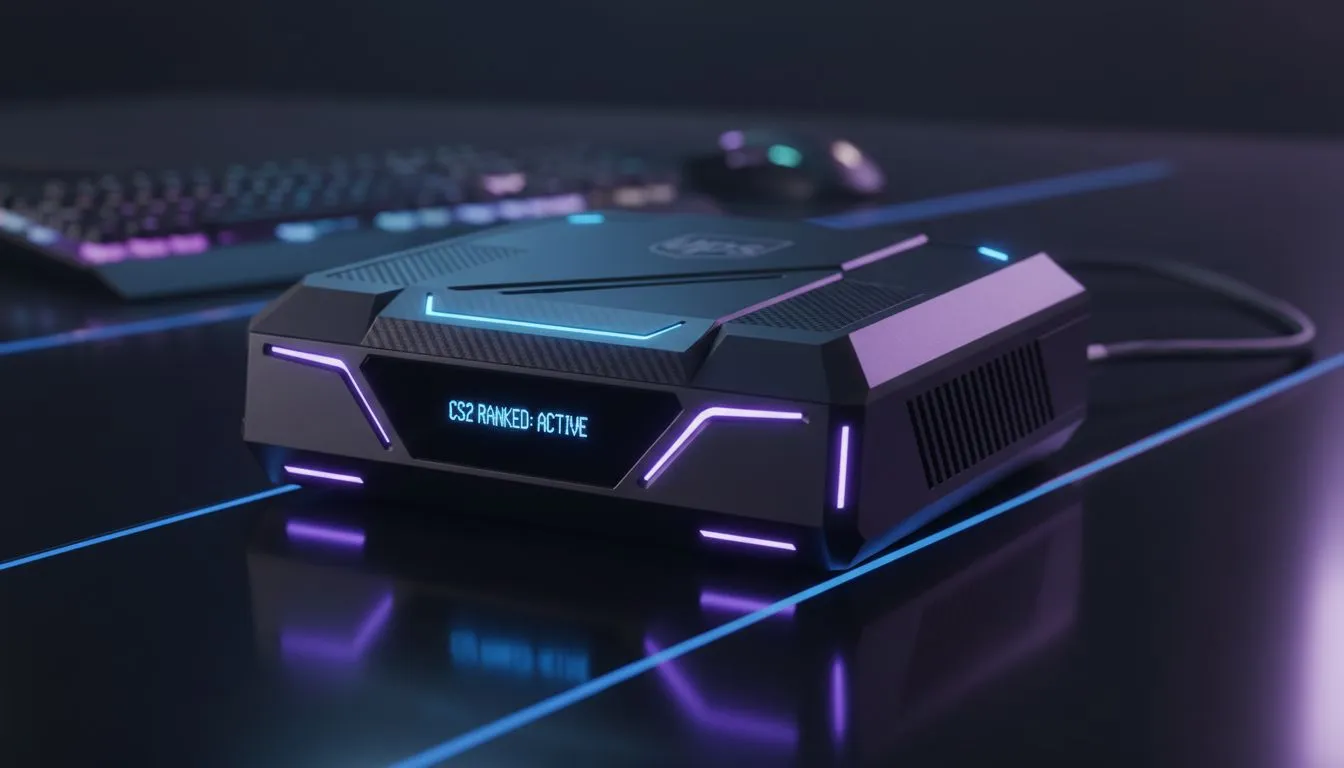
Finding the Best UPS for Gaming in South Africa
There is nothing more frustrating than being 12-11 up in a tense CS2 match on Inferno, only for the lights to flicker and your PC to die. In South Africa, load shedding is the ultimate boss fight. To stay in the server and protect your ELO, you need the best UPS for gaming. We have ranked the top CS2-ready units to keep you powered up. ⚡
When you are holding a tight angle with an AWP, a sudden power trip is the ultimate tilt factor. Choosing a UPS is not just about battery life... it is about protecting your expensive components from nasty voltage spikes. For those on a strict budget, you can find affordable power solutions under R800 that provide enough time to safely shut down your system before the grid goes dark.
Why CS2-Ready Units Matter for Competitive Play
A "CS2-Ready" UPS needs to handle the high-wattage draw of a modern GPU while keeping your fibre ONT and router alive. If your PC stays on but your internet drops, you are still getting that "Competitive Cooldown" penalty. We recommend looking at the full range of UPS options to find a unit with a high enough VA rating for your specific build.
Most mid-range gaming PCs draw between 300W and 500W during intense gaming sessions. A 1200VA or 2000VA unit is usually the sweet spot for South African gamers. This gives you roughly 5 to 10 minutes of gameplay... plenty of time to finish a round or find a safe spot to disconnect without losing points.
UPS Maintenance Tip ⚡
To extend the life of your UPS battery, avoid letting it drain to 0% during every load shedding cycle. If the power is out for hours, use the UPS only to save your progress and shut down. This prevents deep discharge cycles that wear out the lead-acid batteries significantly faster.
Balancing Performance and Capacity
When ranking the best UPS for gaming, we look at "transfer time." This is the speed at which the UPS switches from wall power to battery. For high-end gaming power supplies with Active PFC, you need a fast transfer time to ensure the PC doesn't reboot during the switch.
If you are running an RTX 40-series card and an i9 processor, your power draw will be substantial. In these cases, a Line-Interactive UPS is the bare minimum you should consider. These units help regulate the voltage coming into your PC, ensuring that "dirty power" from the grid doesn't damage your hardware over time. 🔧
Key Features to Look For:
- High VA Rating: At least 1.5x your PC's power consumption.
- Surge Protection: Essential for the unpredictable South African grid.
- Replaceable Batteries: To ensure your investment lasts for years.
Ready to Protect Your Rank? Don't let the grid decide your win rate. Whether you need a budget-friendly backup or a high-capacity powerhouse, we have the stock to keep you in the game. Browse our latest UPS deals and secure your setup today.








