

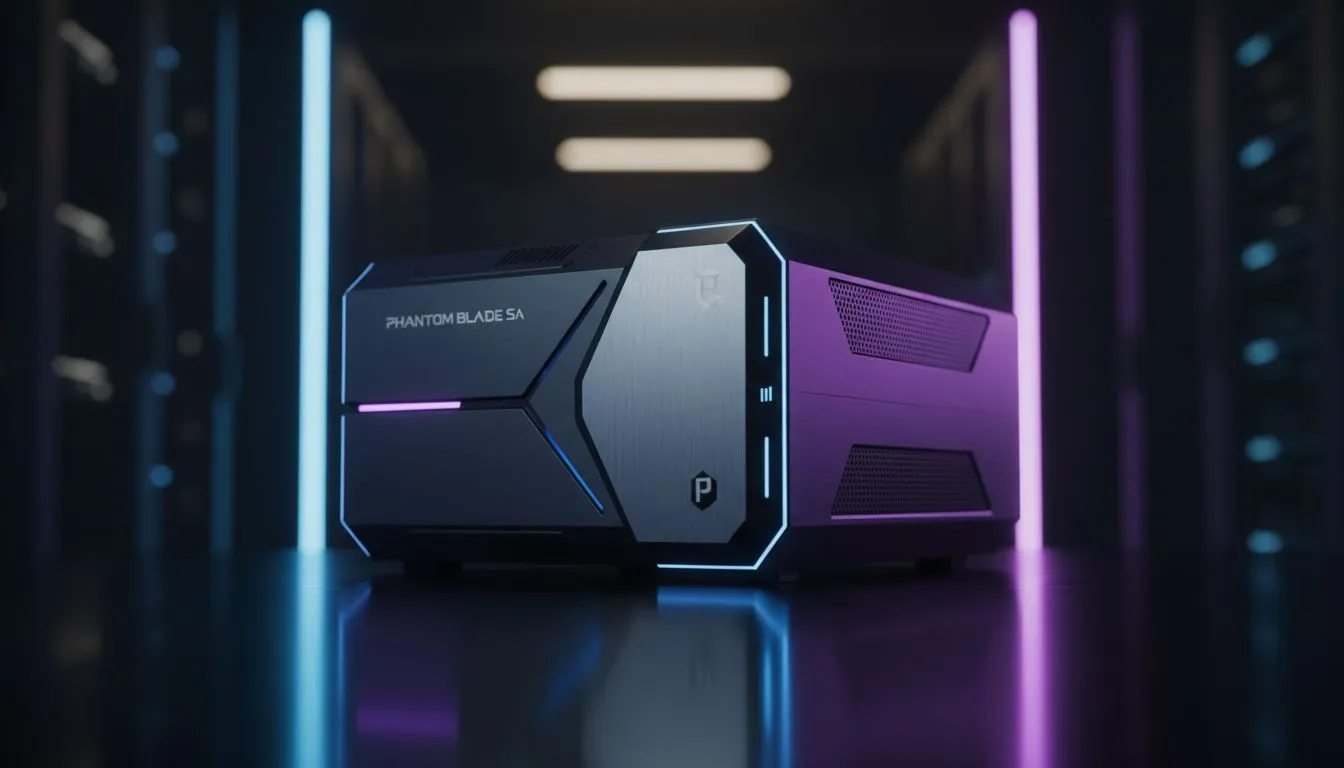
Why Your Phantom Blade Run Needs Power Protection
Imagine you are mid-combo, your blade is a blur of steel, and the boss is at five percent health. Then... darkness. Eskom strikes again. In South Africa, a power cut isn't just an annoyance. It is a run-killer. Finding the Best UPS for Phantom Blade is about more than just battery life. It is about protecting your expensive hardware and your progress during those intense encounters. ⚡
The High Stakes of Power Instability
Phantom Blade Zero demands precision. The fast-paced combat relies on frame-perfect parries and fluid movement. When the lights flicker, your PC or console risks a hard shutdown. This can lead to corrupted save files or even hardware failure. A reliable Uninterruptible Power Supply (UPS) gives you those vital minutes to find a checkpoint and shut down safely.
While you focus on power, do not forget about heat. High-performance gaming generates massive thermal loads. Even on battery, your machine needs to breathe. We recommend browsing our selection of laptop cooling pads to ensure your system stays frosty during a blackout.
Choosing the Right Capacity for Your Rig
Not all UPS units are created equal. You need to calculate your total wattage. A high-end gaming PC with an RTX GPU can pull significant power. Look for a UPS with a high VA rating to handle the initial surge. If you are gaming on a laptop, your needs are lower, but thermal management remains a priority.
UPS Maintenance Tip ⚡
Always test your UPS battery health every few months. Lead-acid batteries lose capacity over time... especially with frequent load shedding. A quick self-test ensures you won't get a nasty surprise during your next gaming session.
For those using gaming laptops to tackle Phantom Blade, budget-friendly Marvo cooling pads offer an excellent way to maintain performance when the fans ramp up. Keeping your internals cool helps prolong the life of your battery and your components.
Expert Insights for South African Gamers
South African power grids are notorious for "dirty" electricity. Spikes and sags can occur even when the lights are on. The Best UPS for Phantom Blade should include Automatic Voltage Regulation (AVR). This feature cleans the incoming power... protecting your sensitive electronics from long-term damage.
If you are running a top-tier enthusiast build, you might want to invest in premium accessories. Highly efficient Coolermaster cooling pads are a great choice for keeping your gear at optimal temperatures while you navigate the dark world of Phantom Blade. 🔧
Ready to Protect Your Gaming Rig? Don't let load shedding ruin your legendary runs or fry your hardware. For the best power protection and performance gear in South Africa, we have you covered. Explore our massive range of UPS and power solutions and find the perfect backup to keep your blades spinning.








