

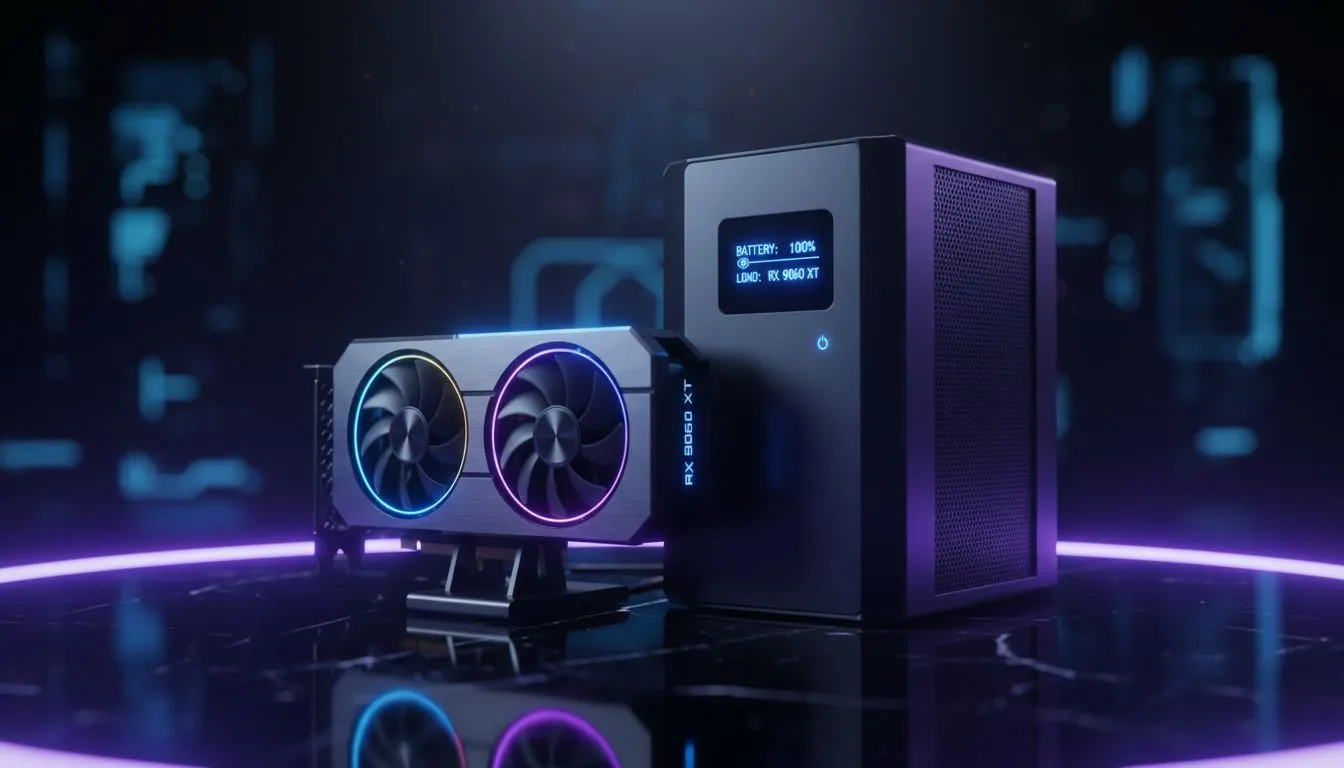
Why Your RX 9060 XT Needs a Professional UPS
Loadshedding is the ultimate boss fight for South African gamers. You have just installed your powerful new GPU and the lights flicker. Do not let a sudden outage or power surge fry your expensive hardware. Finding the best UPS for RX 9060 XT setups is vital for any local enthusiast. It is not just about staying online... it is about protecting your investment from Eskom's unpredictable grid ⚡.
When you look at the latest Radeon Graphics Cards, the power efficiency is impressive. However, high-end components are sensitive to voltage fluctuations. A quality Uninterruptible Power Supply (UPS) acts as a buffer. It cleans the incoming current and provides enough time to shut down safely.
Calculating the Right VA Rating for High-End Gaming
The RX 9060 XT requires a stable power supply to maintain its performance peaks. You must calculate your total system draw including your monitor and peripherals. Most mid-to-high-end rigs pull between 400W and 600W under full load. Whether you are comparing AMD to the latest GeForce Graphics Cards, the rule remains the same. You need overhead.
UPS Capacity Tip ⚡
When choosing a UPS, always aim for a VA rating that is at least 1.6 times your total system wattage. If your RX 9060 XT rig pulls 500W, a 1200VA or 1500VA unit provides the headroom needed for efficiency and battery longevity during those sudden Stage 4 outages.
Protecting Your Components from Surge Damage
South African power grids often suffer from "dirty power" when the electricity returns. This surge can bypass standard power strips and hit your motherboard directly. Choosing the best UPS for RX 9060 XT builds means looking for "Double Conversion" or "Line-Interactive" models. These units offer superior surge protection compared to basic backup batteries.
If you have invested in premium hardware from brands like MSI, you know that quality matters. A cheap UPS can actually damage your power supply if it does not output a Pure Sine Wave. Always check the specifications to ensure your UPS is compatible with Active PFC power supplies.
Long-Term Reliability and Peace of Mind
Investing in a UPS is an insurance policy for your PC. While prices for a decent 2000VA unit might start around R2,500... it is a small price compared to replacing a full system. You can browse our massive selection of high-performance graphics cards to see just how much value you are protecting 🚀. Keep your frame rates high and your hardware safe from the dark.
Ready to Shield Your Gaming Rig? Loadshedding does not have to mean the end of your session or your hardware. Explore our range of UPS and Power Solutions and find the perfect backup to keep your RX 9060 XT running safely through the dark.








