

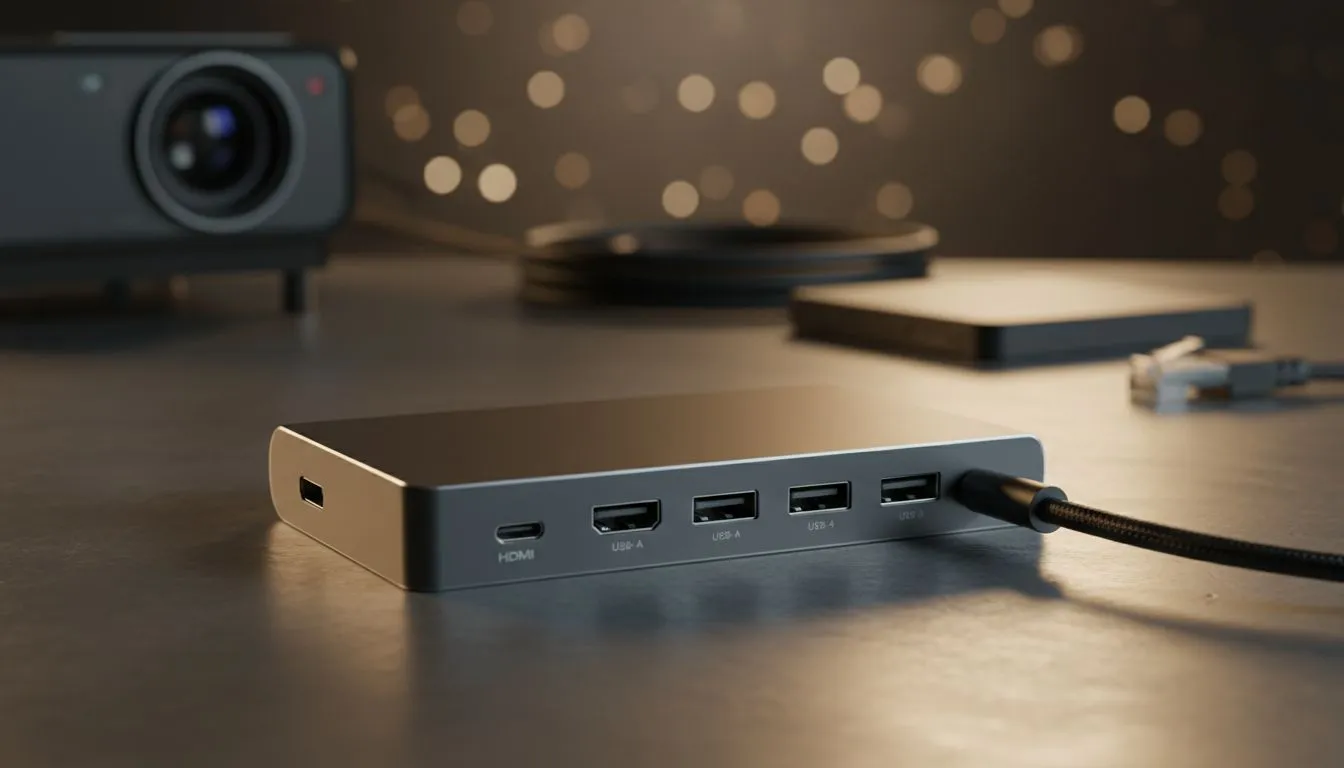
Master Your Studies: The Best USB-C Hub for Students in South Africa 📚
Lectures, assignments, group projects, and maybe a little gaming... student life in South Africa is a constant juggle! Your sleek, modern laptop is powerful, but often lacks the ports you desperately need for everything from projector presentations to external hard drives. Imagine trying to deliver that crucial final year project only to realise your laptop can't connect to the lecture hall's display. Frustrating, right? That's where a versatile USB-C hub becomes your academic lifeline, transforming your single USB-C port into a powerful multi-functional workstation.
The Student Survival Kit: Why a USB-C Hub is Essential ✨
Modern laptops, while incredibly portable and stylish, often sacrifice essential connectivity for their slim profiles. This leaves students in a bind when they need to connect to a projector, transfer large files from an external drive, or even use a wired mouse for precision work. A quality USB-C hub is more than just an adapter; it's a digital command centre, consolidating all your peripheral needs into one elegant solution. It expands your laptop's capabilities, ensuring you're ready for any academic challenge, from delivering a high-stakes presentation to pulling an all-nighter on a design project. To get started, explore a comprehensive range of docking stations and USB-C hubs that can transform your workflow.
Presentations That Pop: Seamless Connectivity for Projectors & Displays
For many students, especially those in business, design, or education, delivering compelling presentations is a cornerstone of their academic journey. A flickering connection or the inability to mirror your screen can be a disaster. The best USB-C hub for students will invariably feature a reliable HDMI port, often supporting 4K resolution, ensuring your slides, videos, and graphics look crisp and professional on any projector or monitor. Some advanced hubs even offer VGA for older equipment, giving you maximum flexibility. Remember that time Sipho almost bombed his marketing presentation because his laptop wouldn't connect to the projector? A quality USB-C hub with a reliable HDMI output could have saved the day, ensuring his hard work paid off.
Storage Solutions: Never Run Out of Space Again 🚀
From massive video files for film students to extensive research databases for science majors, storage is a constant concern. External hard drives and flash drives are indispensable, but what if your laptop only has one USB-C port? A robust USB-C hub provides multiple USB-A ports (both USB 3.0 and older 2.0) for connecting all your storage devices, ensuring rapid data transfer speeds for those large files. For photographers or multimedia students, integrated SD and microSD card readers are a godsend, allowing for quick offloads of camera footage and images without needing separate adapters. You can find excellent docking stations under R2000 that offer a great balance of features and affordability for these needs.
Blazing Fast Internet & Peripherals: Keeping You Connected 🔌
In the age of online lectures, virtual group meetings, and research, a stable internet connection is non-negotiable. While Wi-Fi is convenient, it can be unreliable, especially in busy student residences or during critical online exams. The best USB-C hub for students often includes a Gigabit Ethernet port, providing a rock-solid, high-speed wired connection. Lagging out during a crucial online exam because of dodgy Wi-Fi is a nightmare no student needs. Beyond internet, you'll need ports for your essential peripherals: a comfortable keyboard, a precise mouse, and perhaps even a printer. A good hub ensures all these can be connected simultaneously, keeping your workspace organised and efficient. Discover a range of affordable USB-C hubs and docking stations under R1000 that still pack a punch in connectivity.
Productivity Pro Tip ⚡
When choosing a USB-C hub, always consider its Power Delivery (PD) capabilities. Many hubs can charge your laptop while you use all its connected ports. This means you only need one cable to your laptop for power, peripherals, and display output – a game-changer for decluttering your desk and simplifying your setup!
Power Delivery & Brand Reliability: Fuel Your Hustle
Beyond just ports, the functionality of your USB-C hub is heavily influenced by its Power Delivery (PD) capabilities. A hub with PD allows you to charge your laptop through the same USB-C connection that handles your data and display. This is incredibly convenient, reducing cable clutter and ensuring your device stays powered throughout long study sessions. When investing in a crucial piece of tech like this, brand reliability matters. Opting for reputable brands ensures better build quality, stable performance, and often, better warranty support. For example, you can explore Promate's range of reliable USB-C solutions, known for their durability and comprehensive features, perfect for the demanding student lifestyle.
Choosing the Best USB-C Hub for Your Needs
Ultimately, the best USB-C hub for students depends on your specific academic demands. Are you a design student needing multiple display outputs and fast SD card access? Or a computer science major prioritising a stable Ethernet connection and plenty of USB-A ports for development tools? Carefully consider:
- Required Ports: List out everything you need to connect.
- Power Delivery: Is charging your laptop through the hub a priority?
- Portability: Will you be carrying it daily, or will it live on your desk?
- Budget: Evetech offers options across various price points to suit every pocket.
By understanding your needs and exploring the options available, you can select a USB-C hub that not only solves your connectivity woes but also enhances your productivity, making your student journey in South Africa smoother and more successful.
Ready to Power Up Your Student Life? Don't let limited ports hold back your academic potential. A high-quality USB-C hub is an investment in your productivity, ensuring you're always connected, prepared, and ready to tackle any project. Explore Evetech's extensive collection of USB-C hubs and docking stations today and find the perfect companion for your studies!








