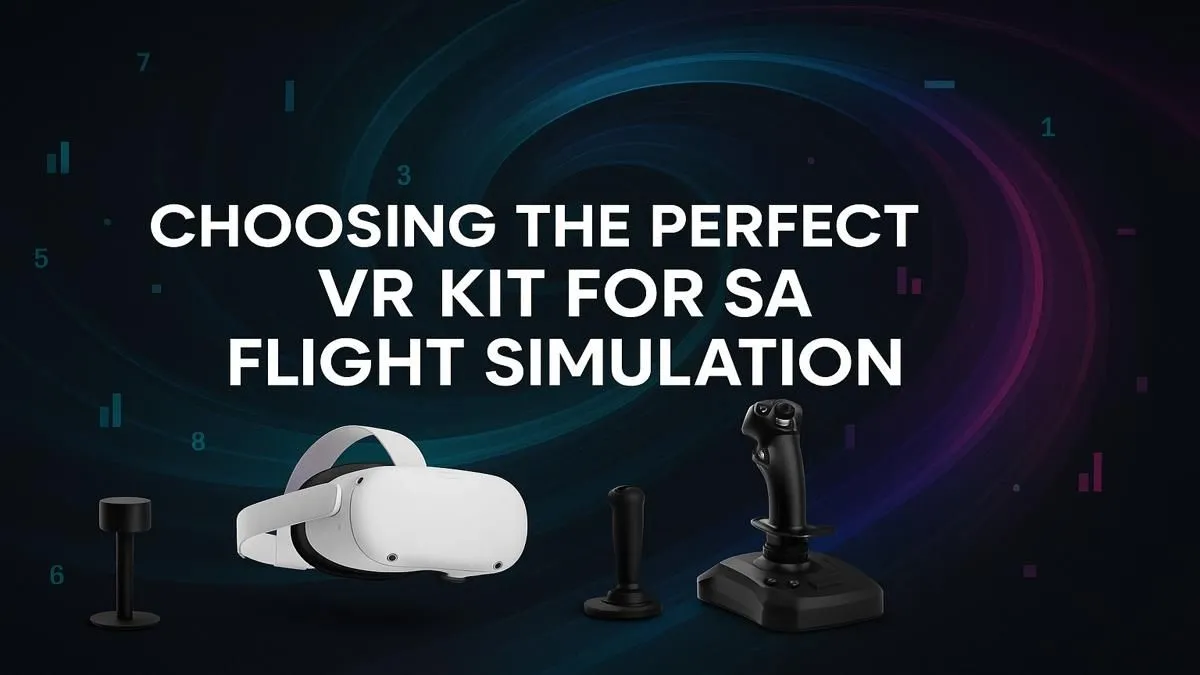
So, you’ve mastered the art of landing a 747 at O.R. Tambo on a flat screen, but something’s missing. The raw thrill. The gut-wrenching feeling of a steep bank. The pure immersion of actually being in the cockpit. If you’re ready to trade your monitor view for a pilot’s reality, you’ve come to the right place. Finding the best VR for Flight Simulator in South Africa is the single biggest upgrade you can make.
Why Go VR for Flight Simulator?
Switching from a monitor to a virtual reality headset isn't just an upgrade; it's a total transformation. Suddenly, you're not just playing a game... you're sitting in a meticulously detailed cockpit.
The sense of scale is the first thing that hits you. Mountains feel massive, runways look realistically narrow on approach, and the sheer size of your aircraft becomes tangible. Depth perception allows for more precise landings and taxiing, as you can naturally judge distances just like you would in real life. This level of immersion makes it the ultimate setup for any serious flight sim enthusiast.
Key Features for the Perfect Flight Sim VR Headset
Choosing the right VR kit can feel complex, but for flight simulation, a few key specs matter more than others. Getting these right is crucial for a smooth and believable experience.
Resolution & Clarity
This is non-negotiable. In a simulator, you need to be able to clearly read tiny text on your instruments and gauges. A high-resolution headset, like one with at least 2K per eye, ensures your dashboard (or Glass Cockpit) is crisp and legible without needing to lean in constantly. A blurry cockpit is an immersion-breaker.
Field of View (FOV)
A wider FOV enhances your peripheral vision, which is critical for spotting landmarks, checking your wings during a turn, and aligning with the runway. It makes the "out-of-the-window" experience feel far more natural and less like you're looking through a pair of binoculars.
Performance & Comfort
VR is demanding. You'll need a powerful rig to run Microsoft Flight Simulator smoothly at high resolutions. To avoid stuttering and motion sickness, a stable 90Hz refresh rate is the gold standard. Of course, none of this matters if the headset is uncomfortable. For those long-haul flights from Cape Town to Dubai, a lightweight, well-balanced headset is essential. Powering this entire experience requires a beast of a machine, which is why purpose-built Microsoft Flight Simulator gaming PCs are often the best starting point.
Performance Tuning Pro Tip 🔧
For a smoother VR experience in MSFS, try the OpenXR Toolkit. It's a free utility that allows for fine-tuned performance adjustments like Foveated Rendering (which sharpens where you're looking and slightly blurs the periphery) and Upscaling. This can give you a significant frame rate boost, especially on mid-range graphics cards, without a major loss in visual quality.
Top VR Kits for South African Pilots
While many headsets are on the market, a couple stand out as top contenders for the best VR for Flight Simulator in South Africa, balancing price, performance, and availability.
The Clarity King: HP Reverb G2
For a long time, the Reverb G2 has been the go-to for simulation fans, and for good reason. Its main selling point is its incredible 2160x2160 per-eye resolution. This makes cockpit instruments exceptionally sharp and readable. If your primary goal is simulation purity and visual clarity above all else, the G2 remains a fantastic choice.
The Modern All-Rounder: Meta Quest 3
The new kid on the block is a serious competitor. The Quest 3 boasts "pancake lenses," which provide excellent edge-to-edge clarity and a large "sweet spot." While its raw resolution is slightly lower than the G2's, the superior lens technology makes for a stunningly clear picture. Plus, its versatility as a standalone device and its simple PC connection via a single USB-C cable make it an incredibly user-friendly option.
Building Your Ultimate Cockpit Setup ✨
A VR headset is the star of the show, but a true cockpit is more than just what's on your head. To complete the immersion, you need the right physical controls. A quality yoke and throttle quadrant, like those from Thrustmaster, provide the tactile feedback that's missing with a simple gamepad.
And what about those long flights? Sitting on a standard office chair for hours can be tough. Investing in one of the many ergonomic gaming chairs available in South Africa can make a world of difference for your comfort and posture.
Even with the best VR setup, you'll still need monitors for flight planning, navigating menus, or running companion apps. A large, immersive screen like one of today's curved monitors is perfect for pre-flight prep, while having a good secondary screen from a wide range of PC monitors is always a bonus for any serious pilot's desk.