

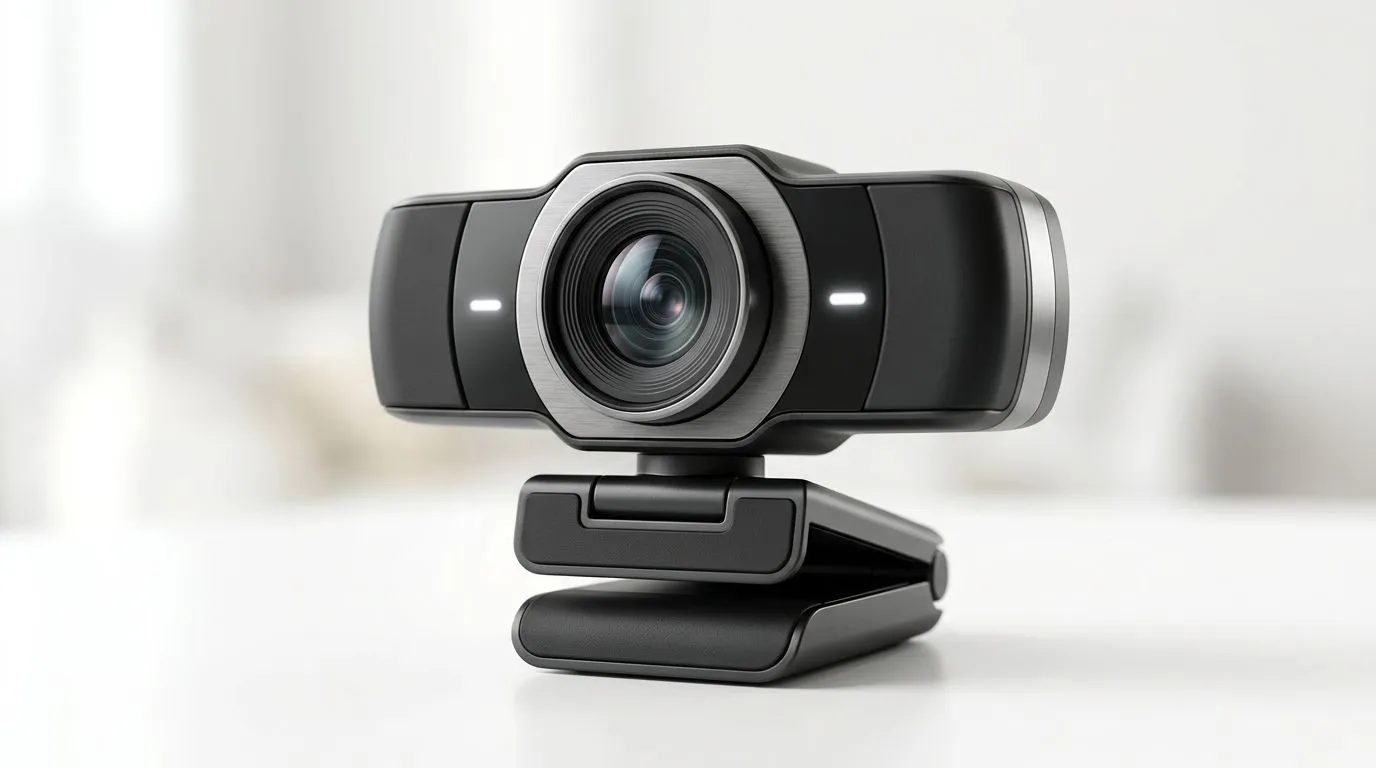
Essential webcam features every South African content creator needs
If you stream, teach, or record, choosing the Best webcam features for South African content creators can make or break your content. In a city cafe or a home studio in Jozi, you need sharp image, reliable low-light performance and clear audio — all without breaking the bank. Here’s a practical guide to get pro results fast. 🎥✨
Image quality: resolution, frame rate and sensor
Resolution matters, but so does sensor quality. For crisp facecams, look for 1080p at 30–60fps or 4K at 30fps if you need extra detail for product demos or green‑screen work. Many webcams list their specs on retailer pages; compare models and prices on the full Evetech listings to confirm what you’re buying: check the main webcam range here for options and specs. https://www.evetech.co.za/PC-Components/buy-webcams-145.aspx
Low-light performance and autofocus tech
South African interiors and late-night streams demand good low-light handling. A webcam with a larger sensor, wider aperture and automatic low-light compensation will reduce grain and improve skin tones. Fast, reliable autofocus keeps you sharp during energetic streams. For budget options that still handle low light well, see curated webcams under R1,000 here. https://www.evetech.co.za/PC-Components/buy-webcams-145.aspx?max-price=1000
Built-in audio vs external mics
Many webcams include basic stereo mics. They’re fine for calls, but serious creators will hear the difference with a dedicated USB or XLR mic. If your setup is compact and on a budget, a mid-range webcam with decent on-board mics is useful; compare mid-tier models around R1,000–R2,000 to balance cost and quality. https://www.evetech.co.za/PC-Components/buy-webcams-145.aspx?max-price=2000 🎧
Setup Shortcut ⚡
Place your webcam at or slightly above eye level. Tilt it down a touch to avoid an unflattering angle. Use a ring light or soft LED panel to fill shadows; even a R200 LED works wonders.
Connectivity, software and platform support
USB 3.0 gives more bandwidth for higher frame rates. Check whether the webcam supports your streaming software like OBS and offers control apps for exposure, white balance and field of view. Some brands provide Windows and macOS apps; always read the product details or Evetech listings to confirm compatibility and driver support. For higher-end, feature-rich webcams that handle 4K and advanced software controls, browse premium options up to R3,000 here. https://www.evetech.co.za/PC-Components/buy-webcams-145.aspx?max-price=3000 🔧
Practical buying tips and local context
- Prioritise what you’ll actually use: if you stream at night, low-light is king. If you do unboxings, 4K detail helps.
- Test returns policy: local sellers like Evetech make returns and exchanges easier for South African buyers. See full webcam listings to compare warranties and specs. https://www.evetech.co.za/PC-Components/buy-webcams-145.aspx
- Watch for bundled deals: sometimes mics, tripods or lighting are included, which stretches your R beyond hardware alone.
Final checklist before you buy
- Resolution and frame rate meet your platform needs.
- Low-light performance is proven in reviews or sample footage.
- Audio plan: onboard mic or separate mic?
- Software control and compatibility with your OS. These simple checks save hours of frustration and Rands.
Ready to Find Your Perfect Match? The Mac vs Windows debate is complex, but for maximum power, choice, and value in South Africa, Windows is hard to beat. Explore our massive range of laptop specials and find the perfect machine to conquer your world.











