

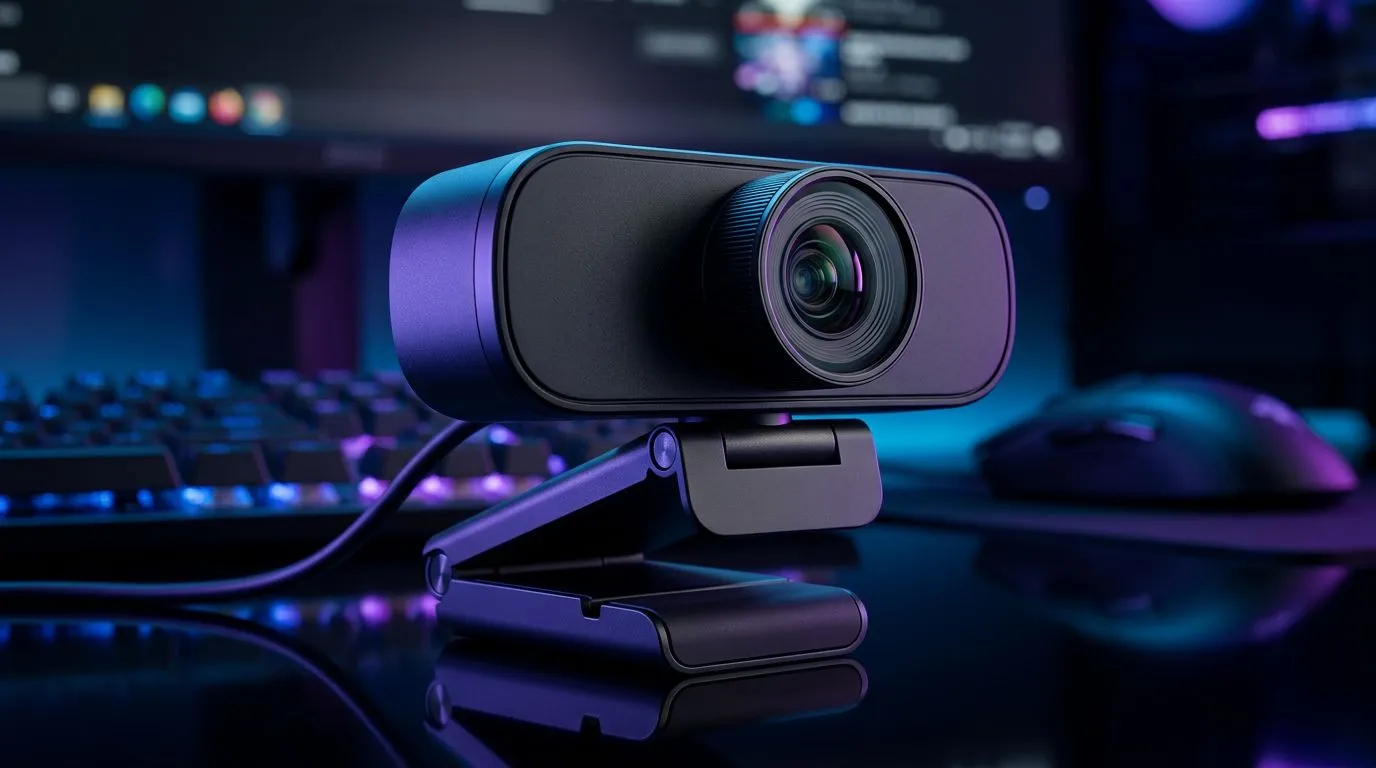
Why the best webcam for Discord actually matters 🎥
South African gamers: tired of pixelated streams and muddy low-light video during raids or voice channels? Pick the right camera and your presence on Discord feels sharp, real and slightly more professional—without breaking the bank. This guide strips the fluff and shows what makes a good Discord webcam, how to choose by budget, and where to shop locally. Ready to look better on camera? 🔧
I recommend you first browse our full webcam range to get a feel for models, specs and current ZAR prices (source: Evetech).
Key specs that make a good Discord webcam
Choosing the best webcam for Discord comes down to a few repeatable specs. Here’s what to check and why.
- Resolution and frame rate: Aim for 1080p at 30fps for crisp faces; 60fps is smoother for motion if you stream gameplay. Many Evetech product listings show both 1080p and 60fps options (source: Evetech product listings: webcams up to R2,000).
- Autofocus and exposure: Autofocus keeps you sharp when you move. Good exposure control helps in mixed lighting—especially useful during load‑shedding when you’re relying on desk lamps. (Source: Evetech category notes.)
- Low‑light performance: Larger sensors and wider aperture reduce noise in dim rooms. If you often stream at night, prioritise low‑light capability. (Source: Evetech webcam descriptions.)
- Microphone quality: Built‑in mics are convenient but often thin. Use them for casual calls; for serious streaming, pair a USB mic. (Source: general product specs on Evetech.)
- Field of view: 60–90° is standard; wider FoV suits streamers who show background or multiple people. (Source: Evetech listings.)
If you want budget options, check the curated list of webcams under R1,000 to compare entry-level specs and ZAR pricing.
Discord Setup Tip ⚡
For cleaner video, enable hardware acceleration off in Discord's Voice & Video settings and set the camera resolution to match the webcam's native output. Also try positioning yourself facing a window for natural light; ring lights help during load‑shedding.
How to pick the best webcam for Discord by budget
You don't need to spend R3,000+ to look good, but know what extra funds buy.
- Under ~R1,000: Expect 720p or basic 1080p, single mic, fixed focus. Good for casual calls and small streamers. (See models under R1,000.)
- R1,000–R2,000: Better optics, true 1080p at 30–60fps, improved low‑light. Ideal for consistent Discord use and beginner streaming (source: product filters on Evetech: webcams up to R2,000).
- R2,000–R3,000: Higher frame rates, better autofocus, and improved image processing—welcome for small streamers and content creators. Browse premium webcams up to R3,000 for models that add sharpness and smoother motion.
Practical micro‑story: I swapped a basic 720p webcam for a 1080p 60fps unit during a weekend stream. Chat noticed sharper facecam and retention went up; it cost under R2,000 and made my stream feel more polished.
Setup tips and quick checklist for Discord-ready video
- Place the camera at eye level and clean the lens.
- Prioritise lighting over megapixels; even a cheap LED ring improves perceived quality.
- Use Discord settings: set input device, select correct camera, and test at your target resolution.
- If bandwidth is tight, drop frame rate before lowering resolution.
For a quick browse of full options and live prices in ZAR, Evetech keeps the range updated—perfect for comparing features and deals (source: Evetech webcams hub: https://www.evetech.co.za/PC-Components/buy-webcams-145.aspx).
Ready to Find Your Perfect Match? The Mac vs Windows debate is complex, but for maximum power, choice, and value in South Africa, Windows is hard to beat. Explore our massive range of laptop specials and find the perfect machine to conquer your world.











