

Quick Answer
The best webcam light for a gaming setup in South Africa in 2026 is a ring light or key light that provides adjustable colour temperature, flicker-free output, and a compact form factor that fits a desk without blocking your monitor. Key options to look for include USB-powered lights with 3200K-6500K range and dimmer control, which suit the variety of SA gaming environments from bright daytimes to late-night sessions.
Why Webcam Lighting Matters for SA Gaming Setups
For South African content creators, streamers, and remote workers who game, webcam lighting is the difference between a professional-looking stream and a grainy, underlit video feed. South African homes vary widely in natural light conditions depending on region and time of day, and loadshedding means your ambient light can drop out completely during a session. A dedicated webcam light solves both problems by giving you consistent, controllable illumination regardless of what Eskom is doing.
A good webcam light improves your webcam's performance dramatically. Budget webcams, and even mid-range options, rely on available light for image quality. With a proper key light positioned at eye level and angled slightly toward your face, colours appear more natural, shadows become softer, and your webcam can expose correctly without noise. This matters whether you are streaming on local SA gaming communities, recording YouTube content, or taking work calls.
Types of Webcam Lights to Consider
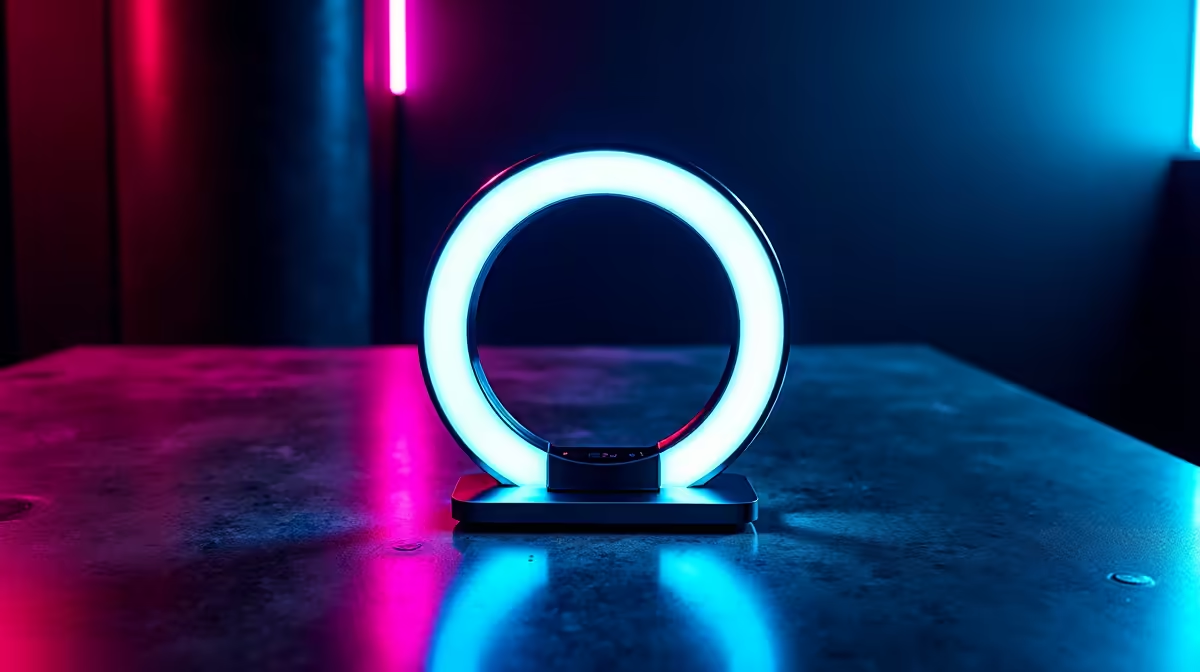
Ring lights are the most popular format for streamers. They mount on a tripod or clip onto a monitor and produce even, circular illumination that reduces harsh shadows. They work well in smaller gaming setups where space is limited. Smaller ring lights in the 6-10 inch range are practical for desk use without dominating the space.
Key lights or panel lights are the professional choice for serious setups. These flat LED panels offer more directional control, which allows you to create a more cinematic look with defined shadows. They are brighter than ring lights of equivalent size and often include RGB options for adding coloured background light to your gaming scene.
Clip-on lights are the most affordable and simplest option. They attach directly to a monitor bezel and provide basic fill lighting. For a starter setup or a secondary webcam light, clip-on options are budget-friendly and USB-powered, making them easy to run off a USB hub during loadshedding backup power situations.
What to Look for When Buying in South Africa
Focus on colour temperature control. A range of 3200K (warm) to 6500K (cool daylight) lets you match the light to your room's ambient tone. Flicker-free output is critical for webcam footage because standard LED lights can produce subtle flicker that appears as banding in video. Look for lights rated as flicker-free or PWM-free.
Brightness measured in lumens matters more than the raw wattage. For most desk gaming setups, 800-1500 lumens with dimming capability covers the full range from subtle fill light to bright streaming light. USB-powered lights are convenient and mean one less wall plug to manage, which is a bonus when managing power during load-shedding stages.
Frequently Asked Questions
Do I need a webcam light if I have a gaming monitor with RGB? RGB underglow adds atmosphere but does not provide consistent, directional light for your webcam. You still need a dedicated light source aimed at your face for a clear video feed.
Can I use a webcam light during loadshedding in South Africa? Yes. USB-powered webcam lights draw minimal power and can run off a laptop, a power bank, or a UPS unit during outages, making them practical for loadshedding-prone gaming schedules.
What colour temperature is best for streaming? For most SA streaming environments, 5000K-5500K (neutral daylight) produces natural skin tones and mixes well with monitor glow. Adjust warmer if your room has warm-toned ambient lighting.
Also at Evetech: Webcams | Graphics Card Deals
Ready to Find Your Perfect Match? Shop Gaming Setup Deals at Evetech











