

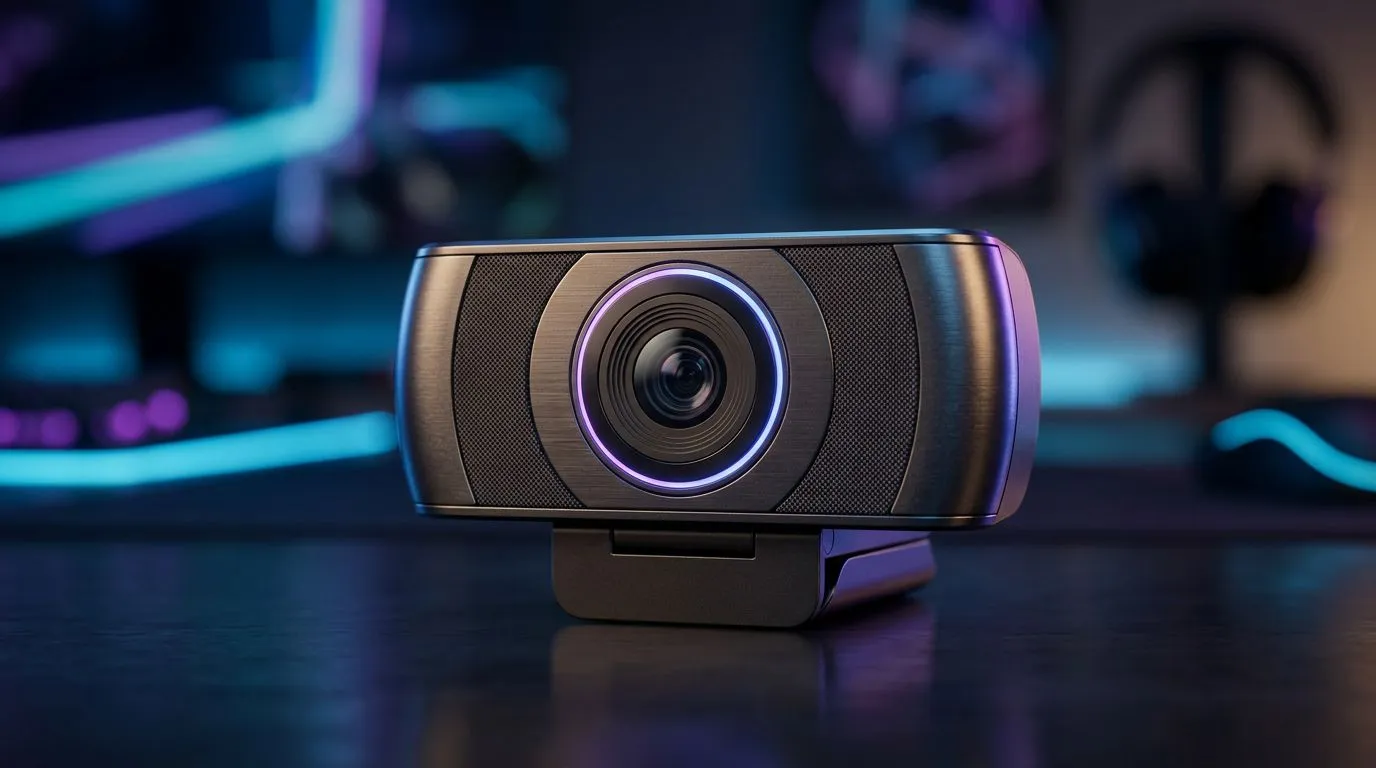
Best webcam for streaming during loadshedding: Key features that matter ⚡
If your stream goes dark every time Eskom flips the lights, you need practical kit — not hype. South African streamers want crisp video, minimal power drain and a simple fallback for UPS or power-bank setups. This guide trims the noise and shows which features make the best webcam for streaming during loadshedding work for Cape Town, Joburg and beyond. 🚀
Best webcam for streaming during loadshedding: resolution and framerate choices
Resolution and framerate decide how "alive" your broadcast looks. For streamed gameplay and talk shows, look for 1080p at 30–60fps or a 4K option if you want future-proofing. Evetech’s webcam category lists options across budgets and resolutions, so you can compare what fits your needs and wallet quickly: browse the full webcam range here https://www.evetech.co.za/PC-Components/buy-webcams-145.aspx.
Tip: during loadshedding, lower framerates save bandwidth and power while keeping motion smooth enough for viewers.
Best webcam for streaming during loadshedding: low-power features and connectivity
Power draw matters when you’re on battery or a compact UPS. USB-powered webcams that don’t require external AC are ideal; they’ll run directly from a laptop or power bank. If your setup uses a USB hub, test it with your battery solution before going live. For clear buying tiers, check webcams under R1,000 if you want budget options, and the R1,000–R2,000 segment for solid mid-range models: see webcams under R1,000 here https://www.evetech.co.za/PC-Components/buy-webcams-145.aspx?max-price=1000 and mid-range picks here https://www.evetech.co.za/PC-Components/buy-webcams-145.aspx?max-price=2000.
Best webcam for streaming during loadshedding: low-light performance and autofocus
Loadshed evenings mean poor ambient light. Cameras with larger sensors, HDR or low-light enhancement keep colours and skin tones natural without blasting your power-hungry ring light. Autofocus and face-tracking keep you sharp if you move while streaming. For premium options with better sensors, compare models in the R3,000 bracket: premium webcams are listed here https://www.evetech.co.za/PC-Components/buy-webcams-145.aspx?max-price=3000.
Streaming Power Tip ⚡
Pack a small UPS or a high‑capacity 20,000mAh power bank with USB-C passthrough. Test your webcam and microphone on that battery at home to estimate run-time. If you get at least 90 minutes, you can ride most scheduled outages without dropping a stream.
Best webcam for streaming during loadshedding: software, compression and latency
Good drivers and software let you reduce bitrate, crop and add filters without re-encoding on your main PC. OBS or Streamlabs can use hardware encoding to reduce CPU load. Also, pick a webcam with UVC support so it works plug-and-play across platforms. Want to keep uploads lean? Lower resolution or use variable bitrate to match your mobile or home data cap.
Best webcam for streaming during loadshedding: real stories and practical setup
Local streamer Thabo in Pretoria swapped a bulky LED kit for a soft LED panel on a dimmer and a 1080p webcam that runs from his laptop’s USB. He now streams through scheduled outages with just a 10,000mAh power bank. Small changes like this keep the community watching and you earning.
Final checklist before you buy the best webcam for streaming during loadshedding
- Prioritise USB-powered webcams with good low-light performance.
- Test runtime on your battery or UPS.
- Match resolution to upload speed to avoid buffering.
- Consider microphone placement: clear audio outranks slightly better video.
Ready to Find Your Perfect Match? The Mac vs Windows debate is complex, but for maximum power, choice, and value in South Africa, Windows is hard to beat. Explore our massive range of laptop specials and find the perfect machine to conquer your world.











