


Best Laptop with Ryzen 5 + RTX 4090 Laptop: SA Picks 2026
Top Laptop with Ryzen 5 + RTX 4090 Laptop: Picks picks evaluated on performance, value & SA availability with current Rand pricing from Evetech.
Read moreLooking for the best wireless gaming mouse specs for SA gamers? Focus on low-latency wireless, stable 2.4 GHz/BT performance, and reliable tracking for local server consistency 🎮📶
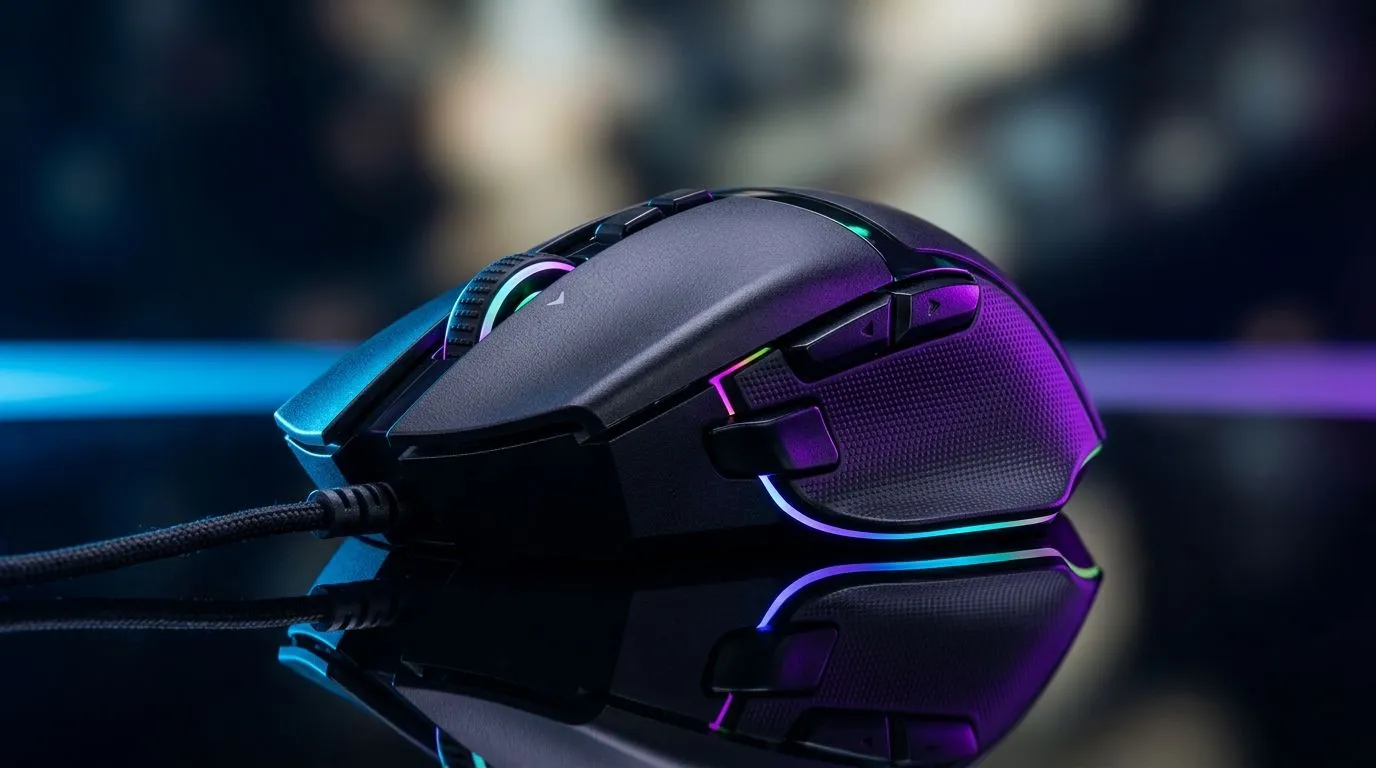
If you play on South African servers, your mouse choice matters more than most people admit 🔧 A crisp click, stable wireless performance, and a shape that stays comfortable during long sessions can be the difference between winning and blaming lag. The best gaming mouse deals are tempting, but the real win is matching the right specs to your setup, your hand size, and your budget in ZAR.
When people search for the best wireless gaming mouse specs for reliable SA servers, they usually want one thing... fewer problems. Not every problem is the server’s fault. A weak connection, poor sensor tracking, or a battery that dies mid-match can feel just as brutal.
For South African gamers, reliability starts with three basics:
A good wireless gaming mouse should use a low-latency 2.4 GHz dongle connection. That matters because competitive play is all about consistency. Bluetooth is fine for office work, but it is usually not the first choice for fast-paced gaming.
Look for a mouse with a well-reviewed optical sensor and consistent tracking. You do not need the biggest number on the box. You need smooth, accurate movement that does not spin out when you flick hard in a clutch moment.
If you game most evenings, a mouse with solid battery life saves hassle. A quick top-up between sessions is fine... but nobody wants to pause a ranked match because the battery warning popped up.
For comparison, Evetech’s wireless mouse range is a useful place to start if you want to narrow down shapes, weights, and feature sets without guessing.
A lot of marketing spec sheets sound impressive. Still, only a few details really affect performance.
Polling rate is how often your mouse reports its position to the PC. Higher is generally better for responsiveness. For gaming, 1000 Hz is a common target because it gives responsive movement without overcomplicating the choice.
A lighter mouse can feel faster in FPS games, while a slightly heavier one may suit players who prefer control. There is no universal winner. Your grip style matters more than hype.
Palm grip, claw grip, and fingertip grip all suit different mouse shapes. If your current mouse causes hand fatigue, that is often a shape problem rather than a sensor problem.
If you are unsure where to start, browse the mouse accessories selection. Small extras can improve comfort and help your setup feel more sorted, especially if you are building a neat battlestation at home.
Not everyone needs wireless. Some players still prefer the simplicity of a cable. If you want zero charging anxiety, Evetech’s wired mouse options are worth a look. That is especially useful if your gaming routine runs long and you want one less thing to manage ⚡
When choosing a gaming mouse, match the shape to your grip first, then compare sensor and battery specs. A great sensor on a badly shaped mouse still feels wrong after an hour.
A wireless mouse does not change your internet route, but it can prevent local input issues from adding to the frustration. That is why stable tracking and dependable wireless performance matter so much. If you are already playing on SA servers, you want your hardware to stay invisible in the background.
That is also why many gamers in South Africa keep a close eye on gaming mouse hardware before buying. A few minutes of comparison can save you from a week of regret.
If you are shopping on a tighter budget, do not chase the most expensive spec sheet. Instead, look for the mouse that gives you the best balance of comfort, tracking, and reliability for the games you actually play.
A mouse is personal. A mouse that feels perfect to one player can feel awkward to another. That is why reading specs is only half the job. The other half is understanding how you play... and choosing accordingly.
For South African buyers, the smartest move is often to shortlist a few models, compare their features, and then pick the one that fits your hand and your wallet. If the price is right and the specs are sensible, that is usually a better decision than chasing the latest flashy launch.
Ready to Find Your Perfect Match? The Mac vs Windows debate is complex, but for maximum power, choice, and value in South Africa, Windows is hard to beat. Explore our massive range of laptop specials and find the perfect machine to conquer your world.
Prioritise 2.4 GHz wireless, 1000 Hz polling, strong signal stability, and a reputable wireless latency profile to reduce delay.
1000 Hz helps smooth input and can reduce perceived delay. Pair it with stable wireless connection for consistent results in SA play.
Look for a modern high-precision sensor, consistent CPI control, feet glide for micro-adjustments, and reliable tracking under fast movement.
Yes. Target long battery life with predictable charge indicators, so your mouse stays reliable during ranked grinds on local servers.
For gaming, 2.4 GHz usually delivers lower latency and more consistent response than Bluetooth, which can vary by device and profiles.
Use the included dongle, keep the mouse receiver close, avoid heavy USB interference, and select a mouse with strong wireless link performance.
Verify polling rate, sensor specs, weight and shape for your grip, switch durability, and whether the model is known for stable wireless performance.
Top Laptop with Ryzen 5 + RTX 4090 Laptop: Picks picks evaluated on performance, value & SA availability with current Rand pricing from Evetech.
Read more
Top Budget GPU for Marvel Rivals picks evaluated on performance, value & SA availability with current Rand pricing from Evetech.
Read more
Valorant Settings on RTX 5070: Performance. Real-world benchmark data, FPS numbers & performance analysis. What SA gamers can actually expect.
Read more
Top Budget GPU for Assassins Creed Shadows picks evaluated on performance, value & SA availability with current Rand pricing from Evetech.
Read more
Valorant Settings on RTX 4080 Super: Performance. Real-world benchmark data, FPS numbers & performance analysis. What SA gamers can actually expect.
Read more
Top Valorant Settings for RTX 5070: FPS Optimisation picks evaluated on performance, value & SA availability with current Rand pricing from Evetech.

RDNA 3.5 Graphics in Ryzen AI 400? Can You Game. Plain-English explanation of what it means, why it matters & how it affects your buying decisions in SA.

GPU Price Index : December Report. Current stock data & price tracking for SA buyers. See what is available and where prices are heading.

RX 9070 XT Elden Ring Nightreign at 4K: FPS. Real-world benchmark data, FPS numbers & performance analysis. What SA gamers can actually expect.

Core i5-14600K + B760 + RTX 5060 Build Under. Full parts list, Rand pricing & expected performance. Build confidently with SA-available components.

RX 7600 Apex Legends at 4K: FPS Benchmark. Real-world benchmark data, FPS numbers & performance analysis. What SA gamers can actually expect.

RX 7900 XTX GTA 6 at 4K: FPS Benchmark & Optimal. Real-world benchmark data, FPS numbers & performance analysis. What SA gamers can actually expect.

Head-to-head comparison of RTX 5070 vs RX 9070 XT: Gaming Performance for SA gamers. Performance benchmarks, Rand pricing & which delivers better value.

Top RTX 5070 Under R25,000 picks evaluated on performance, value & SA availability with current Rand pricing from Evetech.
Core i5-14600K + B760 + RTX 5060 Build Under. Full parts list, Rand pricing & expected performance. Build confidently with SA-available components.

Top Monitor for RX 9070: Resolution & Refresh Rate picks evaluated on performance, value & SA availability with current Rand pricing from Evetech.

Valorant Settings on RX 9060 XT: Performance. Real-world benchmark data, FPS numbers & performance analysis. What SA gamers can actually expect.