

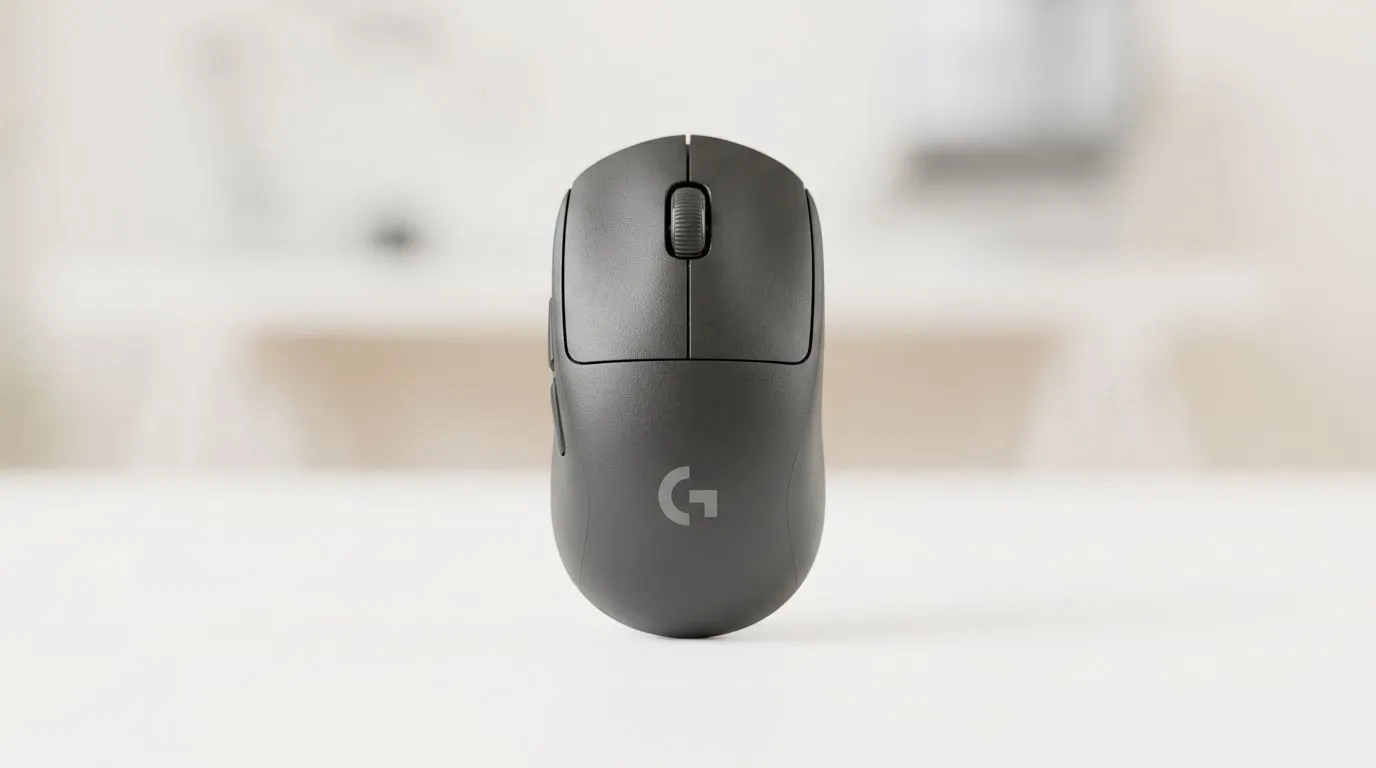
Is Bluetooth Low Energy on the Logitech M240 Reliable?
South African gamers and office warriors both want the same thing… a mouse that just works. The Logitech M240 is popular because it’s simple, portable, and affordable. But the real question is whether Bluetooth Low Energy (BLE) stays dependable when your desk gets busy, your laptop sleeps, or load-shedding resets your workflow. ⚡ Let’s look at reliability in real-world use, what to check before you buy, and when you should consider alternatives.
Bluetooth Low Energy reliability: what to expect
Bluetooth Low Energy is designed to save battery power by using infrequent, efficient communication. In practice, that means your connection should feel “stable” most of the time. Reliability tends to depend on a few everyday factors:
- Distance and line-of-sight: USB receivers can outperform Bluetooth in some layouts. BLE can weaken if you’re far from the laptop or you’ve got metal furniture in between.
- Interference: Wi-Fi routers, cordless phones, and crowded Bluetooth environments can cause stutter or delayed movement. This is more noticeable in high-sensitivity tasks.
- System sleep and waking: BLE devices may reconnect after your PC wakes. Sometimes the first movement after wake feels delayed… then it’s perfect again.
If you’re mostly doing everyday browsing, spreadsheets, and light gaming aim training, BLE can be perfectly adequate. If you’re chasing low-latency performance for competitive play, you’ll likely prefer a 2.4GHz wireless connection instead.
Reliability checks you can do in minutes
Before you commit, test these basics. 🔧
Keep your pairing clean
Remove and re-pair the mouse if you’ve had multiple Bluetooth devices connected. A fresh pairing often eliminates “ghost lag”.
Update device firmware and drivers
On Windows, driver updates can improve Bluetooth stability. If you’re unsure, check Evetech for the right accessories to support your setup, including wired options that bypass wireless variability.
Productivity Pro Tip ⚡
On Windows, quickly troubleshoot Bluetooth by going to Settings → Bluetooth & devices → Devices, remove the Logitech M240, then re-pair from scratch. After that, test in a simple cursor-speed scenario (move left-right slowly, then quickly). If it’s consistent, you’re good to go.
Watch the battery behaviour
BLE devices usually behave better when the battery is healthy. If response becomes intermittent, swap batteries and retest. Low battery can mimic “connection issues”.
When Bluetooth is the wrong tool (and what to buy instead)
If you want the most consistent response without Bluetooth reconnection drama, you have two safer routes.
First, consider a wired mouse for guaranteed uptime. No pairing, no wireless interference, no battery anxiety. If that’s your style, browse wired options here: wired mouse picks at Evetech.
Second, consider a 2.4GHz wireless mouse (often more stable than BLE). A receiver-based connection typically provides lower latency and fewer dropouts in busy RF environments. Start here: wireless mouse options at Evetech.
Still, if your desk setup is simple and you want portability, BLE can be a smart buy. Just make sure you’re pairing with a clean setup and testing after sleep.
Supporting reliability with the right accessories
Sometimes reliability is less about the mouse and more about your entire desk setup. A stable surface, a USB hub that doesn’t fight your Bluetooth adapter, and a proper mousepad can make the experience smoother. If you’re building a budget-friendly setup, you can also shop accessories here: mouse accessories at Evetech.
For gamers who want value without guessing, compare deals before you decide. You might find a wired or 2.4GHz model closer to the M240 price than you expect: best gaming mouse deals at Evetech.
And if you’re comparing variants for comfort and sensor feel, the broader selection can help you match your grip style: gaming mouse category at Evetech.
Ready to Find Your Perfect Match? Bluetooth Low Energy can be reliable for everyday use, but if you want the smoothest experience for gaming and consistent cursor response, it’s worth comparing options in one place. Explore our mouse range and secure a setup that fits your workflow and budget in South Africa. Check Evetech’s current deals and recommendations and shop smarter today.











