

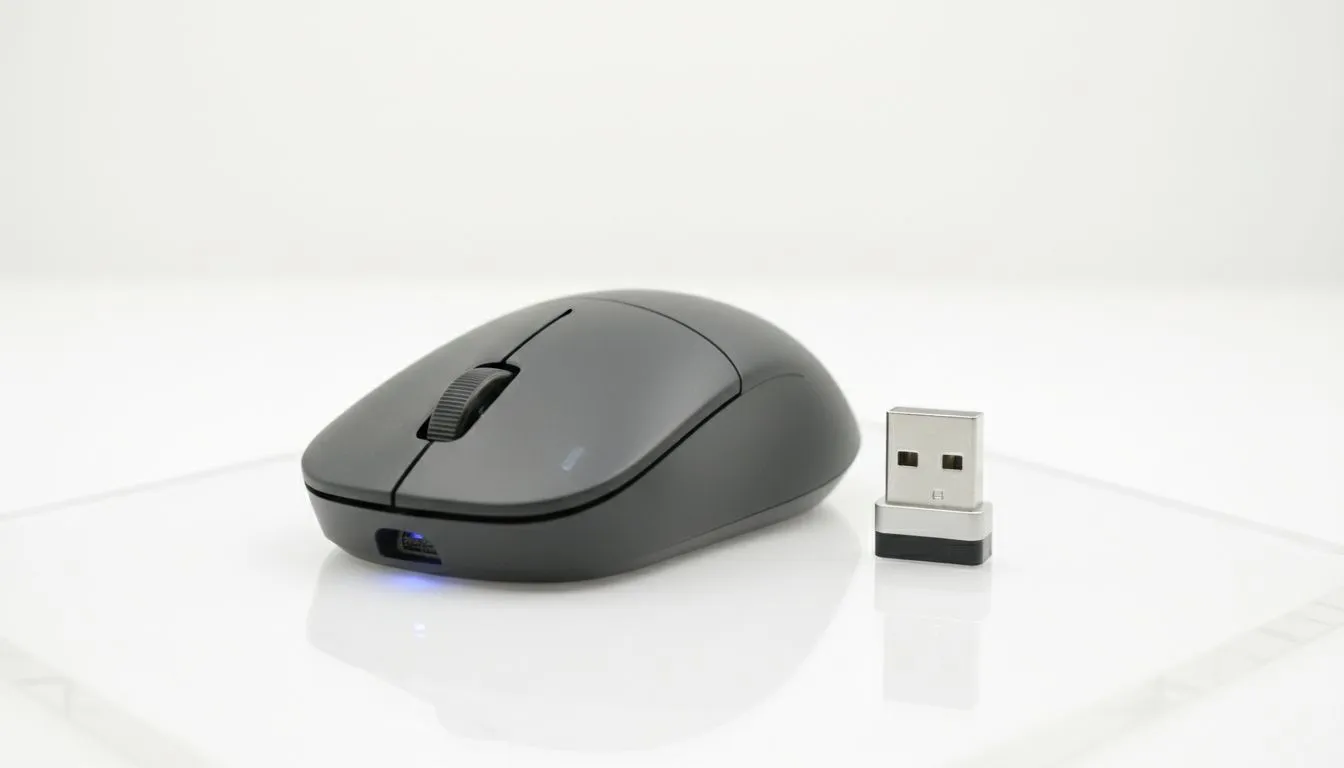
Making the Right Choice for Your Ultrabook
Are you a South African student or professional? Deciding between a Bluetooth Mouse vs Wireless Dongle is a big choice. Ultrabooks are sleek and powerful... but they usually have fewer ports than a minimalist's coffee table. This battle for your last USB port is real. Let us help you pick the right tool for your mobile setup. 🚀
The Case for Bluetooth Mice
Bluetooth is the king of convenience for ultrabook users. It requires no extra hardware to connect. This means you do not need to worry about losing a tiny USB receiver. If your laptop only has USB-C ports, Bluetooth saves you from carrying a bulky adapter.
When you buy wireless mouse technology, check for Bluetooth 5.0 or higher. This version is more power-efficient. It helps your mouse battery last for months. It also offers a stable connection for daily office tasks. However, Bluetooth can sometimes suffer from slight lag... which might frustrate competitive gamers.
The Case for Wireless Dongles
A 2.4GHz wireless dongle is the gold standard for performance. It provides a dedicated link between your mouse and laptop. This results in zero latency and a much smoother cursor movement. If you are looking for high performance, a gaming mouse with a dongle is usually the best bet.
Productivity Pro Tip ⚡
When using a Bluetooth mouse on Windows, disable the 'Allow the computer to turn off this device to save power' setting in Device Manager. This prevents that annoying two-second lag when you wake the mouse after reading a long document.
The downside is the "dongle life" struggle. You must keep a USB-A port open. On many modern ultrabooks, this is impossible without a hub. If you lose the dongle, the mouse becomes a paperweight unless it supports dual-mode connectivity.
Performance and Portability
Finding the right Bluetooth Mouse vs Wireless Dongle balance depends on your workflow. For creative work or gaming, the dongle wins. For coffee shop hopping and meetings, Bluetooth is superior. You can often find the best gaming mouse deals on mice that offer both connection types.
Some users still prefer a traditional wired mouse for their home office. It removes the need for charging entirely. However, for a mobile ultrabook, it is less than ideal. Do not forget to browse mouse accessories like compact cases to protect your gear. 🔧
Ready to Find Your Perfect Match? The Bluetooth vs Dongle debate is all about your workflow and your ultrabook's ports. For the best selection and value in South Africa, Evetech has the right gear for you. Explore our massive range of wireless mice and find the perfect partner for your mobile setup.











