


Dedicated Media Keys for Streamers: Improve Workflow Fast
Dedicated media keys give streamers one-touch control to mute, switch scenes, clip highlights, and adjust audio — cutting task time and boosting consistency 🎛️⚡
Read moreBudget mechanical keyboards: Compare Outemu and Cherry MX switches to find the best affordable typing and gaming keyboard in 2025. 🔎⌨️
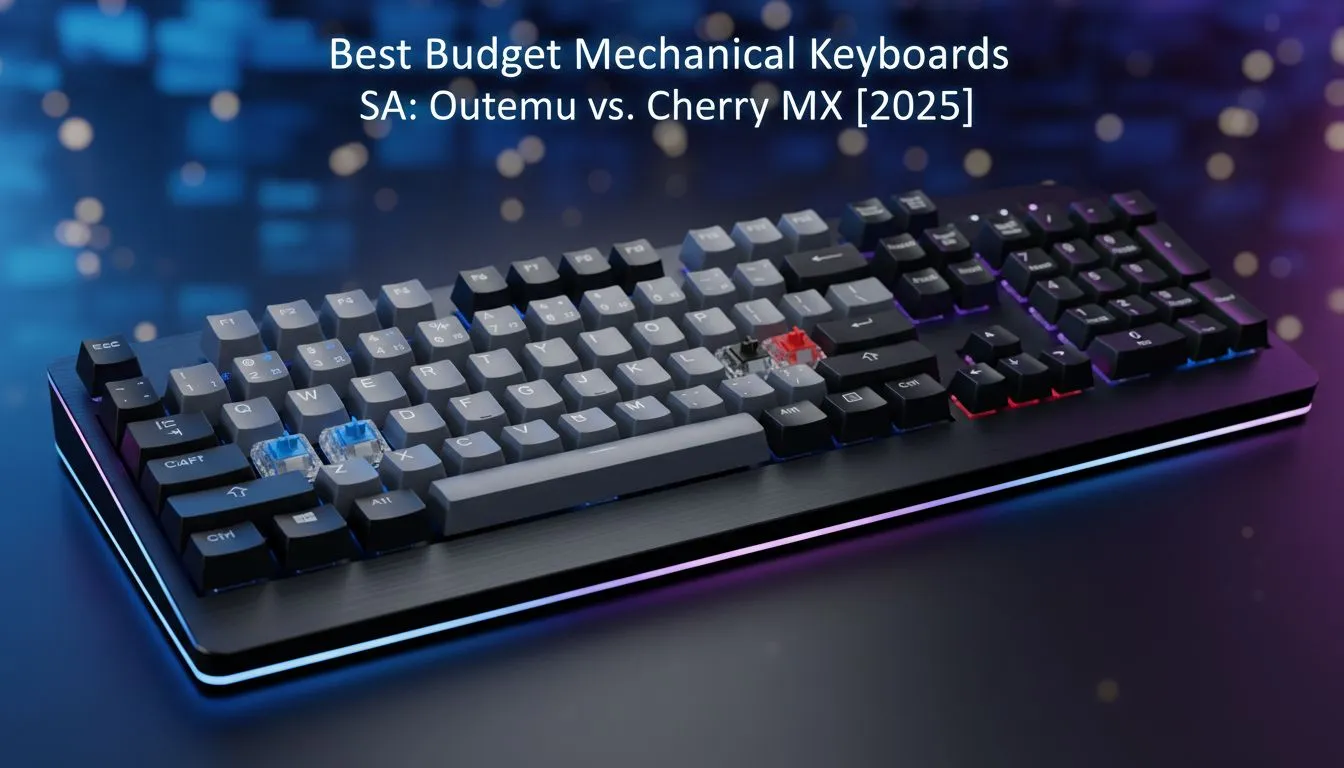
Tired of that mushy, unresponsive keyboard that came with your PC? You're ready to upgrade to the crisp, satisfying feel of a mechanical keyboard, but your budget is tight. Welcome to the great debate for South African gamers: Outemu vs Cherry MX. Can a budget switch really compete with the German gold standard? For anyone looking at budget mechanical keyboards in 2025, this is the core question. Let's dive in and find the answer. 🚀
Unlike the cheap membrane keyboards that register a keypress when a rubber dome squishes onto a circuit board, mechanical keyboards use individual physical switches under each key. Each switch contains a spring and a stem. When you press a key, the stem moves down, causing two metal contacts to connect and send a signal to your PC.
This simple mechanism is what gives them their signature feel, satisfying sound, and superior durability. The brand and type of switch determine everything about the typing experience.
For decades, Cherry MX has been the undisputed king. Made in Germany, these switches are renowned for their exceptional quality control, smoothness, and reliability, often rated for 100 million keystrokes. They are the benchmark against which all other switches are measured.
This quality comes at a price, often pushing keyboards into a higher price bracket. When you're building a premium setup, pairing a Cherry MX board with a high-precision gaming mouse just feels right. For many enthusiasts, the consistent performance is worth every rand.
Enter Outemu, a brand that has made budget mechanical keyboards accessible to everyone. Outemu switches started as "clones" of Cherry MX designs, meaning an Outemu Blue switch aims to feel and sound very similar to a Cherry MX Blue.
Over the years, they've massively improved their manufacturing. While they might not always feel quite as refined or perfectly consistent as their German counterparts, they offer incredible value. You can build an entire budget-friendly gaming station, complete with a great mechanical keyboard and a quality gaming headset, for a fraction of the cost of a premium-only setup.
So, when your hard-earned cash is on the line, where do the real differences lie? Let's break it down for the typical South African gamer.
This is subjective, but there are general trends. Cherry MX switches are often described as smoother right out of the box, with less "wobble" in the keycap. Outemu switches can sometimes have a slightly "scratchier" feel, though this has improved significantly in recent years and many users don't even notice it during intense gaming sessions. A responsive keyboard is a perfect partner for a high-refresh-rate PC monitor, ensuring your in-game actions are instant. ✨
Cherry MX switches boast ratings of up to 100 million keystrokes. Outemu switches are typically rated for a still-very-impressive 50 million keystrokes. For the average gamer, that's still many, many years of use. Think of it like this: both are built to last, much like how a quality Solid State Drive (SSD) is a durable upgrade for your entire system's performance. Unless you're a professional esports player, the Outemu lifespan is more than enough.
Many budget mechanical keyboards with Outemu switches are 'hot-swappable'. This means you can easily pull out the switches and pop in new ones without any soldering. It's a fantastic feature that lets you experiment with different switch types (like going from clicky Blues to linear Reds) or replace a faulty switch for just a few rand.
Sound is a huge part of the mechanical keyboard experience. Both brands offer the main three types: clicky (Blues), tactile (Browns), and linear (Reds). Generally, Cherry MX Blues have a sharper, cleaner "click," while Outemu Blues can be slightly louder and deeper. If you're a streamer, the sound of your keyboard is critical... you don't want it overpowering your microphone during a broadcast. Listening to sound tests online is the best way to decide what you prefer.
Here’s the bottom line. A keyboard with Outemu switches can often be half the price—or even less—than a comparable one with Cherry MX switches. For under R1000, you can get a fantastic Outemu-powered board, leaving you with more cash for other streaming essentials to complete your setup.
Choosing between Outemu and Cherry MX really comes down to your priorities.
For some games, you might even prefer a different input device altogether, like one of the latest gaming controllers which can offer a more relaxed experience for certain genres.
The gap between Outemu and Cherry MX has never been smaller. While Cherry MX still holds the crown for premium quality, Outemu has proven that you don't need to break the bank for a superb typing and gaming experience. For most South African gamers, an Outemu-equipped keyboard offers 90% of the performance for 50% of the price. That's a deal that’s hard to ignore. The best budget mechanical keyboards today provide a truly satisfying experience, making the upgrade more accessible than ever.
Ready to Feel the Difference? The Outemu vs Cherry MX debate is all about personal preference and budget. The best way to decide is to see what fits your setup and your wallet. Explore our incredible range of gaming keyboards and find the perfect board to elevate your game.
Outemu is cheaper and good for budget builds; Cherry MX offers superior durability and a more consistent feel. Choose price or longevity.
Yes. Modern Outemu switches deliver solid actuation and performance on many budget mechanical keyboards, though longevity may lag Cherry MX.
SA is a tall, sculpted keycap profile that changes feel and sound; pick SA if you want a vintage, pronounced typing experience on budget keyboards.
Only on hot-swappable, compatible PCBs. Many budget keyboards require soldering or specific switch mounts, so check compatibility first.
Tactile switches like Cherry MX Brown or Outemu Brown clones suit typing well. Personal preference and switch testing matter most.
Search sales and kit bundles; some brands include SA-style keycaps with Outemu or Cherry MX switches in affordable prebuilt packages.
Pick linear for smooth gaming, tactile for mixed typing and gaming, clicky for distinct feedback. Try a switch tester before buying.
Dedicated media keys give streamers one-touch control to mute, switch scenes, clip highlights, and adjust audio — cutting task time and boosting consistency 🎛️⚡
Read more
PBT vs ABS keycaps: Clear, local guide for South African gamers—compare feel, sound, durability and where to buy. Find the best material for your budget and playstyle 🎮🇿🇦
Read more
- Multi-Function Digital Dial: define benefits - Show gamer setups and macros - Offer buying and setup tips Multi-Function Digital Dial puts programmable control at your fingertips for faster actions and smoother streaming. 🎮⚙️
Read more
- Explain benefits; - Show the science; - Compare options; - Recommend picks. Magnetic wrist rest for gaming cuts wrist strain and boosts comfort during long sessions 🕹️✨
Read more
best gaming keyboard South Africa: Learn how to pick a low-latency mechanical keyboard, choose switches, layout and budget for competitive play 🎮⚡
Read more
Best wireless keyboard and mouse combo for small desks — curated, space-saving picks that boost comfort and productivity in tight setups. Find low-profile layouts, compact mice, and reliable range to fit your compact workstation. 🖱️⌨️
Read more
Discover webcams that automatically adjust light and color for crystal-clear video calls 🎥✨. Boost your streaming quality today!
Read more
Discover webcams that blend into your workflow 🎯 Capture moments while you work, stream, or create. Upgrade your setup with smart, multitasking tech!
Read more Dedicated media keys give streamers one-touch control to mute, switch scenes, clip highlights, and adjust audio — cutting task time and boosting consistency 🎛️⚡
Read more PBT vs ABS keycaps: Clear, local guide for South African gamers—compare feel, sound, durability and where to buy. Find the best material for your budget and playstyle 🎮🇿🇦
Read more - Multi-Function Digital Dial: define benefits - Show gamer setups and macros - Offer buying and setup tips Multi-Function Digital Dial puts programmable control at your fingertips for faster actions and smoother streaming. 🎮⚙️
Read more - Explain benefits; - Show the science; - Compare options; - Recommend picks. Magnetic wrist rest for gaming cuts wrist strain and boosts comfort during long sessions 🕹️✨
Read more