

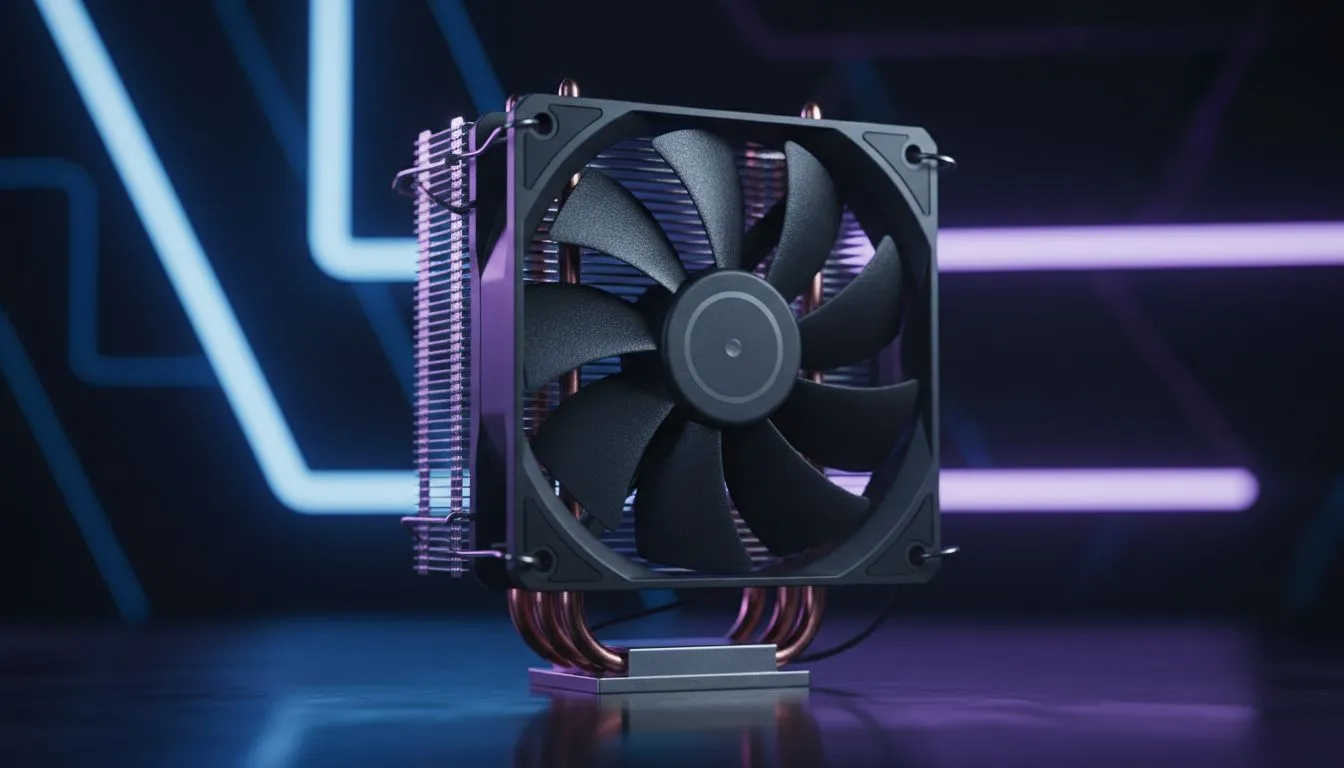
Is your PC sounding like it's about to take off during a heated Apex Legends match? That’s likely your stock CPU cooler screaming for help. For many South African gamers, upgrading to a budget tower CPU cooler is the single best bang-for-buck upgrade you can make. It’s not about flashy RGBs; it’s about unlocking performance, lowering noise, and extending your CPU's lifespan without breaking the bank. Let's dive into what really matters.
Why Your Stock Cooler Just Isn't Cutting It
The cooler that comes in the box with your processor is designed to do one thing: be just good enough. It's a baseline solution meant to prevent your CPU from overheating under normal, non-gaming loads. The moment you fire up a demanding game or a heavy application, its limitations become obvious.
You'll notice higher temperatures, which can lead to thermal throttling—your CPU slowing itself down to avoid damage. This means lower frame rates and a less responsive system. Plus, the small fans on stock coolers have to spin incredibly fast to keep up, creating that signature jet engine whine. Upgrading your CPU cooler is a direct investment in quieter, more consistent performance.
Key Features of a Great Budget Tower CPU Cooler
Finding the right budget tower CPU cooler isn't about picking the biggest one. It’s about smart design and knowing where the value lies. Here’s what to look for.
Heat Pipes & The Base Plate
This is the heart of the cooler. Copper heat pipes are filled with a liquid that vaporises when it absorbs heat from your CPU, travels up the pipe, cools, and condenses back into a liquid to repeat the cycle.
- Look for: At least four direct-contact copper heat pipes. "Direct-contact" means the pipes are milled flat and sit directly on your CPU, offering better thermal transfer than a solid base plate on cheaper models. This design is a hallmark of an effective and affordable tower cooler.
Fin Stack & Airflow ❄️
The heat pipes run up into a tower of thin aluminium fins. A fan pushes air through this "fin stack" to dissipate the heat. The density and design of these fins are crucial. A well-designed stack maximises surface area without overly restricting airflow. Most modern air coolers have this optimised for performance and quiet operation.
Check Your TDP! ⚡
Always check the Thermal Design Power (TDP) rating of a cooler. It should be equal to or, ideally, higher than your CPU's TDP. For example, if your Ryzen 5 has a 65W TDP, a cooler rated for 150W gives you massive headroom for boosting and keeps things whisper-quiet, as the fan won't need to work as hard.
Fan Size & Noise Levels
The fan is what you'll hear, so its quality is paramount. Larger fans can spin slower while moving the same amount of air as a smaller fan, resulting in much lower noise levels.
- Look for: A 120mm PWM fan. PWM (Pulse Width Modulation) means your motherboard can intelligently control the fan speed based on temperature. This is a non-negotiable feature for a quiet PC. Many of the most popular 120mm fan models strike the perfect balance between airflow and acoustics.
RAM Clearance & Compatibility
This is the final, crucial check. A big budget tower CPU cooler can sometimes overhang the RAM slots on your motherboard, especially if you have tall memory modules with large heat spreaders. Always check the cooler's specifications for its dimensions and clearance measurements.
Most product pages list socket compatibility (e.g., AM4, AM5, LGA1700). Make sure the cooler you choose explicitly supports your motherboard's socket. Brands like Deepcool are excellent at providing clear compatibility info, while value-focused options from EINAREX often pack a surprising punch for their price.
Ready to Chill Your CPU? A quiet, cool, and stable gaming rig is within reach. Ditching that noisy stock cooler for an affordable tower cooler is one of the smartest upgrades you can make. Browse our massive range of CPU Coolers and find the perfect fit for your build and budget.











