

Best Aftermarket RTX 5070 Cards: AIB Partner Comparison 2026
Top Aftermarket RTX 5070 Cards: AIB Partner Comparison picks evaluated on performance, value & SA availability with current Rand pricing from Evetech.
Read more- Assess display baseline; - Calibrate gaming monitor for accurate colours and true-to-game visuals; - Use hardware or free software tools; - Verify with test patterns ✅🎯 Learn fast, pro settings and checks.
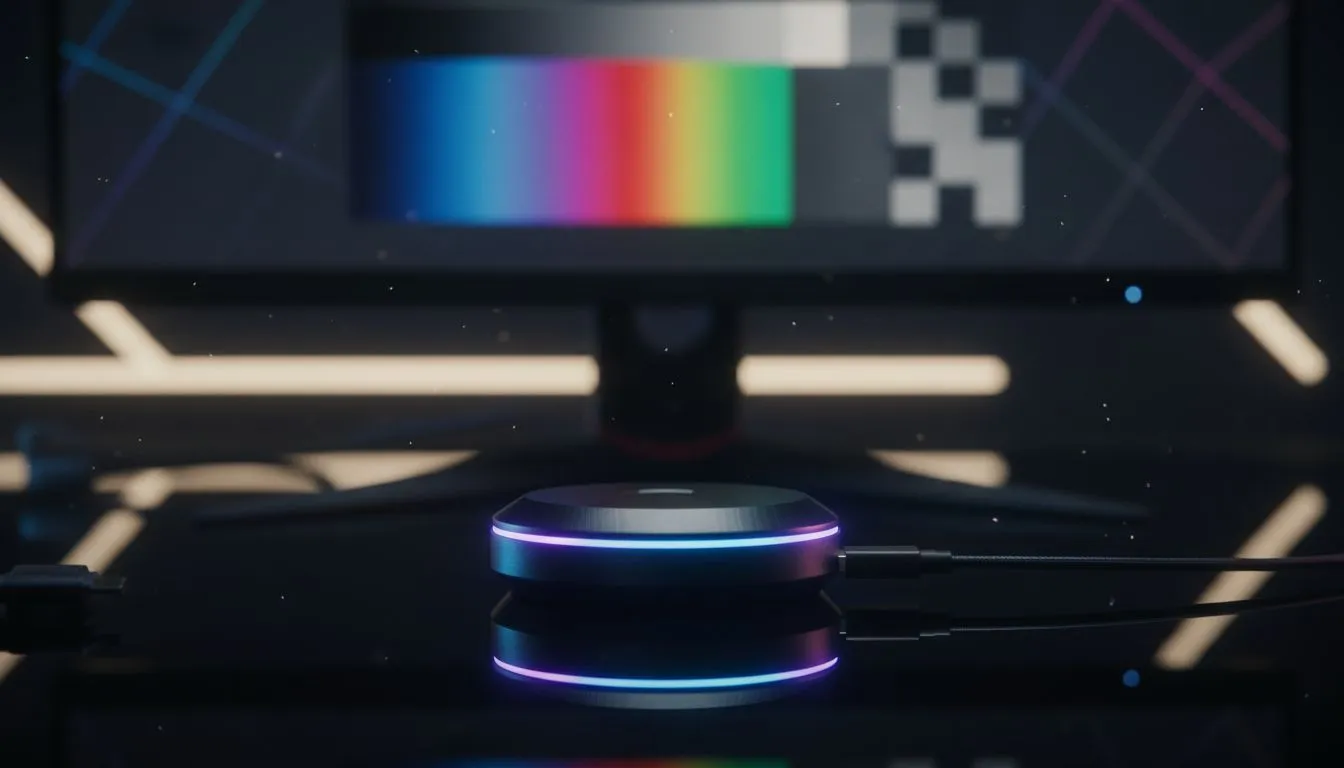
Ever watched a stunning gameplay trailer, bought the game, and then… disappointment? That vibrant world from the promo looks dull and washed out on your screen. The problem often isn't the game, but your monitor's settings. Learning how to calibrate your gaming monitor for accurate colours can completely transform your experience, making games look exactly as the developers intended. It’s a simple fix that unlocks the true potential of your display and your favourite titles.
Beyond just making things look pretty, proper colour calibration offers real advantages. In competitive shooters like Valorant or Warzone, accurate colours and gamma settings can help you spot enemies lurking in shadows that might otherwise be crushed into a black blob. For story-driven games like Cyberpunk 2077 or Baldur's Gate 3, it's all about immersion. Seeing the world with the intended colour palette makes the experience richer and more believable, especially on today's incredible range of all gaming monitors.
The effect is even more pronounced with displays designed for deep immersion. The subtle colour shifts on high-quality curved monitors, for example, feel far more impactful when they are correctly calibrated.
You don't need expensive gear to get started. Your computer's operating system has built-in tools that can make a massive difference. This process, known as software calibration, is the perfect first step.
First, set your room's lighting to what it normally is when you're gaming. Avoid direct sunlight or bright lamps shining on the screen. Next, turn your monitor on and let it warm up for about 30 minutes. This allows the brightness and colours to stabilise. Finally, reset your monitor's picture settings to its factory default or standard mode using the On-Screen Display (OSD) buttons.
you're running a dual-screen setup, perhaps with one of the handy [portable monitors](https: www.evetech.co.za buy-portable-monitors x 1590.aspx) for Discord or OBS, calibrate both! Use the same lighting conditions and aim to match the white points as closely as possible. This creates a seamless visual experience when dragging windows between them.
Both Windows and macOS have user-friendly calibration wizards that guide you through the process.
This initial software monitor colour calibration will significantly improve your display's output over the factory settings.
For creative professionals, streamers who demand perfect colour representation, or gamers using high-end stunning 4K monitors for both play and work, a hardware calibrator is the next level. Devices like a Calibrite ColorChecker or Datacolor SpyderX are colorimeters that physically measure your screen's output. They work with special software to create a highly accurate colour profile.
These tools take the guesswork out of the equation and are the gold standard for achieving truly accurate colours on your gaming screen. You can often find them listed under monitor accessories.
Ultimately, calibration can only optimise the hardware you have. The quality of the panel itself—whether it's an IPS for vibrant colours, a VA for deep blacks, or an OLED for the best of both—sets the ceiling for performance. If you've calibrated your current screen and still feel like you're missing out, it might be time for an upgrade. A new monitor can bring features like higher refresh rates, better HDR, and a wider colour gamut that no amount of tuning can add to an older display.
Exploring the best PC monitor deals available in South Africa can reveal just how affordable a major visual upgrade can be.
Ready for a Visual Upgrade? Calibration is key, but it all starts with a great panel. If your current screen isn't cutting it, Evetech has the perfect display to revolutionise your gaming and work. Explore our massive range of PC monitors and find the perfect machine to conquer your world.
Use a colorimeter or software to set brightness, contrast and gamma, apply an ICC profile, and verify with test images. Follow step-by-step calibration.
A colorimeter (like Spyder) gives the most accurate results. Software-only methods help, but hardware calibration ensures true colour accuracy.
Yes. Use software guides and test patterns to adjust settings. Results aren't as precise as hardware calibration but still improve colour accuracy.
Adjust brightness, contrast, gamma and color temperature. Use sRGB or custom white point and save an ICC profile for consistent results.
Recalibrate every 4–8 weeks for critical colour work; every 2–3 months is fine for gaming to maintain accurate colours and contrast.
Calibration changes colour profiles and display settings only. It doesn’t reduce frame rates or input lag when using the correct settings.
Calibrate each monitor with the same target white point and gamma, then compare test patterns and tweak until both match closely.
Top Aftermarket RTX 5070 Cards: AIB Partner Comparison picks evaluated on performance, value & SA availability with current Rand pricing from Evetech.
Read more
Top Laptop with Core i7 + RTX 5060 Laptop: Picks picks evaluated on performance, value & SA availability with current Rand pricing from Evetech.
Read more
Top GPU for Students picks evaluated on performance, value & SA availability with current Rand pricing from Evetech.
Read more
RTX 5070 Laptop GPU Hogwarts Legacy Performance. Real-world benchmark data, FPS numbers & performance analysis. What SA gamers can actually expect.
Read more
the CPU Pairing for the RTX 3060. Optimal CPU matches ranked by performance balance & SA value. Avoid bottlenecks with the right pairing.
Read more
Top 4K Monitor for RX 9070 picks evaluated on performance, value & SA availability with current Rand pricing from Evetech.
Read more
AMD RX 9050 XT: Rumoured Specs, Price & Release. SA-focused analysis with local pricing data, real-world insights & actionable buying advice.

Can RTX 4080 Super Run AI Workloads for SA Developers Detailed answer with SA data, expert analysis & practical recommendations for local buyers.

Can RTX 4090 Run AI Workloads for SA Developers Detailed answer with SA data, expert analysis & practical recommendations for local buyers.

Top Settings for Intel Arc B580 at Ultrawide 1440p picks evaluated on performance, value & SA availability with current Rand pricing from Evetech.

RTX 4060 CS2 Low Settings at 1080p: FPS Results. Real-world benchmark data, FPS numbers & performance analysis. What SA gamers can actually expect.

Visual Artifacts: Possible GPU Issue Issue #1. Diagnosis steps, proven fixes & when to seek professional help. SA-specific support info included.

Can the RTX 4090 Handle 1440p 144Hz Gaming. Performance testing verdict with real data & practical recommendations for SA buyers.

Top ASUS GPU Under R15000 picks evaluated on performance, value & SA availability with current Rand pricing from Evetech.

GTA 6 Max Settings on RTX 5070. Tested & verified settings for best FPS and visual quality on SA hardware budgets.

Cyberpunk 2077 Max Settings on RTX 5080. Tested & verified settings for best FPS and visual quality on SA hardware budgets.

Starfield Max Settings on RTX 5070 Ti. Tested & verified settings for best FPS and visual quality on SA hardware budgets.

Top RTX 5090 Under R5000 picks evaluated on performance, value & SA availability with current Rand pricing from Evetech.