

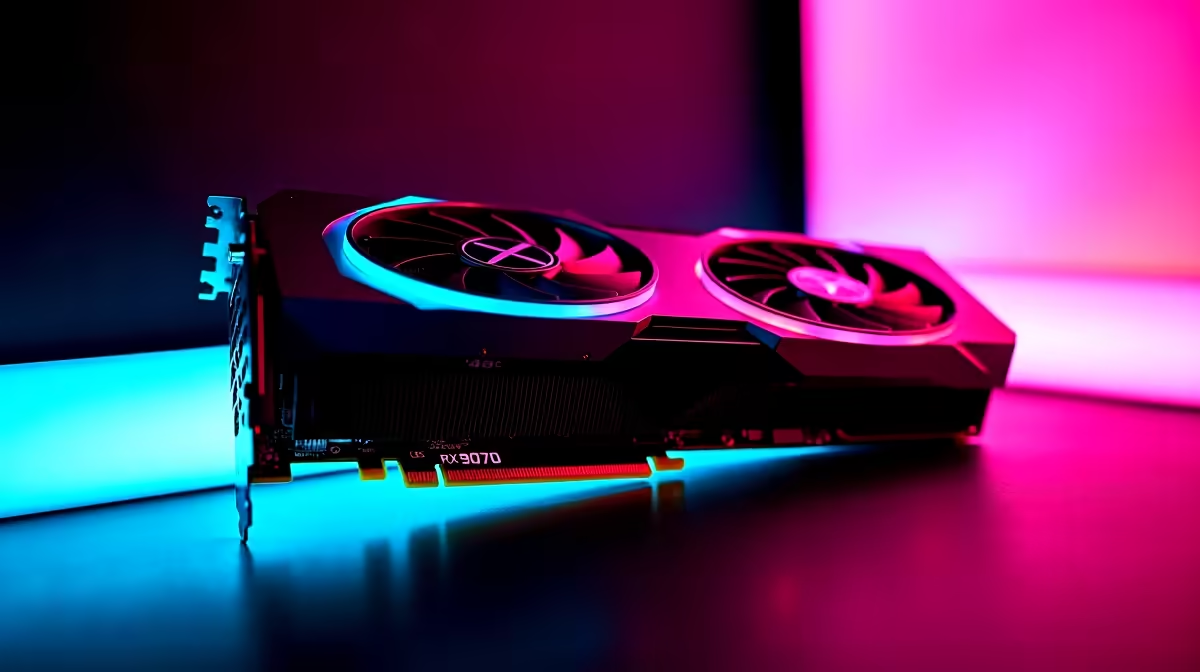
Dropping into Urzikstan with stuttering frames is a quick way to lose your Gulag match. If you recently upgraded to AMD's latest powerhouse, you want every single frame. Finding the right Call of Duty Warzone 2 settings on RX 9070 for best performance is crucial. Let us help you tweak your rig to push massive frames... ensuring your next local lobby is a breeze. 🚀
Why the RX 9070 Dominates
The RX 9070 is built for high-refresh-rate 1440p and 4K gaming. But raw power means nothing if your settings are bloated. To get maximum value out of your hard-earned ZAR, you need to optimise.
Building a new rig around this GPU? Check out our best gaming PC deals. You must match that graphics horsepower with the right CPU to avoid bottlenecks.
Optimal Call of Duty Warzone 2 Settings on RX 9070
Let us dive into the exact tweaks. 🔧 You want to balance visual clarity with blistering frame rates.
Display and Quality Tweaks
First, set your display mode to Fullscreen Exclusive. This reduces input lag. For upscaling, AMD FSR 3.0 is your best friend here. Set it to 'Quality' for crisp visuals while boosting your FPS.
Prefer a complete plug-and-play setup instead of building? Our pre-built PC deals offer amazing out-of-the-box performance for modern shooters.
Shadows and Lighting
Turn Shadow Map Resolution to Low. High shadows drain resources heavily. Set Spot Cache to Ultra... this actually prevents micro-stutters during intense firefights.
Warzone Visibility Tip ⚡
Turn off World Motion Blur and Weapon Motion Blur immediately. They make spotting enemies incredibly difficult during fast movement. Also, set your Field of View (FOV) to 110 or 120 for maximum peripheral awareness.
Balancing High FPS With Fidelity
You do not have to make your game look terrible to get high frames. The RX 9070 handles high texture resolutions effortlessly. This is thanks to its massive VRAM capacity. Just keep particle quality on low.
Are you a gamer on the move? Browse our notebooks for sale in South Africa for portable powerhouse options that still deliver high frames. ✨
Hardware Synergies for Best Performance
Pairing your RX 9070 with a fast NVMe SSD and low-latency RAM is essential. Warzone 2 streams assets constantly. Slow storage will cause massive texture pop-ins. Keeping an eye on our weekly specials is a smart way to upgrade your storage affordably.
Still rocking an older GPU? It might be time to buy graphics cards that can actually keep up with modern battle royales. Dialling in the perfect Call of Duty Warzone 2 settings on RX 9070 ensures you are never at a competitive disadvantage.
Ready to Dominate the Warzone? Stop letting frame drops ruin your KD ratio. Whether you are hunting for the RX 9070 or a complete system overhaul, Evetech has the best prices in South Africa. Upgrade your gaming setup today and secure those high-FPS victories.











