

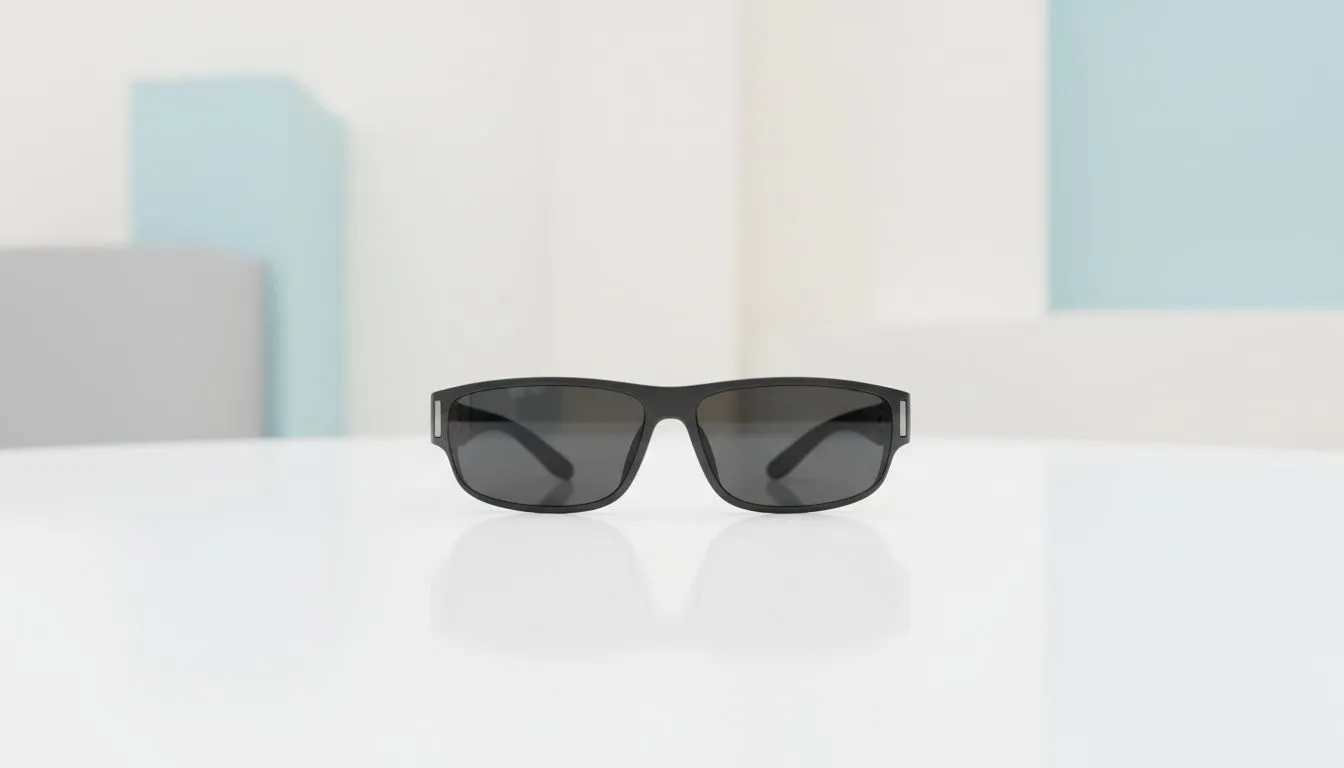
Imagine sitting at a coffee shop in Sandton or your home office in Cape Town with a massive 120-inch display floating in front of you. No bulky monitors, no neck strain... just pure digital immersion. As the XREAL One makes waves, many South African tech enthusiasts are asking: can AR glasses replace monitors? Let's dive into whether these futuristic lenses can actually dethrone your trusty desktop setup.
The Vision of a Portable Workspace
Traditional monitors have anchored us to desks for decades. Whether you use a 27-inch 1440p screen or a massive ultrawide, you are usually stuck in one spot. The XREAL One changes this dynamic by putting the screen on your face. You get a virtual display that mimics a high-end monitor without the physical footprint. When looking at the latest AR glasses technology, the appeal for digital nomads is obvious. You can work on a plane, in a park, or even lying on your couch 🚀.
Image Quality: XREAL One vs Desktop Displays
A common concern is whether the visual fidelity holds up. High-end monitors offer incredible colour accuracy and 4K resolution. However, the XREAL One uses Micro-OLED panels to provide deep blacks and vibrant colours. Because the screens are so close to your eyes, the perceived resolution is remarkably sharp. If you search for AR glasses today, you will find they offer a high Pixels Per Degree (PPD) count. This ensures text remains legible for coding or reading documents.
Comfort Pro Tip ⚡
When using AR glasses for long sessions, ensure you use the correct nose pads provided in the box. Proper alignment with your pupils reduces eye strain and prevents the edges of the virtual screen from looking blurry. It makes a massive difference during a four-hour deep-work session.
Ergonomics and the End of "Tech Neck"
Standard monitors force you to sit in a specific posture. If your desk height is wrong, you end up with neck pain. AR glasses allow you to look straight ahead, regardless of your body position. You can even use them while standing or reclining. For those exploring premium AR glasses options, the ergonomic benefits often outweigh the initial learning curve. In South Africa, where many of us are setting up home offices, saving desk space is a huge win. You no longer need a R10,000 desk setup to have a multi-monitor experience.
Are They Ready for Prime Time?
While AR glasses are impressive, they are not a total replacement for everyone just yet. Professional colour graders might still prefer a calibrated physical panel. However, for general productivity, gaming, and media consumption, the gap is closing fast. The XREAL One provides a private viewing experience that a monitor simply cannot match. No one can see your screen while you work on sensitive documents in public ✨.
Ready to Transcend the Traditional Desktop? The choice between a physical monitor and virtual reality depends on your lifestyle, but the freedom of AR is undeniable. Explore our range of AR glasses and discover how you can carry a cinema-sized display in your pocket.








