

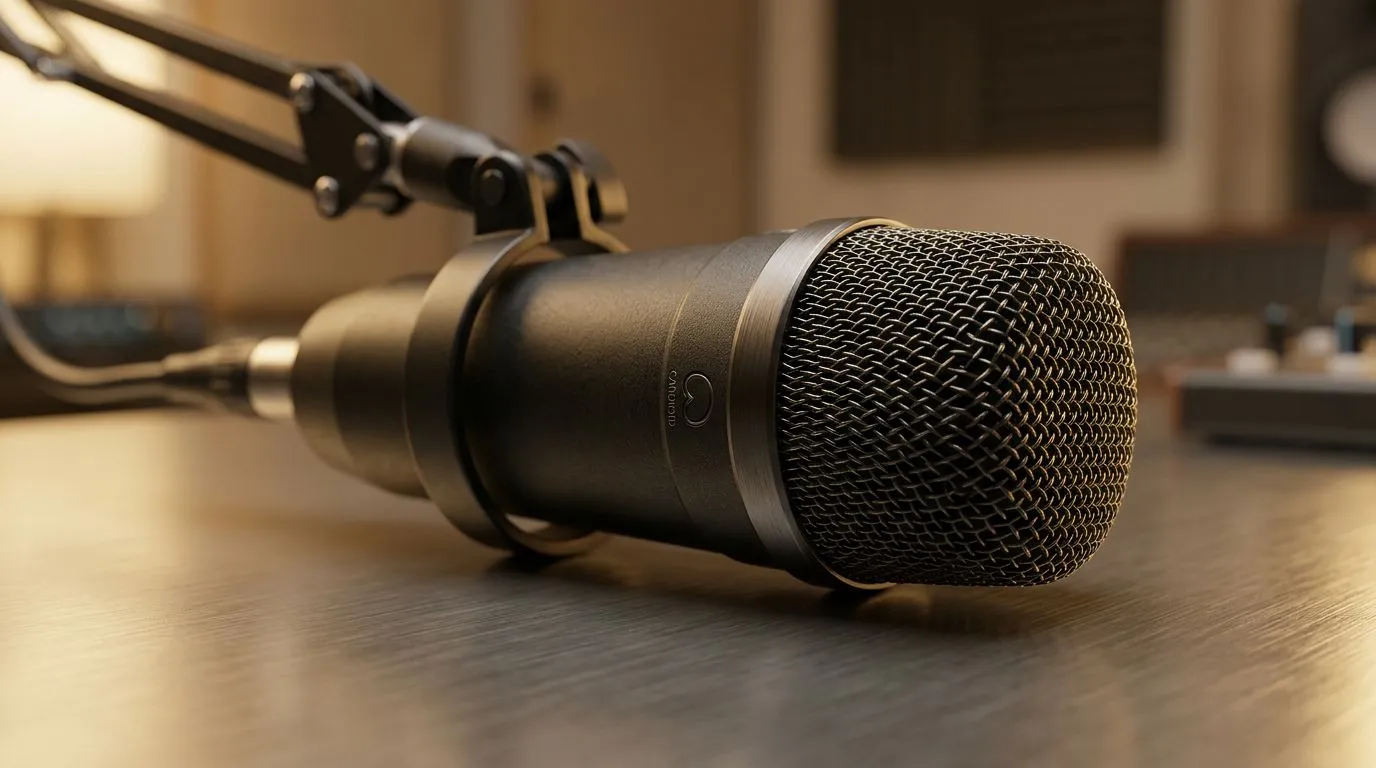
Cut noise, keep your voice — fast
Cardioid Microphone for Streaming: Reduce Background Noise Fast — want that clear, close-up vocal tone without the laundry-room echo or traffic rumbles? This quick read gives South African streamers and content creators practical mic choices and setup tips to stop background noise dead, so your voice sits front and centre in chat and recordings. 🎧✨
Why cardioid pattern works for streamers
A cardioid microphone rejects sound from the rear and sides, so room noise and keyboard clacks are less likely to leak into your stream. In practice, that means pointing the mic toward your mouth and away from noise sources. For product ranges and starter pricing in ZAR, see Evetech’s streaming essentials page for a sense of available mics and bundles: https://www.evetech.co.za/PC-Components/buy-streaming-essentials-369.aspx.
Pick the right cardioid mic for your setup
Think about connection (USB for plug-and-play, XLR for growable rigs), polar pattern consistency, and onboard controls like gain and mute. If you’re already using brand-specific peripherals or want a cohesive desk aesthetic, browse Corsair options through our gear filter here: https://www.evetech.co.za/PC-Components/buy-streaming-essentials-369.aspx?brands=CORSAIR. Prices and bundle deals in ZAR are visible on those product pages.
How to position and tune for maximum rejection
- Angle: Aim the mic slightly off-axis to avoid plosives while staying in the cardioid sweet spot.
- Distance: 10–20 cm from mouth is a reliable starting point.
- Gain staging: Keep input levels below clipping; use software meters or your interface to set peaks around -6 dB. Small changes in angle or distance often beat expensive isolation booths.
Productivity Pro Tip ⚡
On Windows, use the PowerToys FancyZones utility to create custom snap layouts for your windows. It's a lifesaver for managing multiple apps on an ultrawide monitor, letting you organise your timeline, preview window, and asset folders perfectly for video editing.
Accessories that actually help
Pop filters, desktop boom arms, and foam windscreens are cheap ways to reduce plosives and mechanical noise. For ambience control without studio treatment, try inexpensive LED backdrops and soft furnishings that break up reflections. If you want lighting and decorative gear that pairs well with streaming rigs, check Cololight accessories here: https://www.evetech.co.za/PC-Components/buy-streaming-essentials-369.aspx?brands=Cololight. For camera pairing and framing tips, our webcams collection can help you match visual quality to your vocal upgrade: https://www.evetech.co.za/PC-Components/buy-webcams-145.aspx. 📸🔧
Quick checklist before you go live
- Mic mounted on boom, not desk.
- Gain trimmed, no clipping.
- Noise gates and filters tuned in OBS or your DAW.
- Headphones on to avoid monitor bleed.
Final nudge — why upgrade now
Investing in a cardioid mic is the fastest way to sound more professional. Even modest ZAR investments yield a noticeable step up in clarity, audience retention, and chat engagement. Want to compare models side-by-side or grab a bundle? Our product pages list specs and current availability to help you decide.
Ready to Find Your Perfect Match? The Mac vs Windows debate is complex, but for maximum power, choice, and value in South Africa, Windows is hard to beat. Explore our massive range of laptop specials and find the perfect machine to conquer your world.











