

Best Aftermarket RTX 5070 Cards: AIB Partner Comparison 2026
Top Aftermarket RTX 5070 Cards: AIB Partner Comparison picks evaluated on performance, value & SA availability with current Rand pricing from Evetech.
Read moreCardioid microphones vs omni mics for gaming: pick the right pattern to improve voice clarity, reduce room noise, and stay intelligible in Discord. 🎮🎙️ Here’s how each pickup pattern affects your sound.
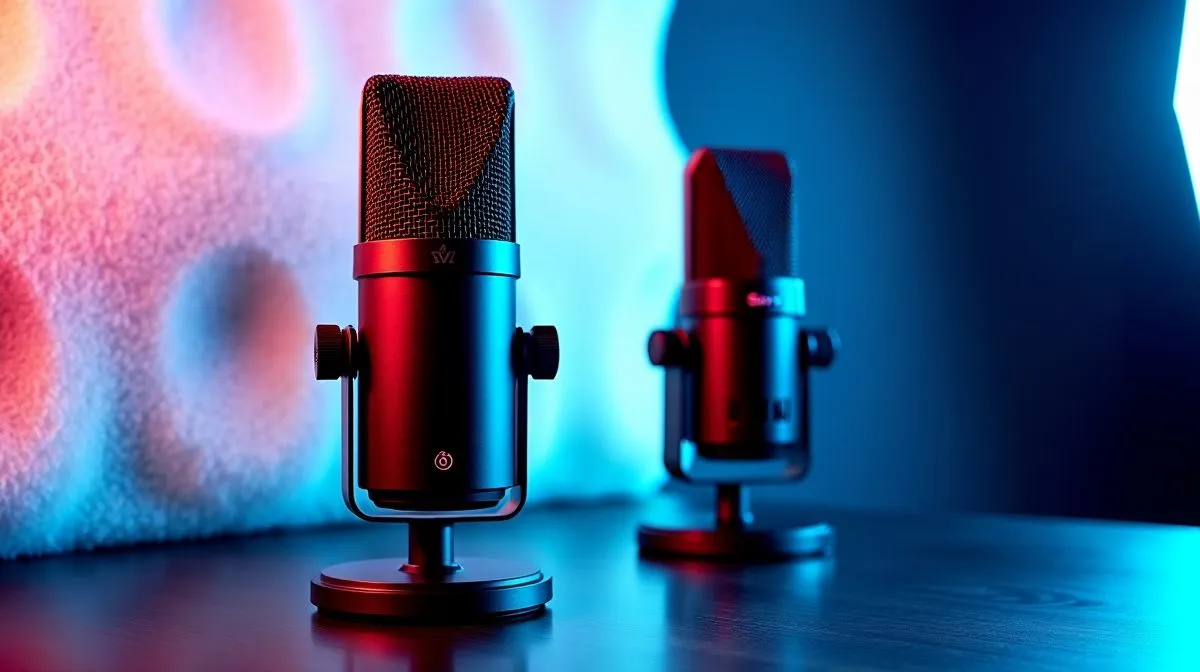
Ever had teammates say, “Bro… I can’t hear you,” right when the round gets tense? It’s usually not your internet. It’s your mic pickup pattern. In most gaming setups, Cardioid Microphones vs Omni Mics for Gaming Voice Clarity decides whether your voice stays crisp… or whether your room, keyboard taps, and fan noise tag along.
If you’ve ever swapped headsets and noticed your comms immediately improved, you’ve already seen the difference patterns make.
A cardioid mic is directional. Think of it like a “front-facing funnel” for sound. It captures most from in front of the mic and rejects more from the sides and behind. That means less pickup of:
An omni mic captures sound evenly from all directions. That can be great in a controlled space, like a quiet room or a couch with minimal background noise. But in real South African households… where there’s always something happening… omni mics can make your voice blend with everything.
Most players sit slightly off-axis from their mic. With cardioid, you’re more likely to stay “in the sweet spot” for your own voice while background sound stays lower. In practical terms: your teammates hear you first, not everything around you.
Before you buy, look at your environment:
Also consider how close the mic is. Mics get louder in your voice’s frequency range as you move closer, so even a good pattern can disappoint if you’re far away.
For tighter voice pickup with any mic, place it 5–10 cm from your mouth and aim it slightly toward your lips. Then lower your gain so your voice stays strong without boosting room noise.
Most gaming headsets blend mic pattern with noise handling and voice processing. If you’re shopping, start with a headset line-up that’s designed for comms, then fine-tune in your system.
If you’re considering a well-known wireless option, compare models like the Razer Barracuda X Chroma here: Razer Barracuda X Chroma Wireless Headset Phantom White. For broader headset comparisons, you can also browse:
If you want to match audio and chat preferences, check out variants depending on your surround needs:
Do this in under five minutes:
If the “left/right” recordings sound much weaker, your mic behaves like cardioid. If they sound similar, you likely have omni characteristics. Either way, you’ll know why your team hears what they hear.
For most gamers in noisy homes, Cardioid Microphones vs Omni Mics for Gaming Voice Clarity usually means fewer distractions and clearer teammates. But if your room is genuinely quiet and you sit centrally, omni can still sound natural.
The smartest move is pairing mic pickup with your actual environment… then adjusting distance and gain.
Ready to Find Your Perfect Match? The Mac vs Windows debate is complex, but for maximum power, choice, and value in South Africa, Windows is hard to beat. Explore our massive range of laptop specials and find the perfect machine to conquer your world.
Yes. Cardioid mics focus sound from the front, reducing side and rear pickup, which improves gaming voice clarity in noisy rooms and during Discord calls.
Choose an omni mic when you need more uniform pickup around your position, like casual group speaking or a more controlled sound setup.
Cardioid mics pick up mostly from one direction, while omni mics capture sound equally from all directions, affecting room-noise levels and clarity.
Typically, yes. Omni mics capture sound from all angles, so keyboard clicks, fans, and room reflections can reduce voice clarity unless your room is treated.
For best results, place the mic close to your mouth and aim it at your voice. This increases signal and improves gaming voice clarity while limiting room pickup.
They often do, because cardioid pickup is more directional. However, echo control also depends on room acoustics and mic distance.
Polar pattern matters first for reducing unwanted pickup. EQ and compression can help, but they cannot fully fix clarity problems caused by high background noise.
Top Aftermarket RTX 5070 Cards: AIB Partner Comparison picks evaluated on performance, value & SA availability with current Rand pricing from Evetech.
Read more
Top Laptop with Core i7 + RTX 5060 Laptop: Picks picks evaluated on performance, value & SA availability with current Rand pricing from Evetech.
Read more
Top GPU for Students picks evaluated on performance, value & SA availability with current Rand pricing from Evetech.
Read more
RTX 5070 Laptop GPU Hogwarts Legacy Performance. Real-world benchmark data, FPS numbers & performance analysis. What SA gamers can actually expect.
Read more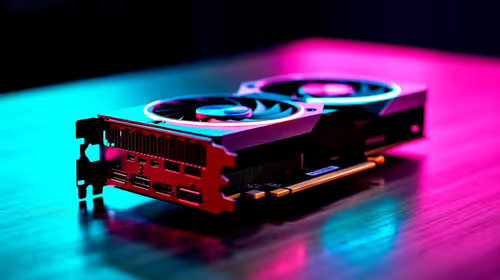
the CPU Pairing for the RTX 3060. Optimal CPU matches ranked by performance balance & SA value. Avoid bottlenecks with the right pairing.
Read more
Top 4K Monitor for RX 9070 picks evaluated on performance, value & SA availability with current Rand pricing from Evetech.
Read more
AMD RX 9050 XT: Rumoured Specs, Price & Release. SA-focused analysis with local pricing data, real-world insights & actionable buying advice.

Can RTX 4080 Super Run AI Workloads for SA Developers Detailed answer with SA data, expert analysis & practical recommendations for local buyers.

Can RTX 4090 Run AI Workloads for SA Developers Detailed answer with SA data, expert analysis & practical recommendations for local buyers.

Top Settings for Intel Arc B580 at Ultrawide 1440p picks evaluated on performance, value & SA availability with current Rand pricing from Evetech.

RTX 4060 CS2 Low Settings at 1080p: FPS Results. Real-world benchmark data, FPS numbers & performance analysis. What SA gamers can actually expect.

Visual Artifacts: Possible GPU Issue Issue #1. Diagnosis steps, proven fixes & when to seek professional help. SA-specific support info included.

Can the RTX 4090 Handle 1440p 144Hz Gaming. Performance testing verdict with real data & practical recommendations for SA buyers.

Top ASUS GPU Under R15000 picks evaluated on performance, value & SA availability with current Rand pricing from Evetech.

GTA 6 Max Settings on RTX 5070. Tested & verified settings for best FPS and visual quality on SA hardware budgets.

Cyberpunk 2077 Max Settings on RTX 5080. Tested & verified settings for best FPS and visual quality on SA hardware budgets.

Starfield Max Settings on RTX 5070 Ti. Tested & verified settings for best FPS and visual quality on SA hardware budgets.

Top RTX 5090 Under R5000 picks evaluated on performance, value & SA availability with current Rand pricing from Evetech.