

Stay Powered During Load Shedding
We’ve all been there. You are deep into a match or finishing a final project when the "Battery Low" warning pops up. Load shedding just started... and your wall socket is dead. Can you charge laptop with power bank safely without frying your expensive hardware?
The answer is yes... but you cannot just use any old brick. Laptops require significantly more "juice" than a smartphone. To keep your machine running, you need to understand the relationship between wattage, cables, and safety protocols. ⚡
Understanding Wattage and Power Delivery
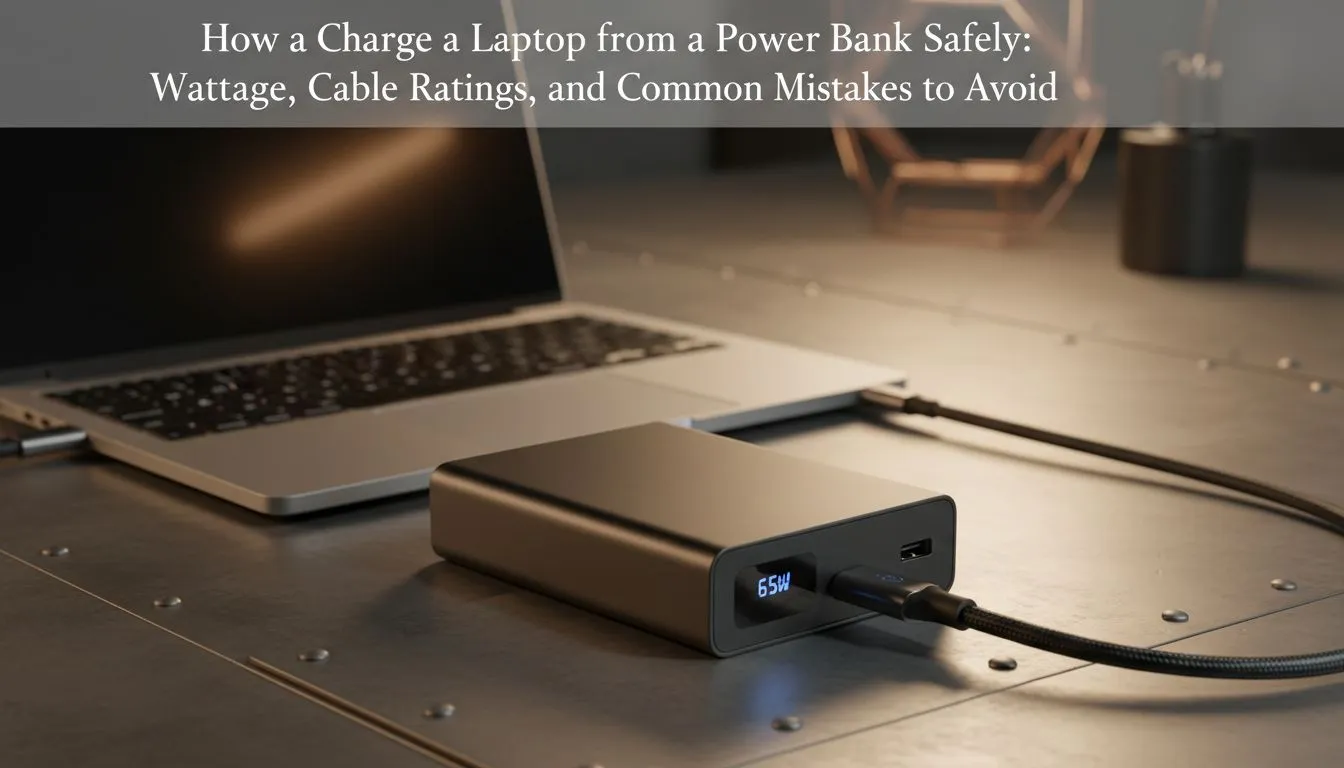
Laptops are power-hungry beasts. Your standard phone power bank usually outputs 10W or 15W. That is not enough to wake up a modern notebook. To charge laptop with power bank safely, you must ensure the device supports Power Delivery (PD).
Most ultrabooks require at least 45W to 65W to charge while in use. If you have a high-end gaming rig, you might even need 100W. Before you buy, check the bottom of your laptop for the "Input" rating in Watts. You can buy power banks that meet these high-performance standards to ensure your hardware stays healthy.
Check Your Port! ⚡
Not every USB-C port on a laptop accepts a charge. Look for a small "lightning bolt" icon or a "plug" symbol next to the port. This indicates Thunderbolt or Power Delivery support. If you see a plain USB-C port, it might only be for data transfer... meaning your power bank won't do a thing.
Choosing the Right Cables and Brands
The cable is the bridge between your power and your PC. Using a cheap, unrated cable can cause overheating or slow charging. For consistent results, Promate power banks are highly recommended. They often include the necessary safety certifications to protect against over-voltage.
If you use a cable that cannot handle the current, it might melt or damage the laptop port. Always use a cable rated for the specific wattage of your power bank.
Common Mistakes to Avoid
Don't buy the cheapest generic brick you find at a local petrol station. If you are looking for value without risking your motherboard, check out these reliable power solutions under R1200. These units usually offer better circuit protection.
Another mistake is "daisy-chaining" banks. This creates heat and reduces efficiency. Even if you are looking for budget-friendly options under R500 for your smaller gadgets, always prioritise brands with built-in surge protection. 🔧
Optimise Your Charging Habits
To get the most out of your backup power, dim your screen brightness. Close background apps that drain the CPU. This ensures every bit of energy from the power bank goes toward keeping the system alive... rather than wasting it on unnecessary tasks. 🚀
Ready to Stay Powered Up? Don't let load shedding or a dead battery cut your session short. Explore our massive range of power bank specials and find the perfect backup to keep your laptop running anywhere in South Africa.











