


Dedicated Media Keys for Streamers: Improve Workflow Fast
Dedicated media keys give streamers one-touch control to mute, switch scenes, clip highlights, and adjust audio — cutting task time and boosting consistency 🎛️⚡
Read moreClean QD-OLED screen safely with this step-by-step guide — pick the right cloths, cleaners, and techniques to avoid scratches and keep colors vivid. 🧼✨
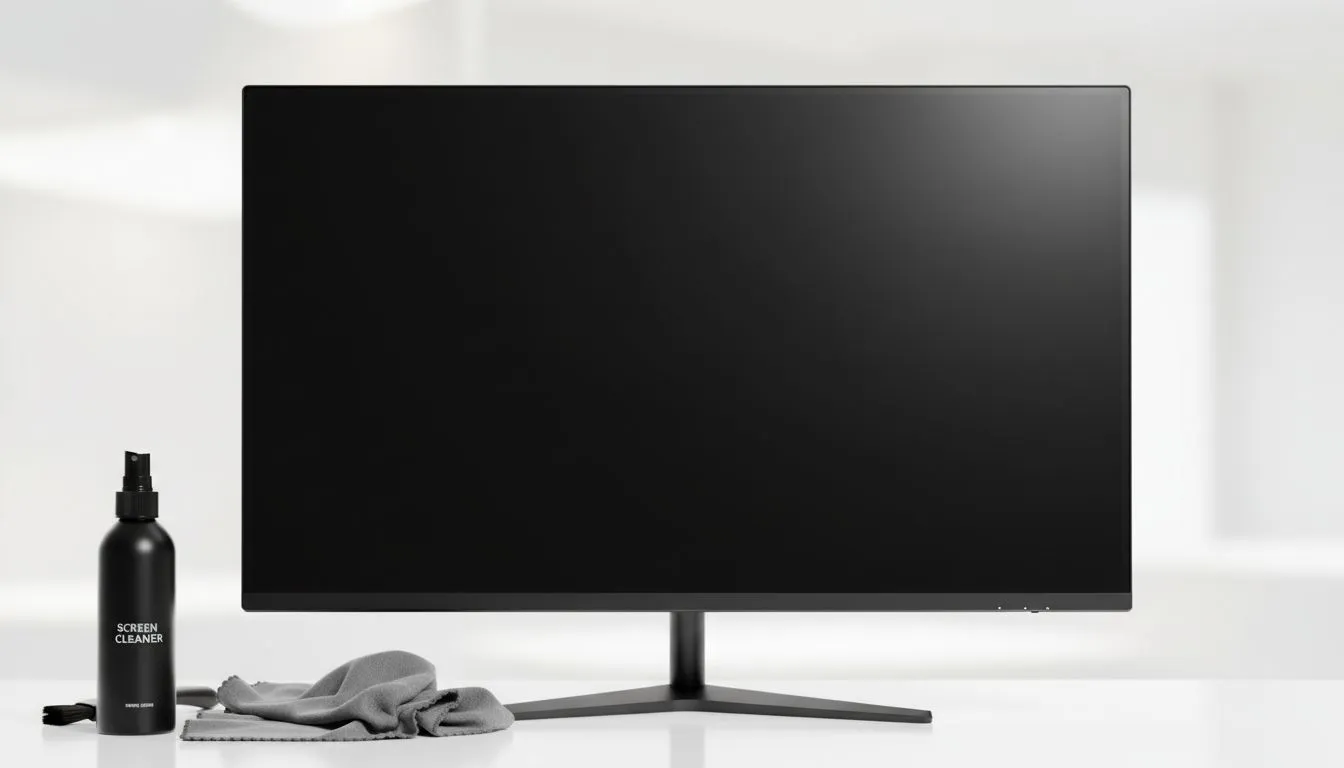
You have just dropped serious Rands on a top-tier display. That ink-black contrast and vibrant colour are unmatched. But after a few weeks of intense gaming, dust and fingerprints start to dull the magic. You need a Clean QD-OLED Screen: Safe Cleaning & Maintenance Guide that won't ruin your investment. One wrong move with a harsh chemical can permanently strip the delicate anti-reflective coating. Unlike standard PC monitors, QD-OLED panels use a specific top layer to manage light. It is incredibly sensitive to friction and solvents.
The most important rule is to avoid standard household cleaners. Never use Windex, alcohol, or ammonia-based products. These will eat through the protective layers of your panel. If you are browsing all gaming monitors, you will notice the premium ones often come with specific warnings. You should also avoid using paper towels or tissues. These are made of wood pulp... they will leave micro-scratches that become visible over time.
If a dry cloth isn't shifting a stubborn fingerprint, try a gentle 'huff' of breath on the spot before wiping. The slight moisture from your breath is often enough to break down oils without the risks associated with tap water or harsh chemicals.
Start with a dry, high-quality microfiber cloth. You can find professional-grade options in our monitor accessories section. Gently wipe in a circular motion without applying pressure. For larger curved monitors, work in small sections to ensure you are not missing any spots. If a smudge persists, dampen the cloth slightly with distilled water. Never spray any liquid directly onto the screen. It can seep into the bezel and fry the internal electronics.
QD-OLEDs require digital maintenance alongside physical cleaning. Most high-end 5K & 4K monitors feature built-in pixel cleaning cycles. These run automatically when the screen is off. Do not unplug your monitor from the wall immediately after a session. Let the hardware finish its maintenance cycle to prevent ghosting or permanent burn-in. Even if you use portable monitors for work, these rules apply. Keep your firmware updated to ensure the latest panel protection algorithms are active.
If your current display has reached the end of its life, it might be time for an upgrade. We keep the best PC monitor deals updated daily to ensure you get the most value for your ZAR. A well-maintained screen ensures your gaming experience remains immersive for years to come. ✨
Ready to Find Your Perfect Match? Keeping your screen clean is the first step, but having the right hardware is where the real glory begins. Explore our massive range of monitor specials and find the perfect display to conquer your world.
Dust lightly weekly and do a gentle wipe monthly or as needed. Use microfiber and a safe cleaner for QD-OLED to prevent scratches and preserve color.
Use a lint-free, tightly woven microfiber cloth. Avoid paper towels or abrasive fabrics that can scratch glossy QD-OLED surfaces.
No. Avoid alcohol, ammonia, and strong solvents. Use distilled water or a mild cleaner labeled safe for QD-OLED displays.
Dampen a microfiber with distilled water or approved cleaner and wipe gently in straight strokes; avoid heavy pressure and circular rubbing.
Harsh cleaners and abrasive cloths can degrade coatings. Use approved cleaners and soft microfiber to protect anti-reflective layers.
Power off, remove dust with a dry microfiber, then lightly dampen the cloth with distilled water or an approved cleaner and wipe gently.
Avoid direct sunlight, use screen savers, reduce peak brightness when possible, and follow qd-oled maintenance tips for cleaning and storage.
Dedicated media keys give streamers one-touch control to mute, switch scenes, clip highlights, and adjust audio — cutting task time and boosting consistency 🎛️⚡
Read more
PBT vs ABS keycaps: Clear, local guide for South African gamers—compare feel, sound, durability and where to buy. Find the best material for your budget and playstyle 🎮🇿🇦
Read more
- Multi-Function Digital Dial: define benefits - Show gamer setups and macros - Offer buying and setup tips Multi-Function Digital Dial puts programmable control at your fingertips for faster actions and smoother streaming. 🎮⚙️
Read more
- Explain benefits; - Show the science; - Compare options; - Recommend picks. Magnetic wrist rest for gaming cuts wrist strain and boosts comfort during long sessions 🕹️✨
Read more
best gaming keyboard South Africa: Learn how to pick a low-latency mechanical keyboard, choose switches, layout and budget for competitive play 🎮⚡
Read more
Best wireless keyboard and mouse combo for small desks — curated, space-saving picks that boost comfort and productivity in tight setups. Find low-profile layouts, compact mice, and reliable range to fit your compact workstation. 🖱️⌨️
Read more
Discover webcams that automatically adjust light and color for crystal-clear video calls 🎥✨. Boost your streaming quality today!
Read more
Discover webcams that blend into your workflow 🎯 Capture moments while you work, stream, or create. Upgrade your setup with smart, multitasking tech!
Read more Dedicated media keys give streamers one-touch control to mute, switch scenes, clip highlights, and adjust audio — cutting task time and boosting consistency 🎛️⚡
Read more PBT vs ABS keycaps: Clear, local guide for South African gamers—compare feel, sound, durability and where to buy. Find the best material for your budget and playstyle 🎮🇿🇦
Read more - Multi-Function Digital Dial: define benefits - Show gamer setups and macros - Offer buying and setup tips Multi-Function Digital Dial puts programmable control at your fingertips for faster actions and smoother streaming. 🎮⚙️
Read more - Explain benefits; - Show the science; - Compare options; - Recommend picks. Magnetic wrist rest for gaming cuts wrist strain and boosts comfort during long sessions 🕹️✨
Read more