

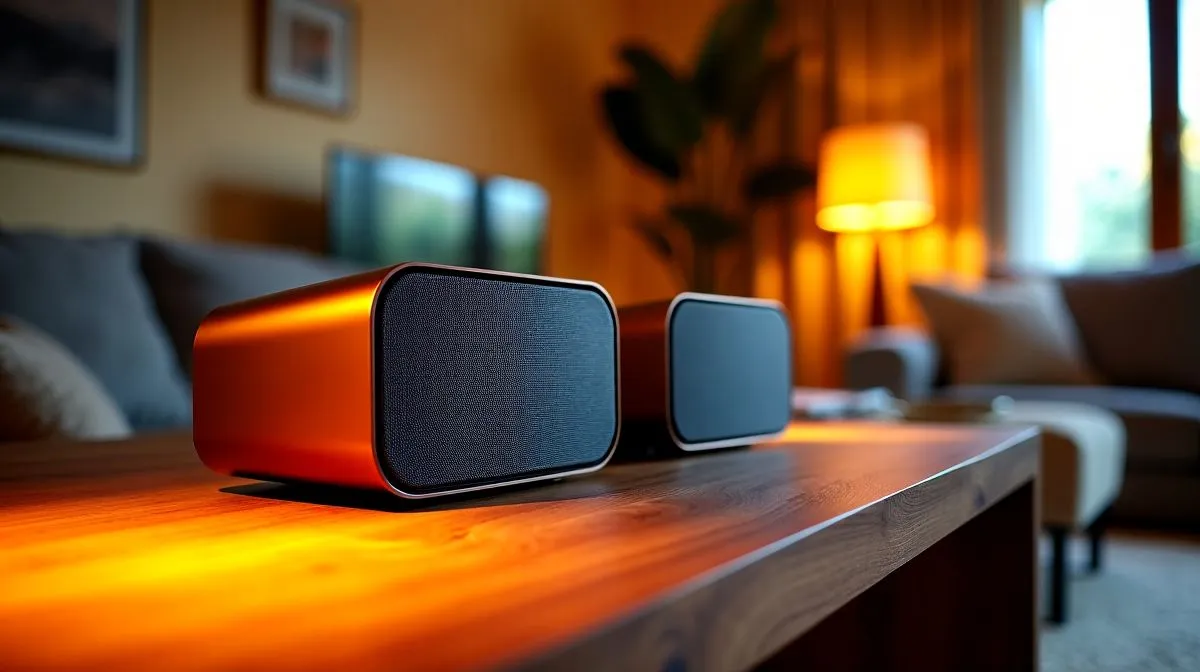
Compact PC speaker essentials for everyday use
South African gamers and home workers: tired of massive speaker setups? Here’s a plain guide to Compact PC Speaker Features for Everyday Use in South Africa that helps you pick a tidy desktop pair without losing bass or clarity. In under five minutes you’ll know what matters... size, connectivity, and whether 2.0 or 2.1 fits your room. 🔧✨
Small footprint, big sound Size is the first filter. Compact speakers must balance cabinet volume and driver size; tiny enclosures need clever tuning. Browse Evetech’s speaker range to compare slim desktop models and bookshelf options that suit dorm rooms and open‑plan lounges: https://www.evetech.co.za/components/speakers-107
Connectivity that matches your setup Decide if you prefer low‑latency wired audio for gaming or flexible wireless for casual listening. Many modern compact kits support both, but prioritise according to usage. Check wired options if you value simple plug‑and‑play: https://www.evetech.co.za/components/speakers-107?attributes-connectivity=Wired. Or explore wireless models for a clutter‑free desk: https://www.evetech.co.za/components/speakers-107?attributes-connectivity=Wireless
2.0 vs 2.1 configurations For pure stereo clarity, a 2.0 pair keeps things compact and simple. If you want fuller low end in a small room, a 2.1 setup adds a subwoofer without huge mains. Compare stereo and subwoofer setups on Evetech to match your room size and bass tolerance: https://www.evetech.co.za/components/speakers-107?attributes-configuration=2.0 and https://www.evetech.co.za/components/speakers-107?attributes-configuration=2.1
Brands and build quality Not all compact speakers are equal. Look for solid enclosures, quality drivers, good amp headroom, and simple controls. If you prefer reputable budget brands, consider Promate compact speakers for clean design and sensible power handling: https://www.evetech.co.za/components/speakers-107?brands=Promate
Productivity Pro Tip ⚡
On Windows, use the PowerToys FancyZones utility to create custom snap layouts for your windows. It's a lifesaver for managing multiple apps on an ultrawide monitor, letting you organise your timeline, preview window, and asset folders perfectly for video editing.
Practical listening tests and placement At home, test speakers with familiar tracks and a quick game session to check latency and imaging. Place speakers on isolation pads or small stands to reduce desk vibration. For narrow desks, angle the speakers slightly toward your ears and keep the subwoofer off the desk if possible. A brief A/B with wired vs wireless models will reveal if the convenience trade‑off is worth it.
Buying tips for South Africa Check local stock and warranty terms on Evetech before you buy. If you’re upgrading a compact desktop, aim for modularity: choose a system where you can add a small sub later. Want better voice clarity? Prioritise midrange driver quality over headline wattage. 🚀
Final pick checklist Choose compact speakers that: fit your desk, match your connectivity needs, and offer an upgrade path. Try to audition or watch reliable demos, and read Evetech listings for specs and compatibility before committing.
Ready to Find Your Perfect Match? The Mac vs Windows debate is complex, but for maximum power, choice, and value in South Africa, Windows is hard to beat. Explore our massive range of laptop specials and find the perfect machine to conquer your world.











