

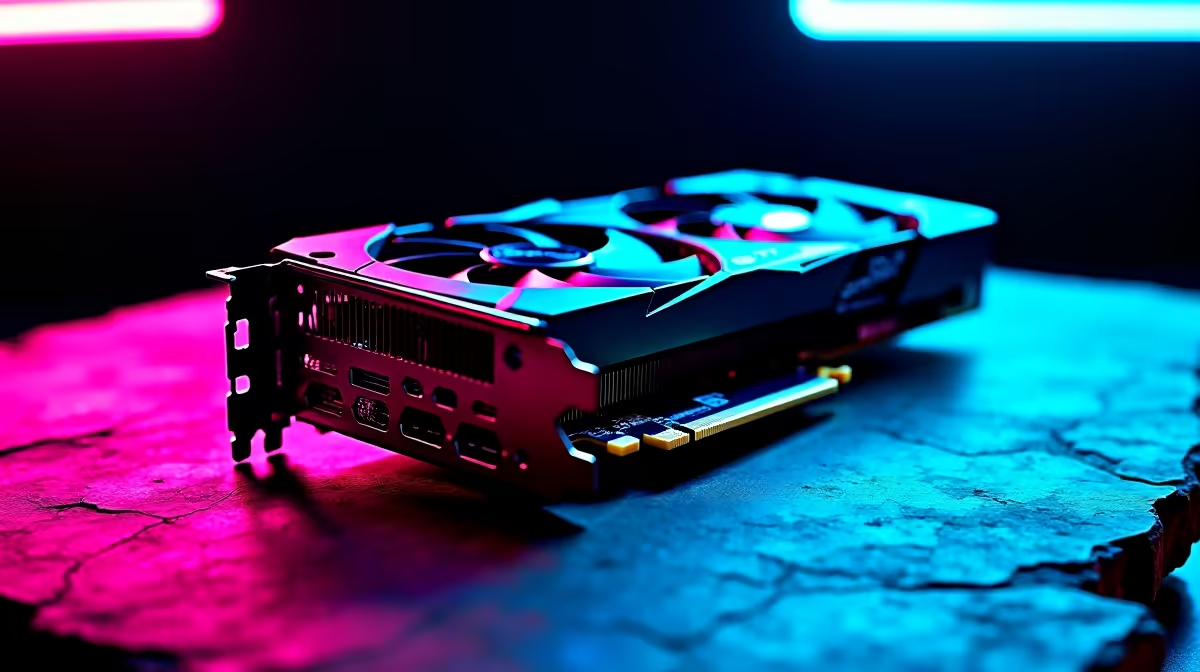
For best CS2 performance on the RX 7800 XT, run 1080p or 1440p with FSR set to Quality or Native AA, multicore rendering on, shader detail Medium, and shadows Low. You'll comfortably push 400+ FPS at 1080p competitive settings on a modern Ryzen rig.
Why the RX 7800 XT Crushes CS2
The RX 7800 XT punches well above its price bracket for Counter-Strike 2. With 16GB of GDDR6 and RDNA 3 architecture, it handles CS2's Source 2 engine without breaking a sweat, even at 1440p high refresh rate. Pair it with a Ryzen 7 7700X or 7800X3D and a 240Hz panel, and you've got a setup that holds steady frame times during smoke-heavy mid-rounds.
Locally, the card hits a sweet spot at around R12,000–R14,000 depending on AIB partner, and Evetech ships it nationwide with same-day Joburg dispatch when ordered before midday.
Optimal In-Game Settings
Drop these settings in for the cleanest competitive experience:
- Resolution: 1920x1080 stretched or 2560x1440 native
- Boost Player Contrast: Enabled
- Multicore Rendering: Enabled
- Anti-Aliasing: 4x MSAA (or FSR Native AA)
- Shadow Quality: Low
- Texture Filtering: Bilinear
- Shader Detail: Medium
- Particle Detail: Low
- Ambient Occlusion: Disabled
These keep visibility crisp on Mirage and Inferno while stripping out anything that costs frames without giving competitive value.
Driver and Adrenalin Tweaks
Open AMD Adrenalin and disable Radeon Anti-Lag for CS2 specifically, it can introduce micro-stutter on hit-registration. Set Texture Filtering Quality to Performance, turn Surface Format Optimisation off, and lock your max FPS to 4x your refresh rate. If you're on a 240Hz monitor, cap at 960 FPS so the card doesn't waste headroom.
Frequently Asked Questions
Does the RX 7800 XT handle CS2 at 1440p 240Hz?
Yes, easily. With the settings above, you'll average 350–450 FPS at 1440p, well past the 240Hz refresh ceiling. The 16GB VRAM buffer means texture streaming never bottlenecks you mid-match.
Should I use FSR or run native?
For CS2 specifically, run native or Native AA. The card has enough raw horsepower that upscaling only helps if you're chasing 480Hz on a competitive panel.
Is loadshedding affecting my FPS during games?
Voltage dips before scheduled blocks can cause GPU clock instability. A decent line-interactive UPS keeps your rig stable through Stage 4 and protects the 7800 XT from brownout damage.
Ready to Find Your Perfect Match? Build a CS2-ready rig around the RX 7800 XT today. Shop gaming PC deals











