

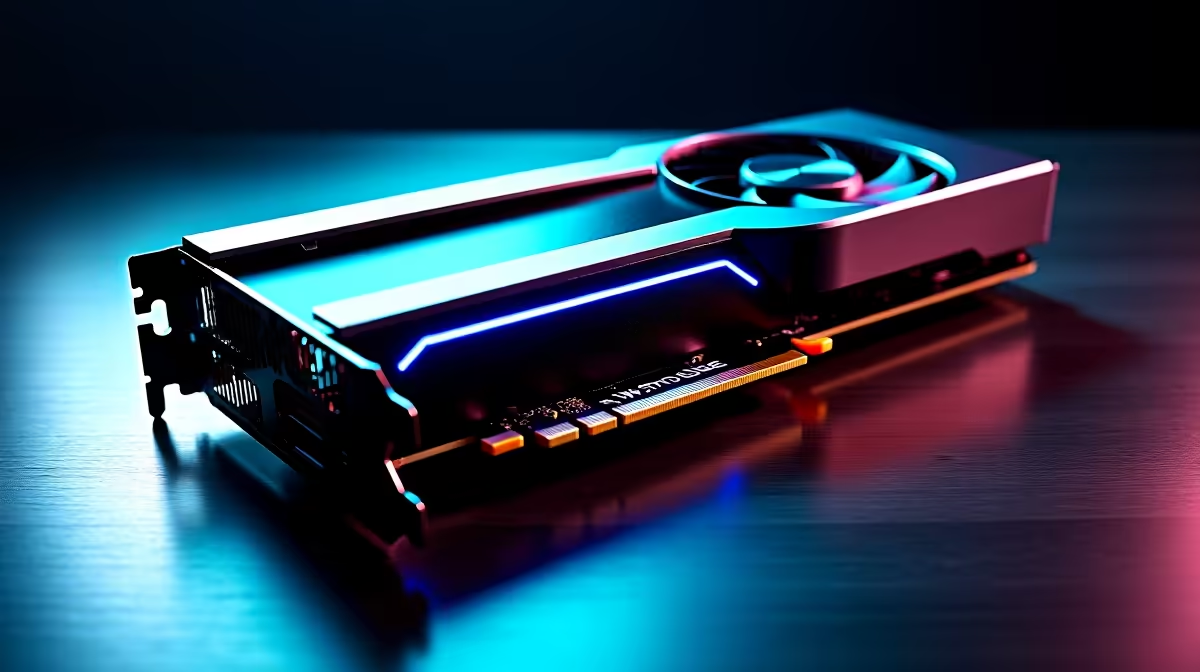
Load up Dust 2. You peek mid doors... and your frame rate drops. In Counter-Strike 2, every millisecond counts. If you want to climb the Premier ranks, you need consistent performance. Dialling in the best CS2 settings on RX 9060 hardware is vital. Let us look at how to optimise your setup for maximum FPS and unmatched visual clarity.
Maximising CS2 Settings on RX 9060 🚀
AMD has delivered a stellar mid-range contender. The RX 9060 handles Source 2 engine upgrades beautifully. But raw power is only half the battle. You need to tweak your video options. If you are building a new rig, picking the right components is crucial. You can browse our massive range of graphics cards to find your perfect match.
Video Settings for Competitive Play
Esports professionals prefer performance over pretty graphics. You should set your resolution to your native monitor spec. Many local players still prefer 4:3 stretched for wider player models. Pair this GPU with a high-refresh monitor. If you want a complete system, check out our best gaming PC deals. A balanced system prevents annoying CPU bottlenecks.
Refresh Rate Pro Tip ⚡
Always double-check your Windows display settings. Setting your game to 240Hz means nothing if Windows is still locked at 60Hz. Right-click your desktop, go to Display Settings, and ensure your refresh rate matches your gaming monitor.
Balancing Visuals and Performance ✨
CS2 introduces new volumetric smoke grenades. These dynamic smokes demand more from your hardware. Keep your Global Shadow Quality on High. This helps you spot enemy shadows around corners... giving you a crucial advantage. For those looking at fully assembled rigs, our pre-built PC deals offer incredible value. You can save thousands of ZAR while securing top-tier performance.
Mobile gamers are not left out either. The mobile variants of these chips are incredibly capable. If you travel often, modern laptops deliver desktop-level frame rates. You can easily hit solid frames on the go.
Advanced Graphics Tweaks 🔧
Disable Ambient Occlusion and set Particle Detail to Low. This reduces visual clutter during intense firefights. High Dynamic Range should be set to Performance. FidelityFX Super Resolution is great... but native resolution is better for spotting distant enemies. Upgrading your setup does not have to break the bank. Keep an eye on our weekly specials to stretch your budget further.
Ready to Dominate the Server? Achieving the highest frame rates in CS2 requires the right hardware. For maximum power, choice, and value in South Africa, Evetech is hard to beat. Explore our massive range of PC specials and find the perfect machine to conquer your next match.











