

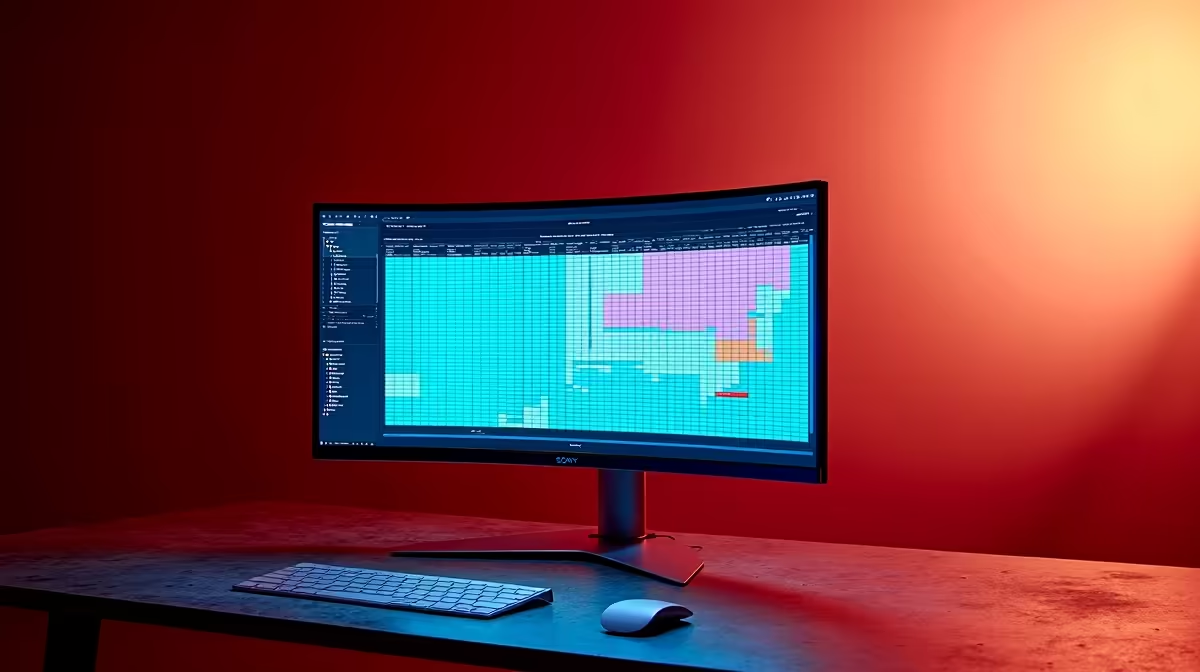
You’ve got the ultimate gaming rig, complete with a slick curved monitor that wraps you in the action. It’s brilliant for Apex Legends or exploring the world of Baldur's Gate 3. But come Monday morning, you’re staring at a massive Excel sheet, and you start to wonder… is a curved monitor for spreadsheets actually a good idea, or is it just overkill? Let's dive into whether this gamer-centric tech makes sense for your 9-to-5 grind in South Africa.
Why Even Consider a Curved Monitor for Spreadsheets?
At first glance, it seems like an odd pairing. Gaming monitors are built for immersion and speed, while spreadsheets are all about… well, straight lines and data. The primary benefit of a curved screen is that it fills your peripheral vision, making the experience feel more natural and engaging. This same principle can apply to productivity. When a large spreadsheet wraps around you slightly, it can help you focus and absorb more information at once, without constantly panning your head side-to-side. It’s about making your digital workspace feel as expansive and comfortable as your physical one. You can find some incredible monitor deals in South Africa that make this upgrade more accessible than ever.
The Pros: Where Curved Screens Really Shine ✨
Deciding if a curved monitor for spreadsheets is right for you means weighing the tangible benefits against the potential drawbacks. For many professionals, the advantages are compelling.
Enhanced Focus and Comfort
The gentle arc of a curved screen is designed to match the natural curvature of the human eye. According to studies, this can lead to less eye strain and fatigue over long periods. When you’re deep into month-end reports or analysing complex data sets, that added comfort is a massive plus. The immersive effect also helps to minimise distractions from your surroundings, keeping you locked in on the task at hand.
Massive Screen Real Estate
This is the big one, especially for ultrawide models. Imagine viewing 30 columns of a spreadsheet without having to scroll horizontally. That’s the power a wide, curved monitor brings to the table. You can have your main worksheet open alongside a pivot table, your email, and a Teams chat… all without feeling cramped. The higher resolution on modern 5K and 4K monitors further enhances this, providing razor-sharp text and incredible detail.
Productivity Pro Tip ⚡
On Windows, use the PowerToys FancyZones utility to create custom snap layouts for your windows. It's a lifesaver for managing multiple apps on an ultrawide monitor, letting you perfectly organise your spreadsheets, browser, and communication apps side-by-side.
The Cons: Potential Spreadsheet Stumbling Blocks 🚧
It’s not all sunshine and perfectly aligned cells. There are a few reasons why a curved monitor might not be the perfect fit for your office work.
The Straight-Line Dilemma
The most common complaint is that the screen's curvature can introduce a subtle distortion, making perfectly straight horizontal lines appear slightly bent. For most spreadsheet users, this is a minor issue you quickly get used to. However, if your work involves graphic design, architecture, or any task where perfect geometric accuracy is critical, this could be a deal-breaker. A high-quality flat-screen from our range of PC monitors would be a safer bet.
Collaboration and Cost
Curved monitors offer the best viewing experience from one spot: right in the centre. If you frequently need to share your screen with a colleague looking over your shoulder, they won’t get the same clear, undistorted view. While many excellent gaming monitors are curved, the technology can sometimes carry a premium price tag, especially for larger, high-resolution models.
The Verdict: So, Is It Worth It for You?
So, should you get a curved monitor for spreadsheets? The answer depends entirely on your workflow.
- For the Multitasking Power User: Absolutely. The ability to seamlessly manage multiple windows on a single, immersive display is a huge productivity boost.
- For the Data Analyst or Financial Pro: Very likely, yes. Seeing more data at once without constant scrolling can significantly speed up your work, and the slight line distortion is a minor trade-off.
- For the Hybrid Worker: It's a fantastic choice. You get an amazing monitor for after-hours gaming and a comfortable, expansive display for your workday. For those on the move, pairing your main display with one of our portable monitors creates the ultimate flexible setup.
Ultimately, a curved monitor is a tool. For the right job, it’s an exceptional one. To get the most out of any display, consider pairing it with an ergonomic stand or arm from our collection of monitor accessories to perfect your setup.
Ready to Upgrade Your View? The right monitor can transform your productivity and your play. Whether you're wrangling complex spreadsheets or exploring new gaming worlds, a curved display offers an unmatched immersive experience. Explore our massive range of PC monitors and find the perfect screen to conquer your day.











