

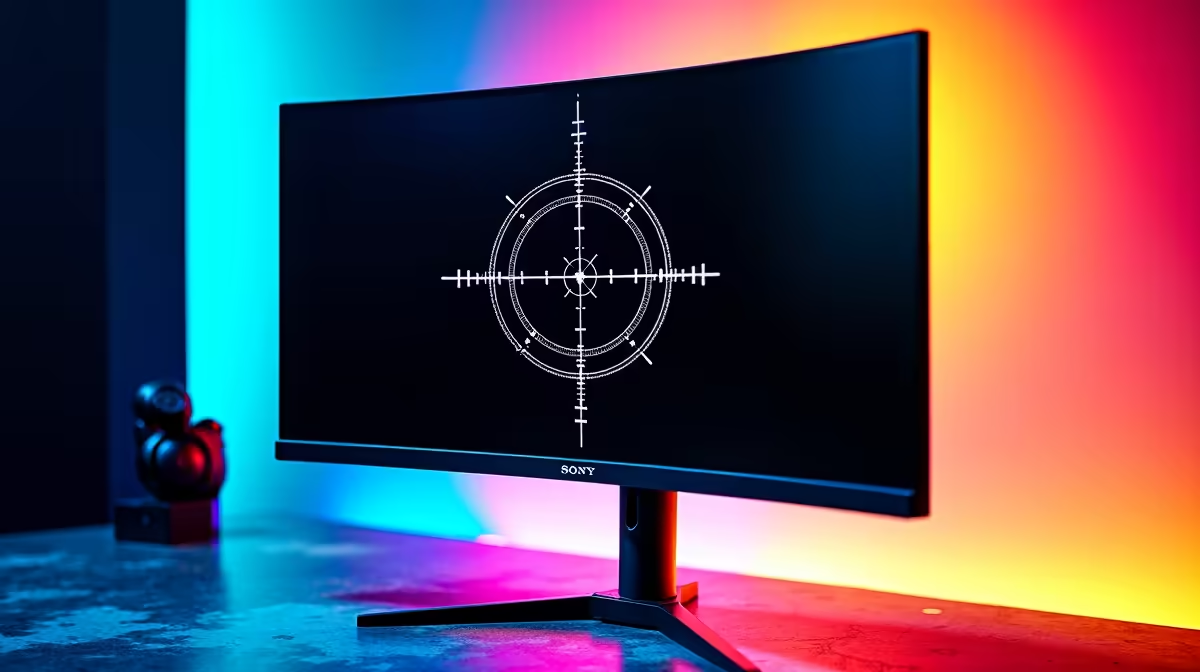
You’re in the final circle. The enemy peeks from behind a sun-bleached wall in Karakin, and for a critical half-second, your white crosshair vanishes against the bright background. Poof. You lose the firefight. Sound familiar? It’s a classic problem many South African gamers face. But what if your monitor itself could prevent this? A custom crosshair color monitor promises exactly that—a hardware-level overlay that ensures your aimpoint is always visible. Let's investigate.
Understanding the On-Screen Crosshair Feature
First, what exactly is this feature? Unlike third-party software that can get you banned, a custom crosshair color monitor has this function built directly into its hardware. Accessible through the On-Screen Display (OSD) menu—the same place you adjust brightness and contrast—it overlays a static crosshair in the centre of your screen. You can typically choose the colour (like green, red, or magenta) and sometimes the shape, ensuring it never blends into the game’s environment.
This feature is becoming a standard offering across a wide range of modern PC monitors, not just the top-tier models. It's a simple, hardware-based solution to a persistent gaming problem.
The Science of Visibility: Why Colour Matters
The core benefit of a custom crosshair isn't magic; it's simple science. Your brain processes visual information based on contrast. When your crosshair and the background have similar colours or brightness levels, your brain takes longer to distinguish your aimpoint. That hesitation, even if it's just milliseconds, is the difference between winning and losing an engagement.
A bright magenta or cyan crosshair is highly effective because those specific hues are rare in the colour palettes of most game worlds. By choosing a colour that starkly contrasts with common environments like grassy fields, dusty deserts, or grey urban settings, you reduce the cognitive load required to aim. Your focus stays on the target, not on finding your cursor. This is a key reason why so many competitive players seek out the best gaming monitors with this functionality.
Crosshair Colour Pro Tip 🎨
Magenta and bright green are fantastic starting points. Magenta is one of the least common colours in natural game environments, making it pop almost everywhere. Green is also excellent, as the human eye is most sensitive to its wavelength, but it can get lost in lush, jungle-themed maps. Experiment to see what works best for your favourite games!
So, Does a Custom Crosshair Monitor Really Improve Aim?
Let's be clear: a hardware crosshair won't magically fix poor tracking or recoil control. It's not an aimbot. However, it absolutely improves the consistency of your aim by removing a key variable—crosshair visibility.
Think about it this way: you’ve spent hours honing your muscle memory. The last thing you need is your brain second-guessing where the centre of your screen is. By ensuring your aimpoint is always clear and present, a custom crosshair color monitor allows your muscle memory to take over without interruption. This is especially true on high-resolution displays like 5K and 4K monitors, where the extra pixel density makes both targets and your vibrant crosshair exceptionally sharp. It's about removing a small but significant point of friction between you and your target.
Beyond the Crosshair: Building the Ultimate Visual Setup
While a custom overlay is a fantastic feature, it's only one piece of the puzzle. To truly elevate your gameplay, it needs to be part of a complete, high-performance package. ✨
Key Features to Consider:
- Refresh Rate (Hz): A high refresh rate (144Hz or more) provides smoother motion, making it easier to track fast-moving opponents.
- Response Time (ms): A low response time (1ms is the gold standard) reduces motion blur and ghosting, keeping your view crisp during rapid camera movements.
- Panel Type: IPS panels offer the best colour accuracy, while TN panels traditionally offer the fastest response times. Modern VA and IPS panels, however, are closing the speed gap significantly.
- Immersion: For single-player adventures or racing sims, nothing beats the wraparound view of curved monitors, which enhance peripheral awareness.
- Ergonomics: Your physical setup is crucial. Using the right monitor accessories like an adjustable arm ensures your screen is at the perfect height and angle, reducing neck strain during long sessions.
- Multi-tasking: For streamers or those heading to a LAN, adding a second screen can be invaluable. Lightweight portable monitors are perfect for displaying Discord, OBS, or a map without cluttering your main view.
Ultimately, the verdict is in. A custom crosshair color monitor is a genuinely useful tool that enhances aiming consistency by ensuring your crosshair is always visible. While it won't turn you into a pro overnight, it removes a common frustration and lets you focus purely on your skill. Finding a display with this and other top-tier features doesn't have to drain your wallet, especially if you know where to find the best PC monitor deals in South Africa. 🚀
Ready to Upgrade Your View? A custom crosshair is a powerful tool, but it's just one feature of a modern display. For the ultimate competitive edge, you need the full package: speed, clarity, and colour. Explore our massive range of gaming monitors and find the perfect screen to dominate your game.











