

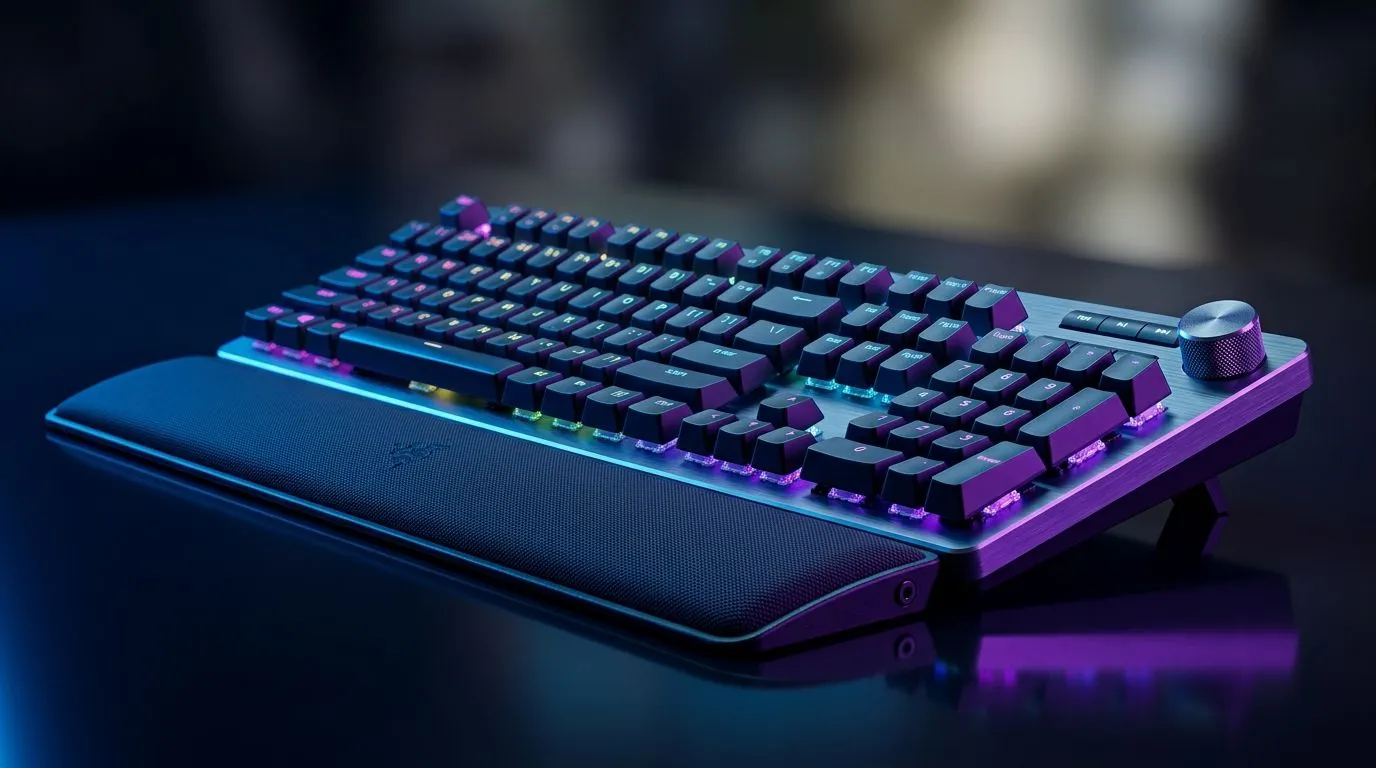
Dedicated Media Knobs Keyboard: SA Gamers’ Go-To Extras (and Why You’ll Actually Notice Them)
If you’ve ever fiddled with volume, mic gain, or game chat while mid-round, you’ll get it… dedicated controls save time and reduce mistakes. South African gamers are busy people. Load shedding prep, late-night raids, and Discord calls at the same time. So when your keyboard can do more than just type, it feels premium fast.
A Dedicated Media Knobs Keyboard can turn “one more tab” into instant control. 🔧
What “Dedicated Media Knobs” Really Means for Gameplay
Most keyboards give you basic media keys. A knob adds something different: smooth, repeatable adjustments. Instead of tapping repeatedly, you twist to land on the sweet spot.
Here’s how that matters in real life:
- Volume and chat balancing: dial game audio down slightly while keeping Discord loud.
- Mic monitoring checks: adjust without alt-tabbing to settings.
- Streaming or recording: tweak audio during clips, not after.
When you’re buying gear in South Africa, the details matter. If you’re trying to max value, start by thinking about your setup: wired headset or wireless, PC or console, and whether you use keyboard shortcuts daily.
Wired vs Wireless: Pick Your Control, Keep Your Latency in Check ⚡
For many gamers, the biggest question is connection stability. Wired typically stays consistent for low-latency gaming. Wireless can still be great, but you want reliability you can trust.
If you’re choosing based on connectivity, it’s worth comparing options on Evetech:
- Check wired keyboard options here: cheapest gaming keyboard in South Africa (Wired)
- Compare wireless options here: cheapest gaming keyboard in South Africa (Wireless)
Dedicated Media Knobs Keyboard: SA Gamers’ Go-To Extras (Buyer Checklist That Saves Money) 🚀
Before you click “add to cart”, run this quick checklist. It stops you buying a flashy keyboard that doesn’t fit your habits.
- Knob feel: does it turn smoothly or feel gritty?
- Shortcut mapping: can you adjust audio, media, or app-specific actions?
- Compatibility: make sure it works with your OS and gaming software.
- Key layout: knob placement should not annoy your left hand during movement.
- Build quality: look for sturdy keycaps and a solid frame.
If you want a simple starting point, browse Evetech’s deal-focused pages:
Productivity habits that carry into gaming ✨
Knobs are not just for media. Once you build muscle memory, you’ll use them for:
- Quick volume changes during ranked comms
- Spot-fixing audio levels before you record
- Fast scene control if you stream from the same machine
Productivity Pro Tip ⚡
If you use Windows, map the keyboard knob actions to consistent tasks (like Discord volume and game audio). Start by adjusting volume in small steps during a warm-up match, then lock in the setting so you don’t “over-correct” mid-fight. This reduces the chance of blasting teammates with accidental audio jumps.
Dedicated Media Knobs Keyboard: SA Gamers’ Go-To Extras (Where Combos Help) 🔧
Buying smart is often about bundles. If you’re upgrading your desk for both play and streaming, pairing makes sense. You’ll likely save compared to buying everything separately.
Have a look at Evetech’s bundle direction here:
Dedicated Media Knobs Keyboard: SA Gamers’ Go-To Extras (Final Thoughts Before You Buy)
A Dedicated Media Knobs Keyboard is for gamers who hate wasted clicks. It’s also for content creators who need control while the game is running. When your audio mix and media controls are one twist away, you play calmer… and you tweak faster.
The trick is choosing a keyboard that matches your connection needs, your software workflow, and your desk habits.
Dedicated Media Knobs Keyboard: SA Gamers’ Go-To Extras (Ready to level up your desk?)
Ready to Find Your Perfect Match? The Mac vs Windows debate is complex, but for maximum power, choice, and value in South Africa, Windows is hard to beat. Explore our massive range of laptop specials and find the perfect machine to conquer your world.











